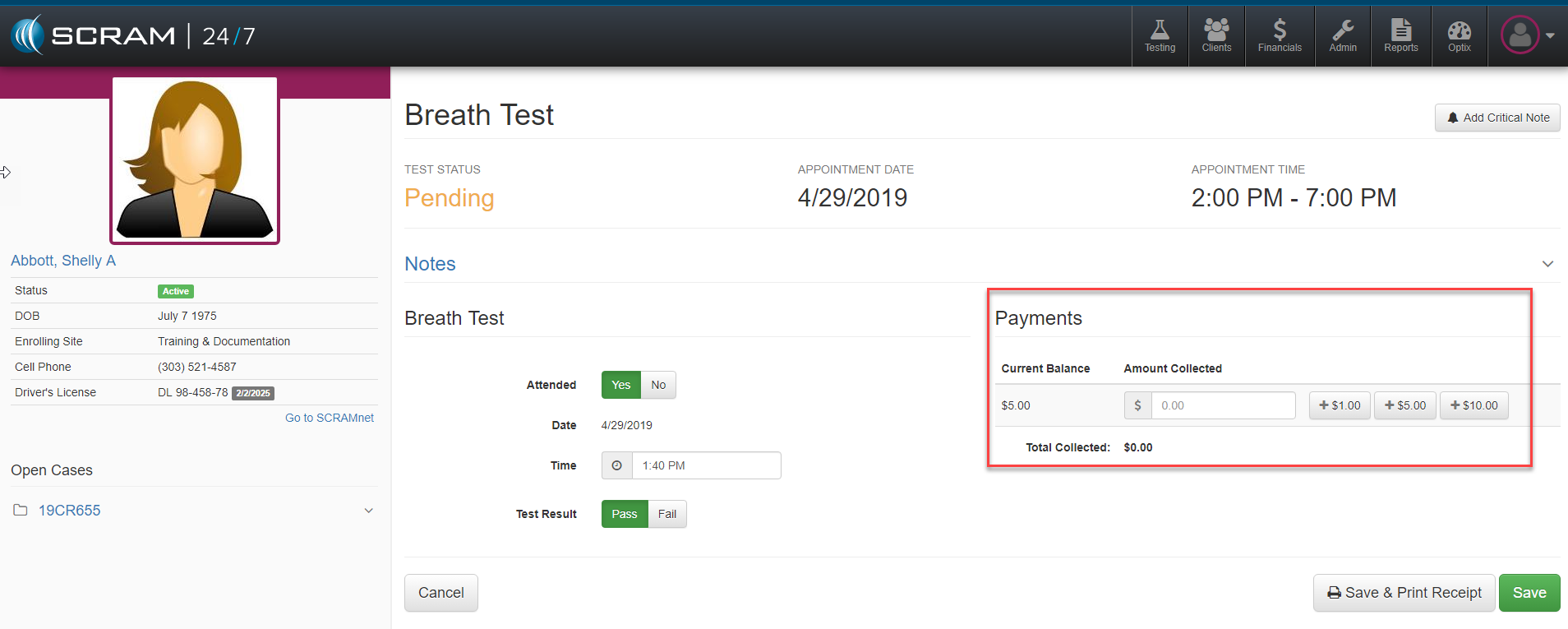
For each client’s individual test, SCRAM 24/7 is designed to combine the test and payment into a single activity. As a client comes in for a test, officer’s can initiate the test and payment process by hitting the blue record test button  which launches the test appointment screen seen above.
As the officer records the test, they can select any money received from the client for that test and hit the green Save button. Officers can manually enter the amount received in the open field Amount Collected field or simply select the single click preconfigured denominations ($1, $5, $10 increments).
Optionally, the Save & Print receipt can be selected as an alternative to Save and will record the transaction and also bring up the option to print a receipt for the client.