SCRAM 24/7 is designed to eliminate the addition of clients who may already be in the system. The Add a Client workflow, automatically queries similar names, birthdays and ID information to surface potential duplicates.
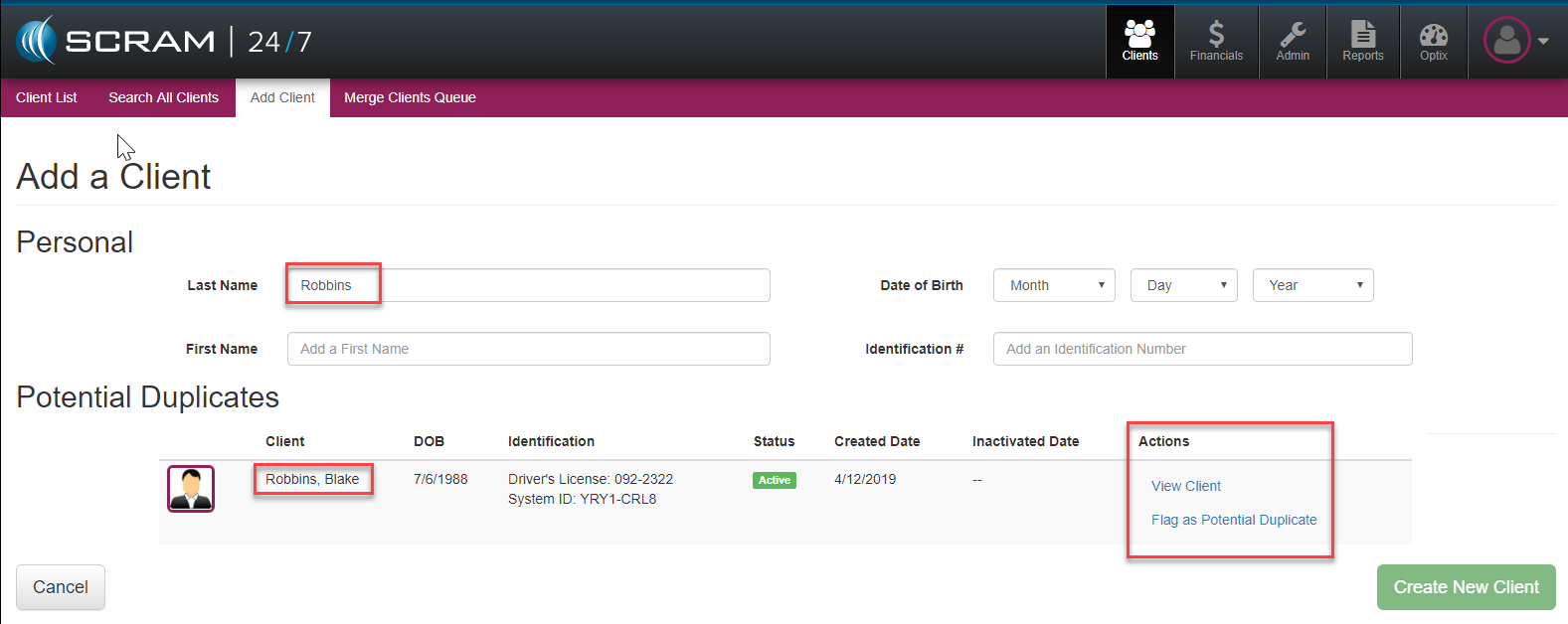
If a potential duplicate is surfaced, officer’s have three options to take.
Create New Client
If they are sure, the client is a brand new client they can select the green Create New Client, and proceed with the Client’s profile set up in the system.
View Client
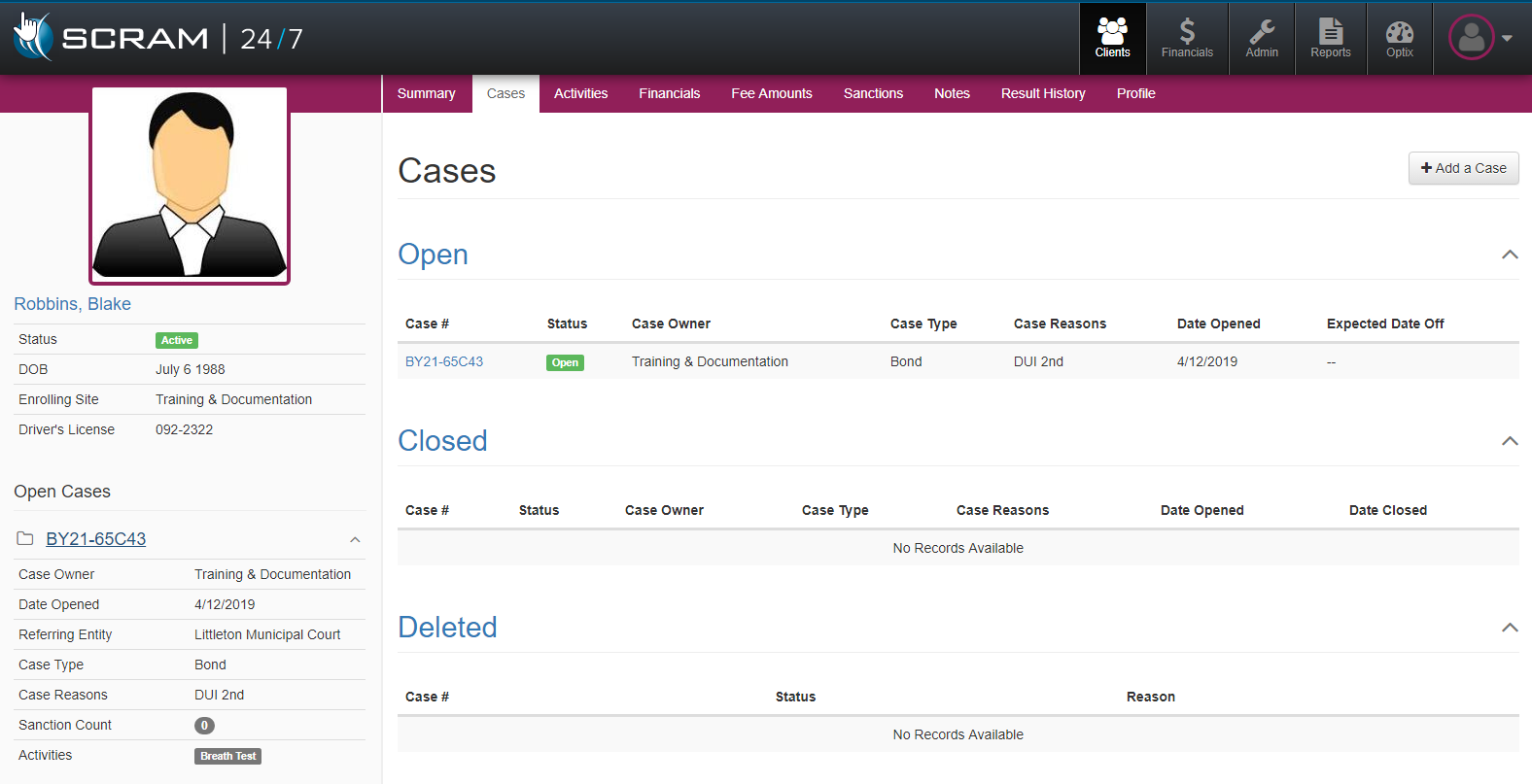
If they would like to begin a detailed review of the potential duplicate client they can select the blue View Client link to open up that client’s profile detail. This system will then open up the Cases view for that client and the officer can review their current active and historic case information or navigate through the client’s profile more information that might help verify if they are in fact a duplicate record.
Flag as Potential Duplicate
If they are concerned the client may be a Potential Duplicate, they can select the Flag as Potential Duplicate. This will add a notation to that specific client so that the Administration level 24/7 users within the officer’s organization can review and manage or merge the suspected duplicate record.
