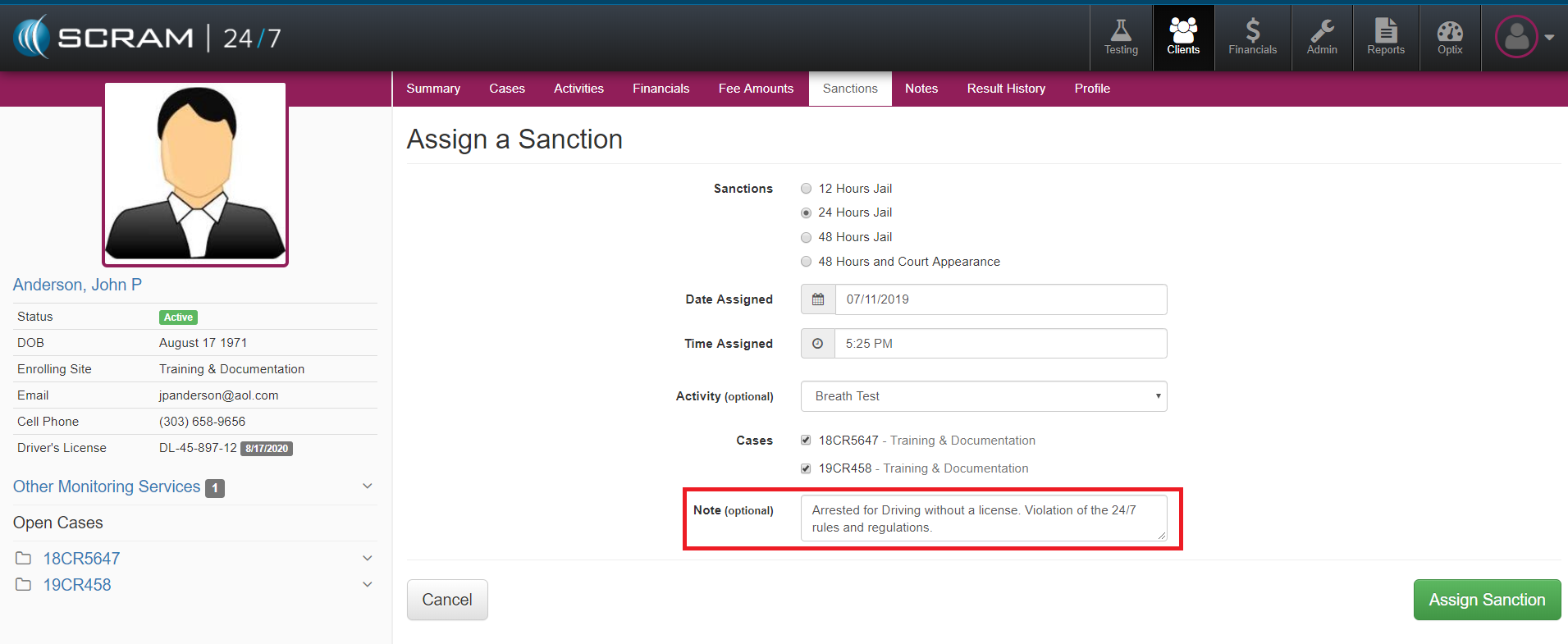
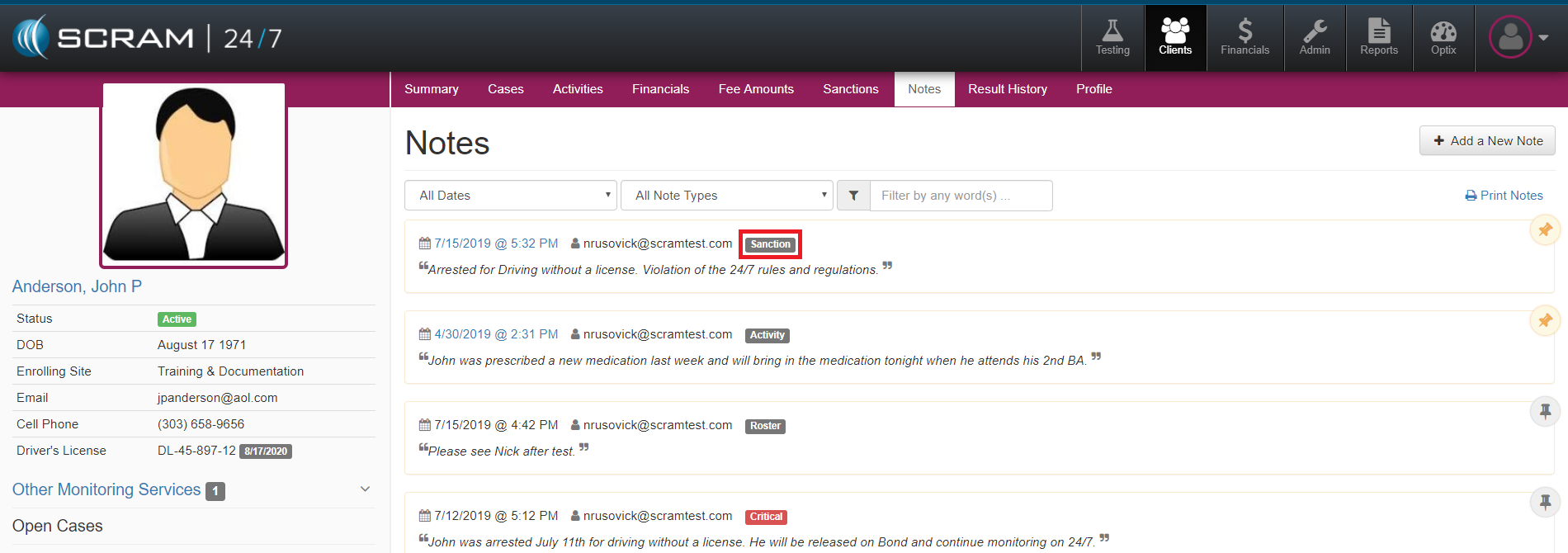
There are 5 types of Notes that a Tester can add for a Client.
- General Note
- Critical Note
- Roster Note
- Activity Note
- Sanction Note
General Note
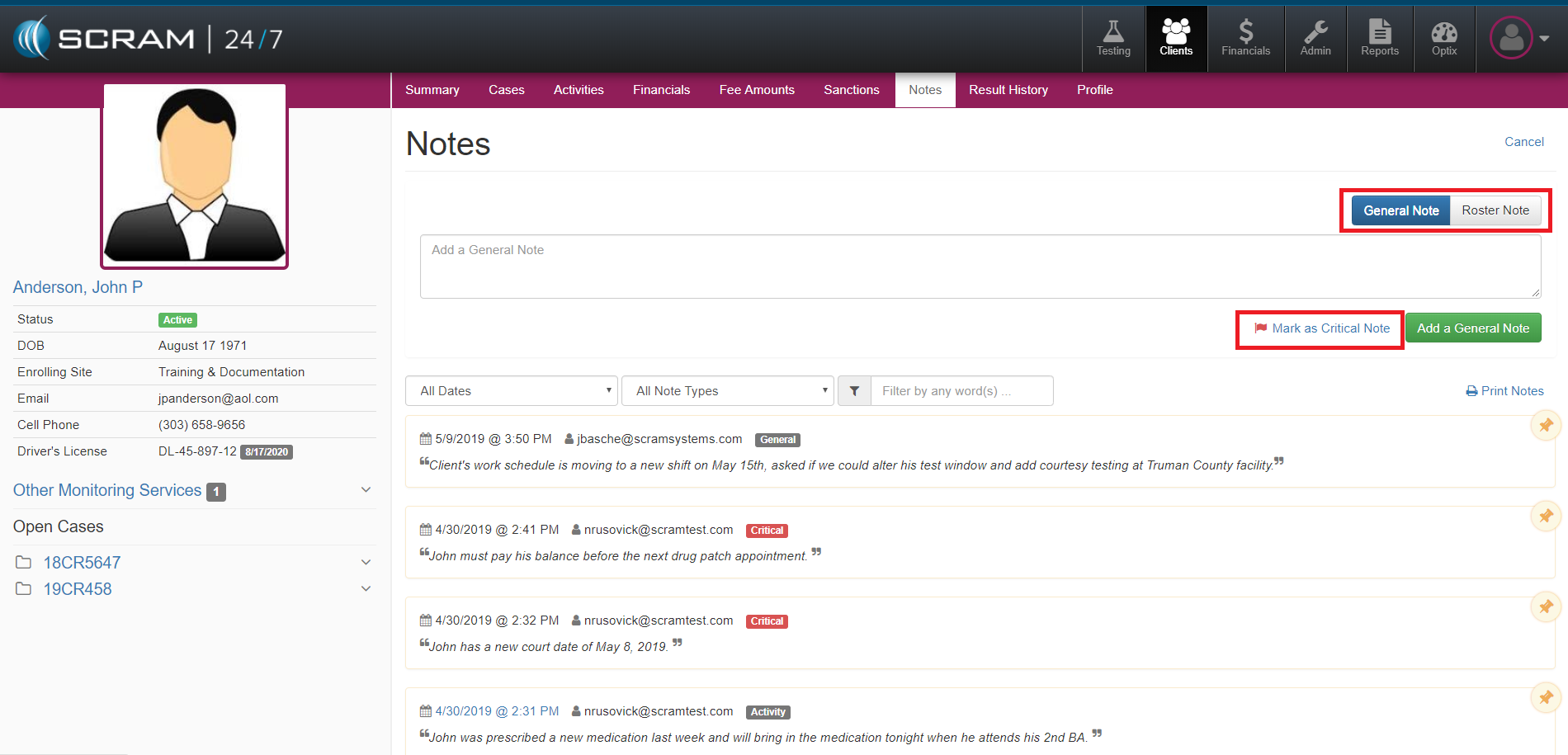
To add a General Note for a Client, select the Add a New Note button. Once complete, select the green Add a General Note button.
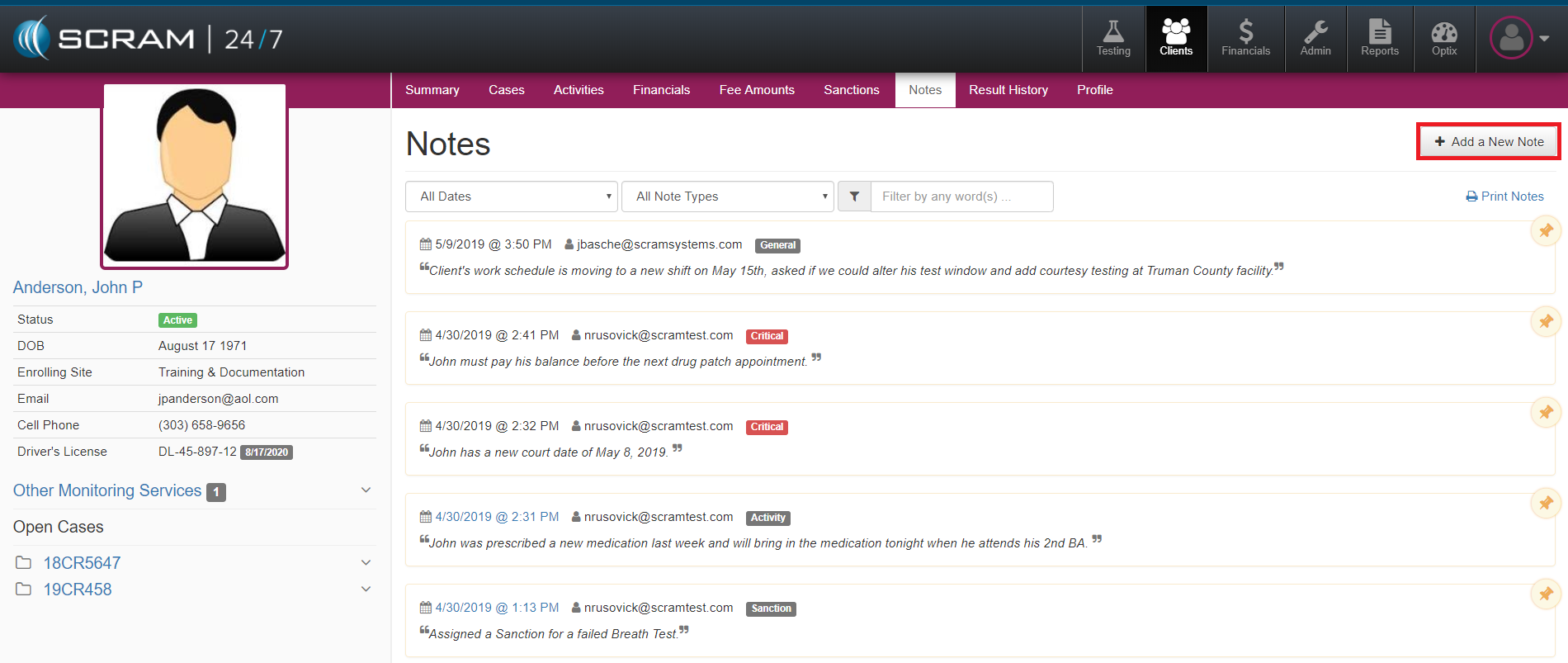
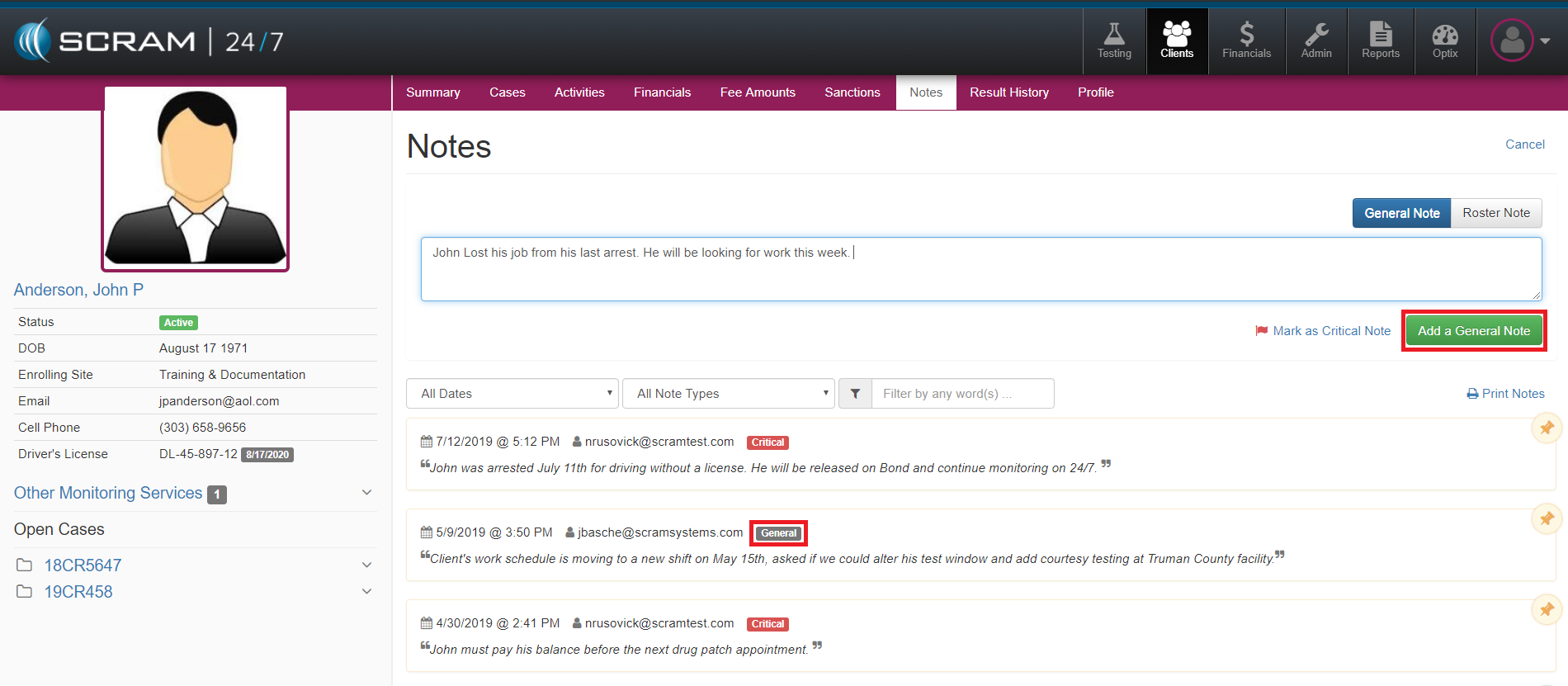
Once the Note is added, it will be visible in the Note History with a tag of General.
Critical Note
To add a Critical Note, add a note in the note field and then select the Mark as Critical Note link.
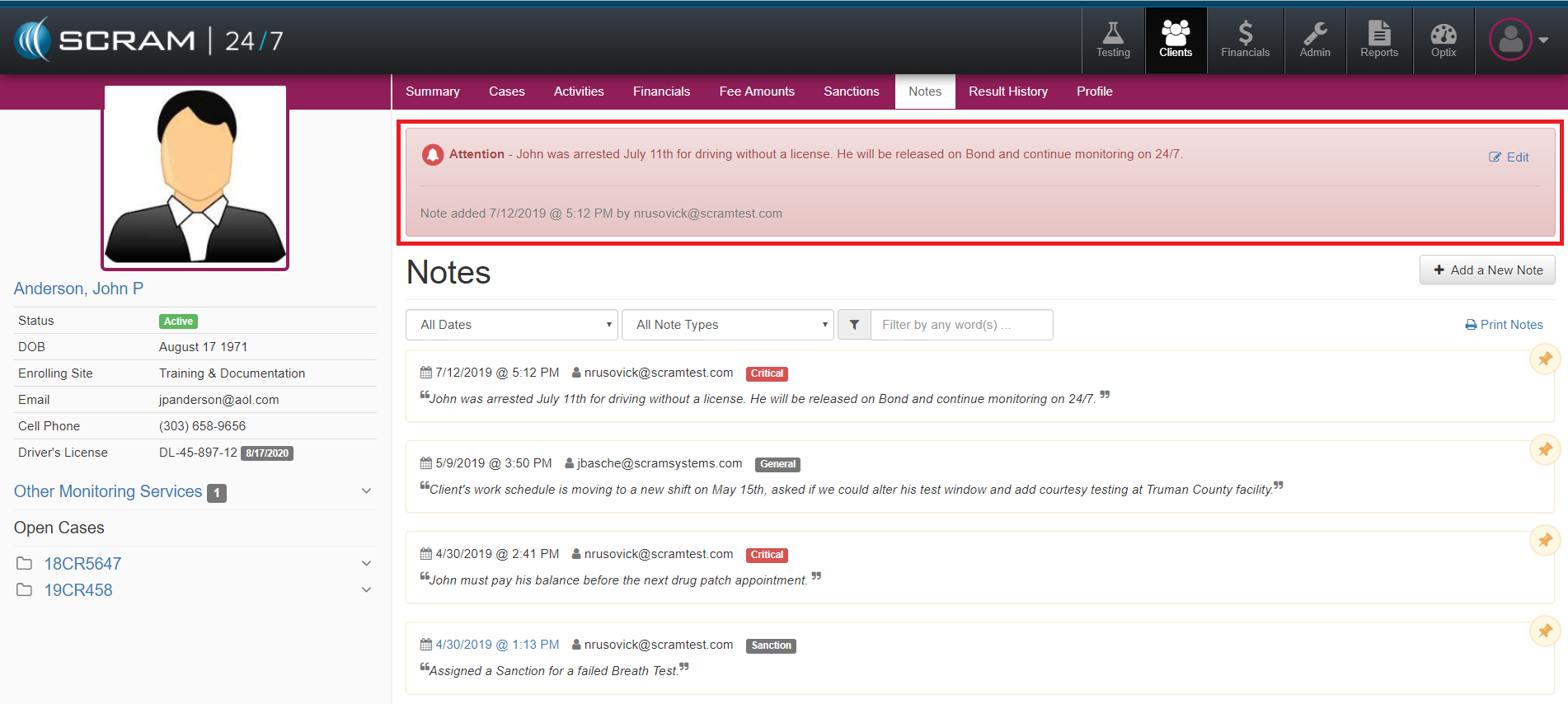
When a Tester tags a Note as Critical, the Note will persist on all pages for that client and appear in the Note History with a tag of Critical.
Roster Note
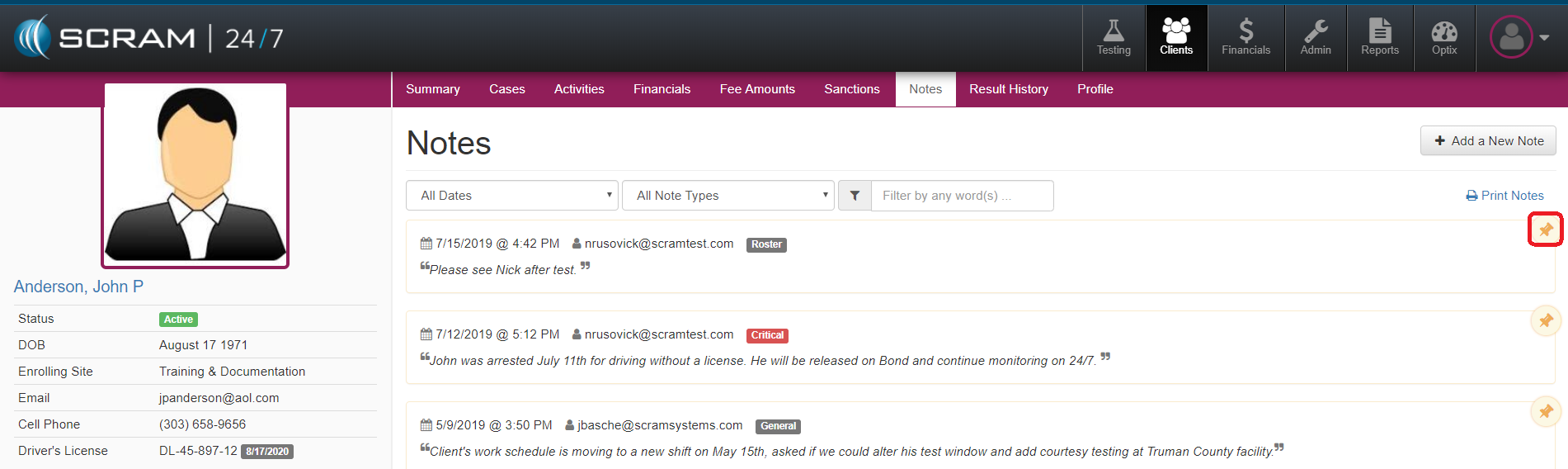
When a Tester adds a Roster Note for a Client, a Note will be added to the agency’s Daily Roster Report and it will remain until it is removed by the Tester.
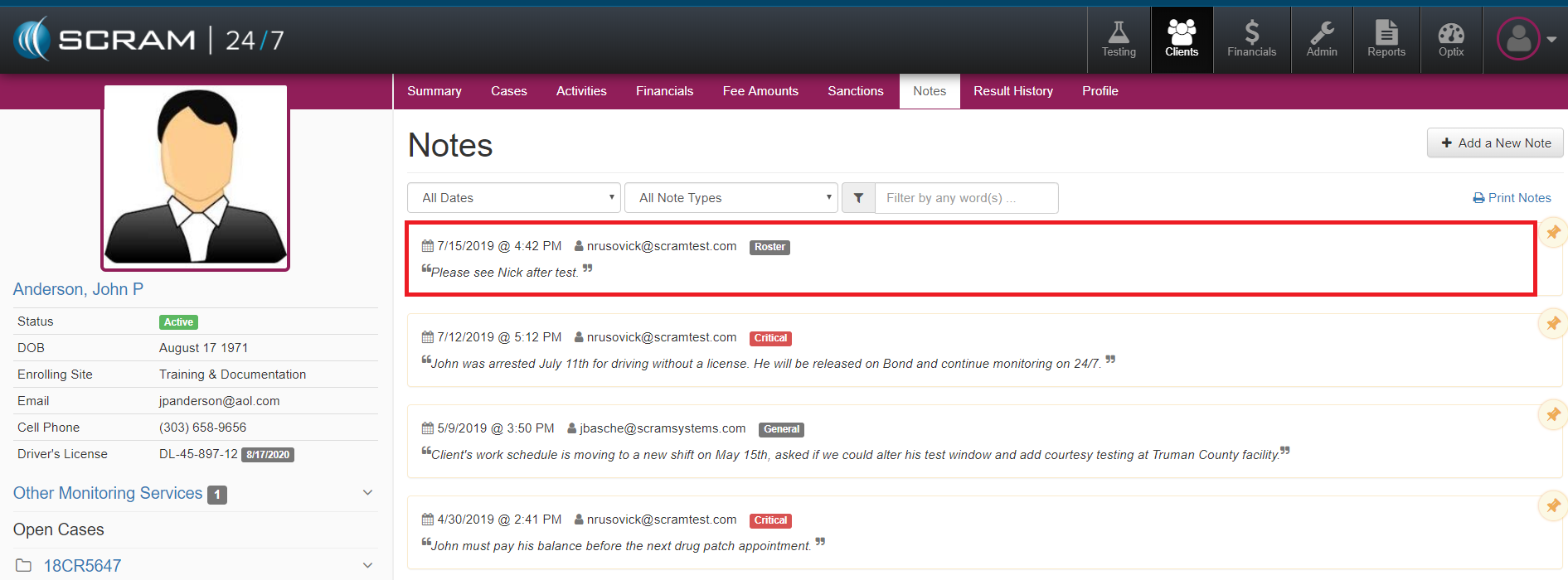
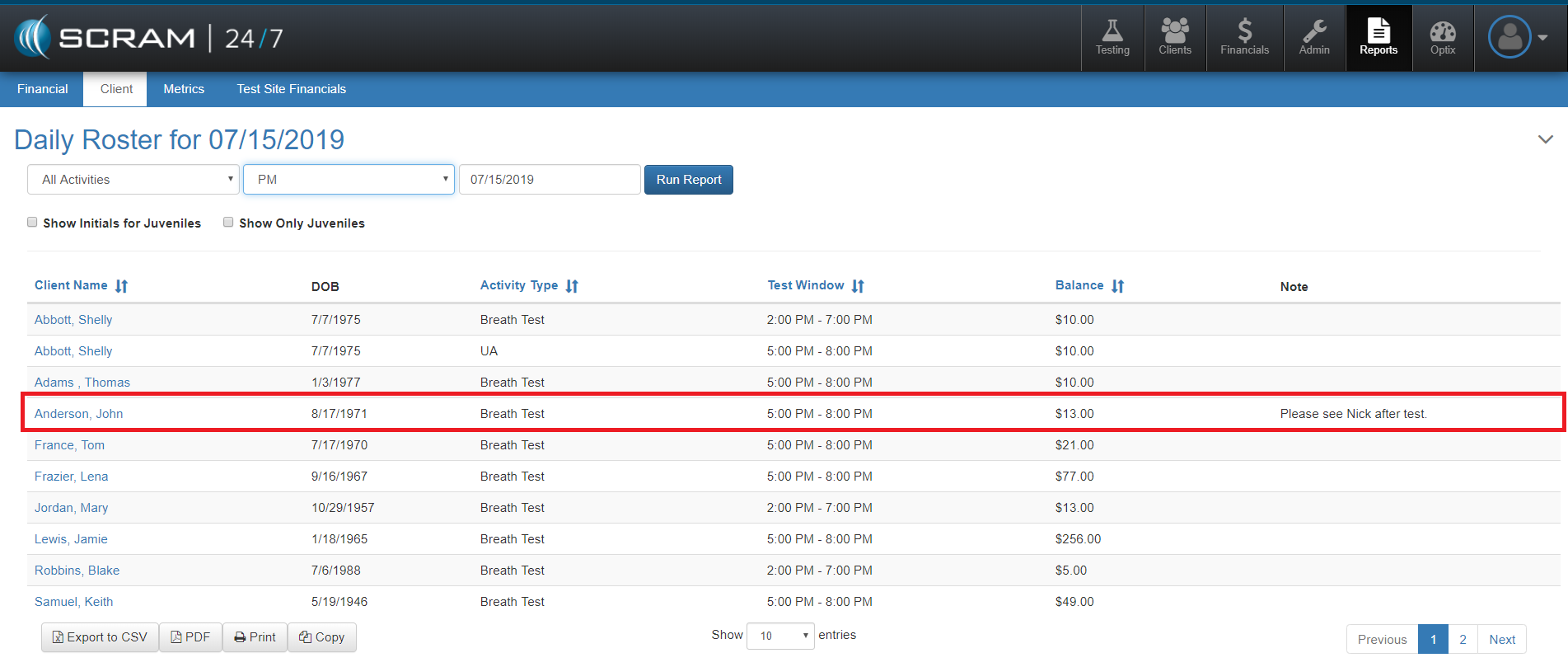
To remove the Roster Note from the Daily Roster Report, a Tester will need to unpin it in the Client’s Note History.
Activity Note
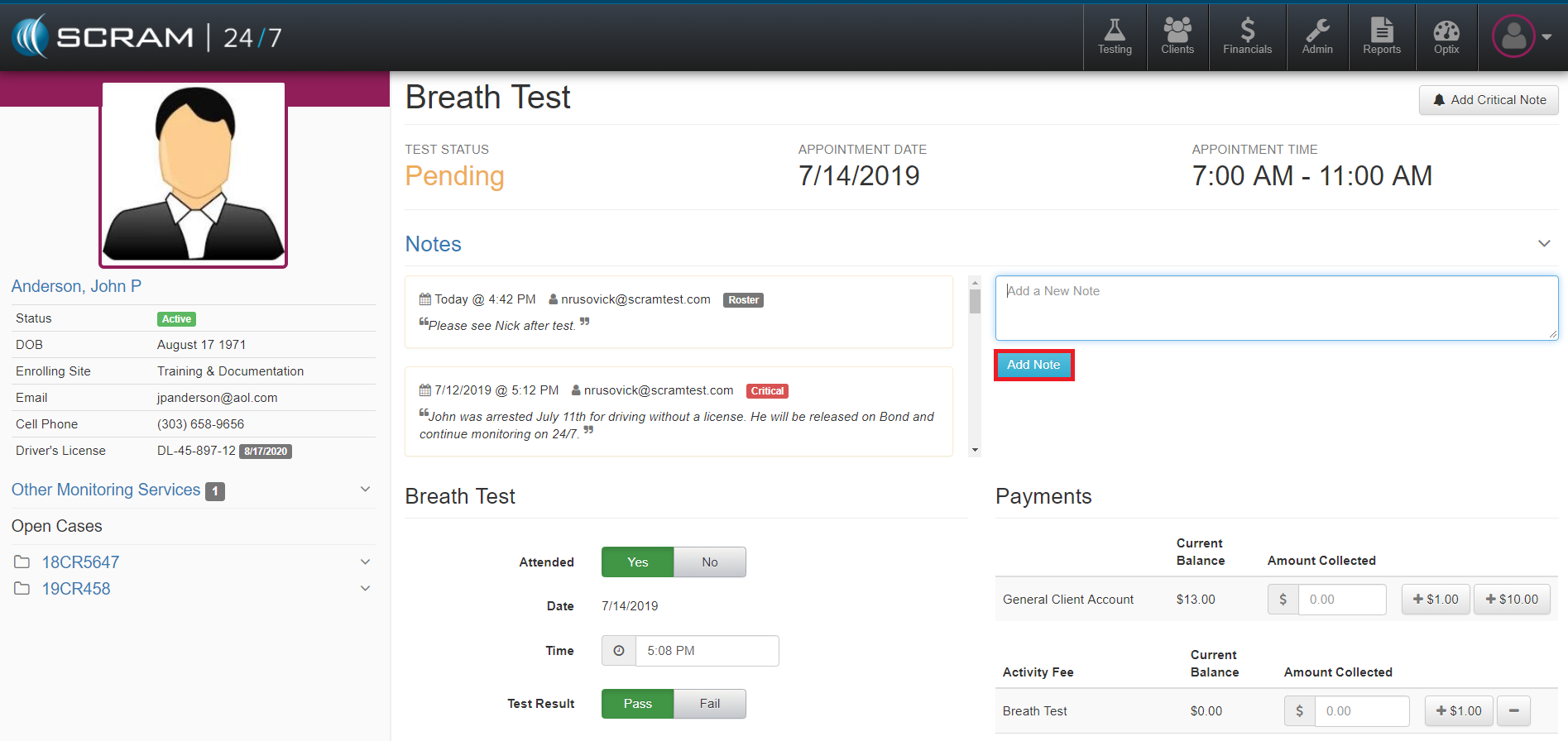
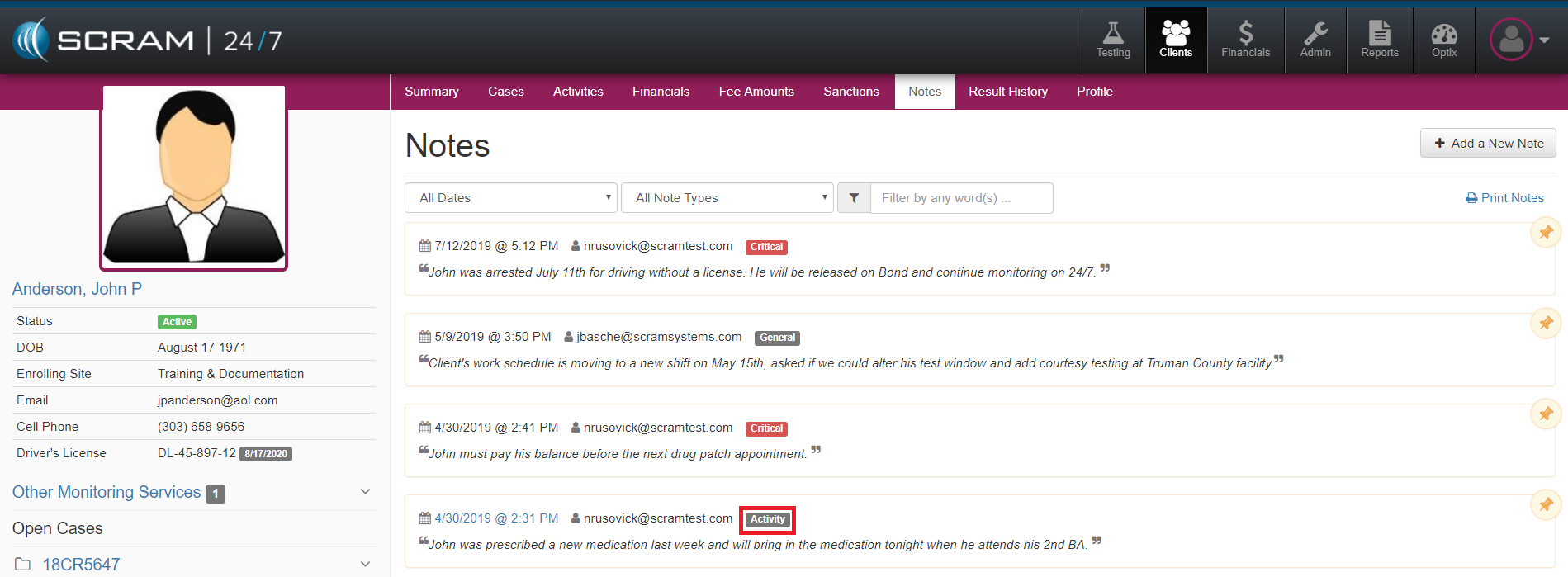
A Tester can add a Note when recording a Test or Appointment for a Client. Once the Note is Saved, the Note will appear in the Note History with a tag of Activity.
Sanction Note
A Tester can also add a Note when recording a Sanction. Once the Note is Saved, the Note will appear in the Note History with a tag of Sanction.