When monitoring Remote Breath clients, a Priority Notification alert or event may be sent to a user-recipient within 15 minutes of the alert or event received in SCRAMNET. The user-recipient receiving the notifications is activated and managed at the Caseload level in SCRAMNET. Once user-recipients are activated, individual clients may be enabled.
Navigating to SCRAMNET
To access SCRAMNET:
- Within SCRAM 24/7, select the Optix button.
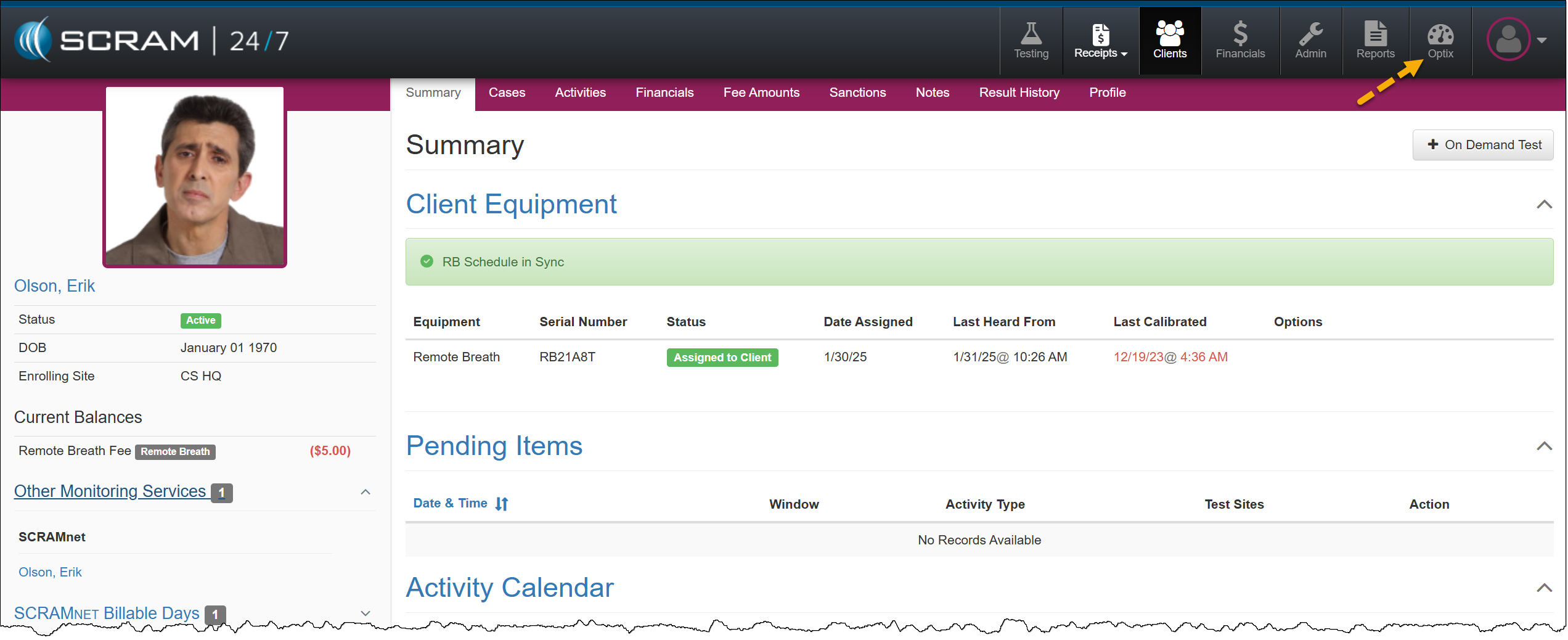
Select the Optix Button in the Top Navigation
- On the Optix Dashboard, select the Active Clients hyperlink on the Remote Breath tile.
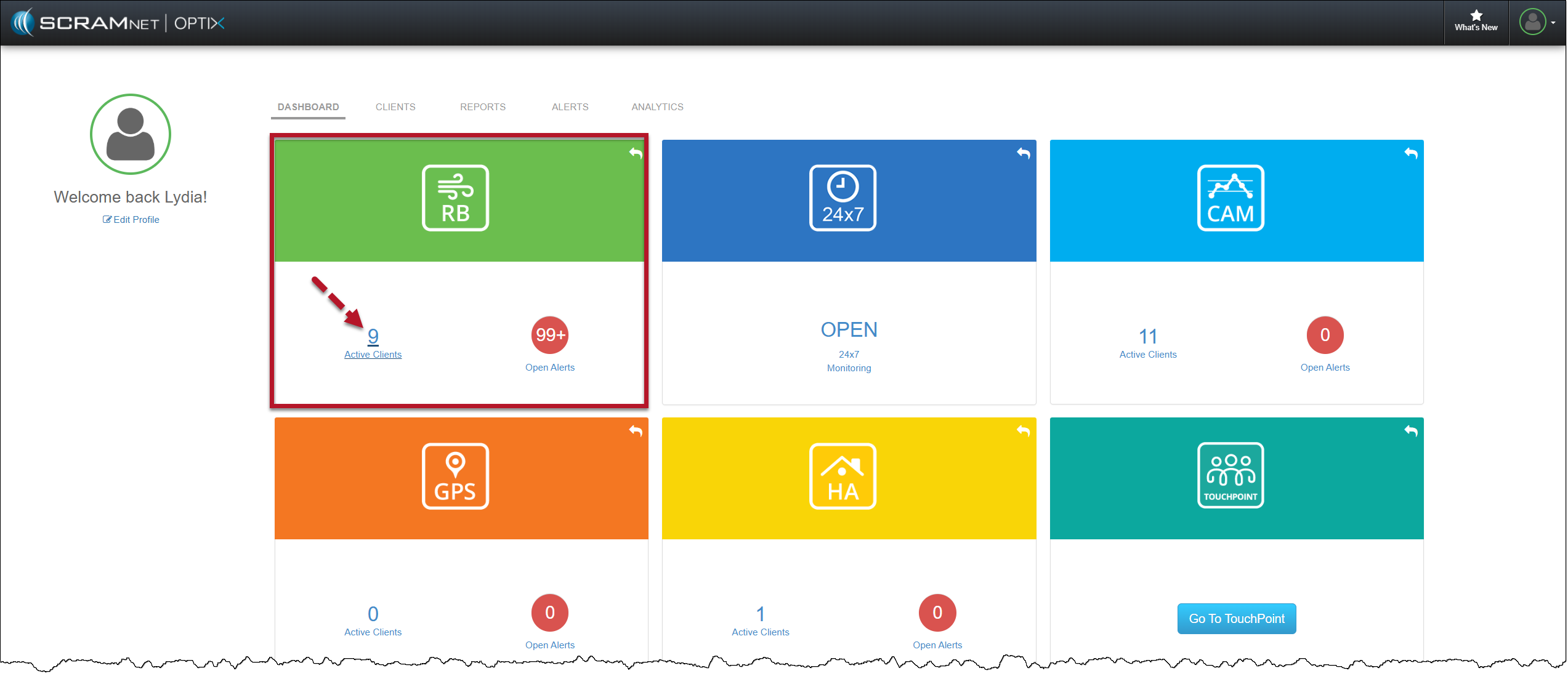
Optix page – RB Tile
For step-by-step instructions on manage your Priority Notifications within SCRAMNET, select this hyperlink.