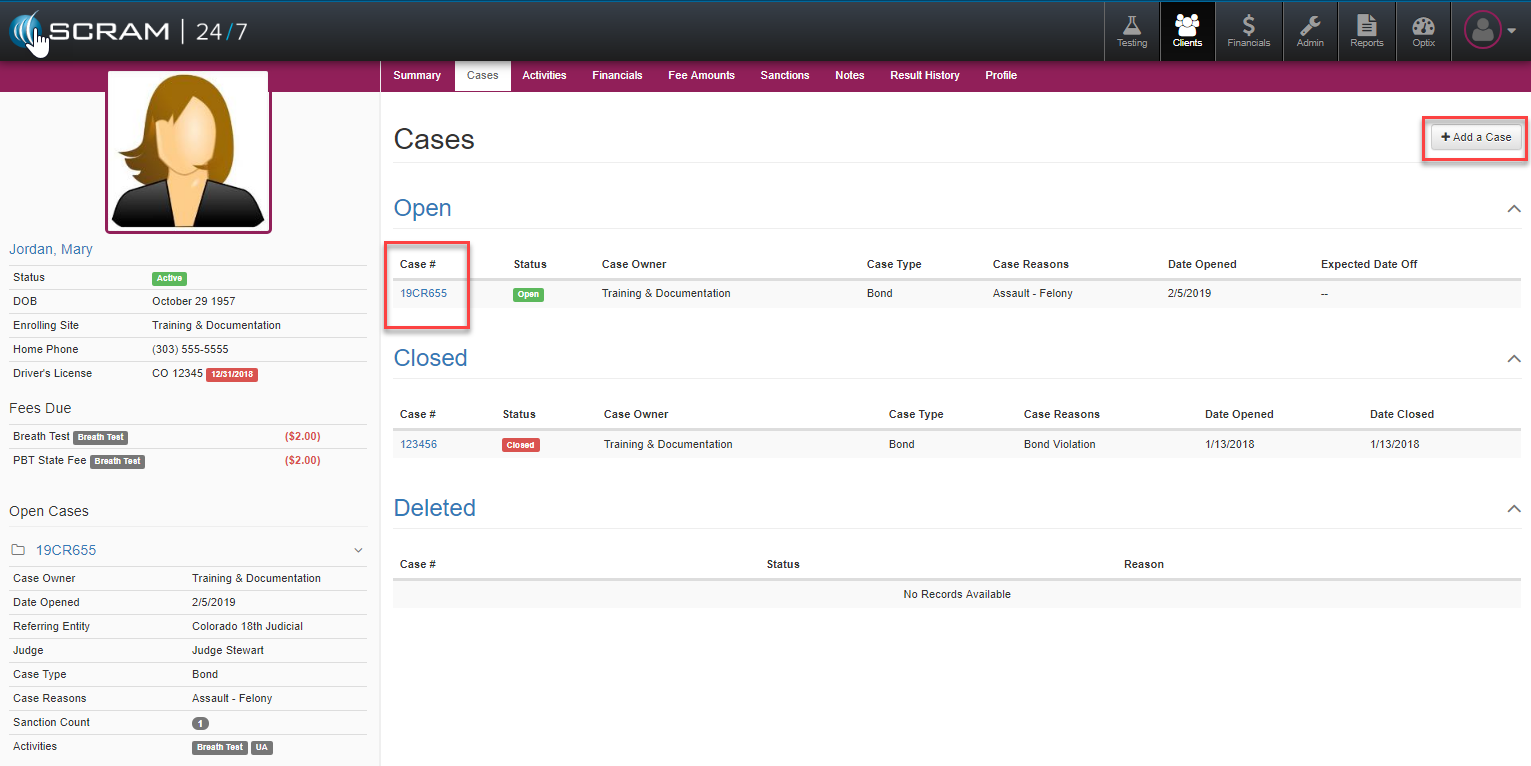
The Client Cases tab will display all of the cases related to that client’s time under supervision.
Add New Case
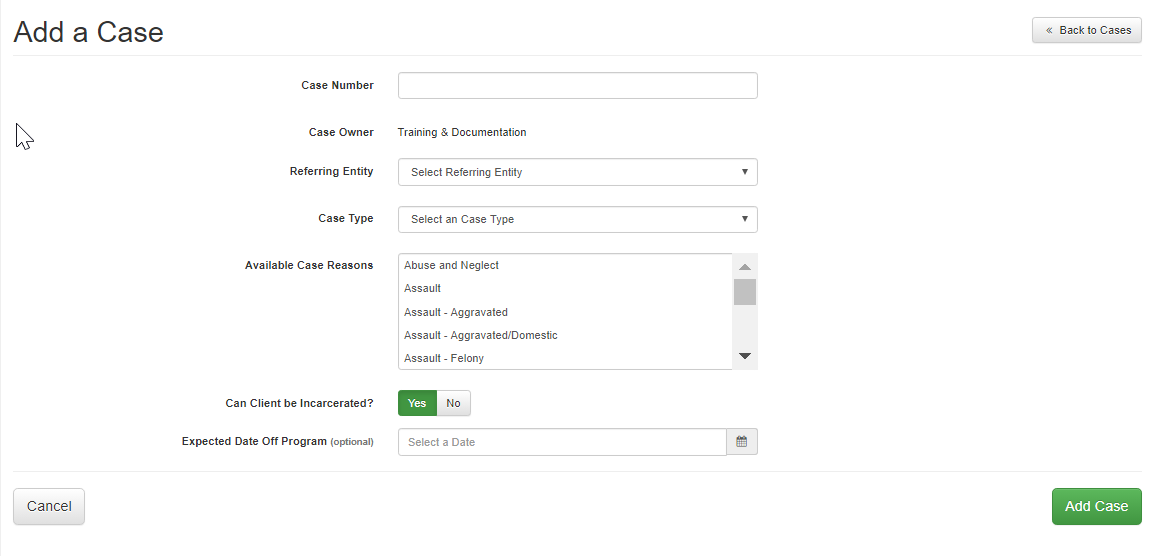
The +Add a Case button will allow the user to add a new case to that client’s record. Once selected the Add a Case page will open where the officer can enter the appropriate new case information.
Modify or Open/Close Cases
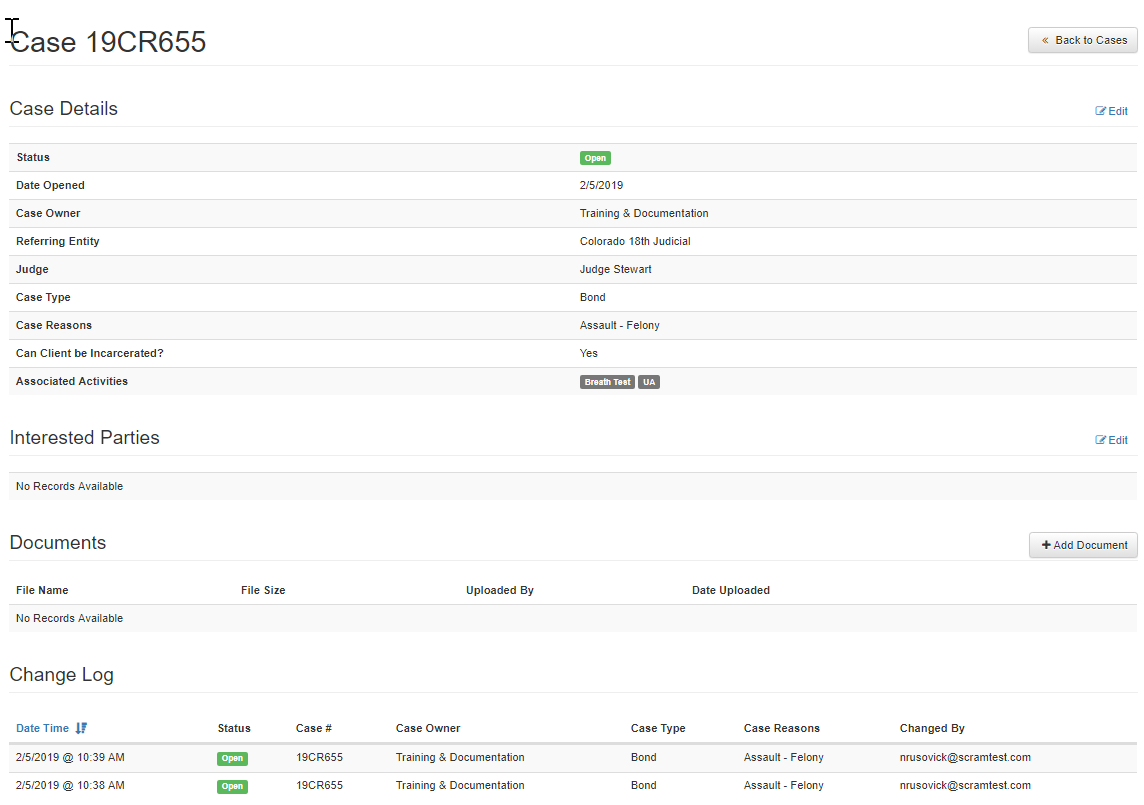
Any case visible on the Cases main page can be opened for further review or editing. If an Open case is selected where it can be reviewed for related case detail, any interested parties that may be designated, any documents attached to the case and a change log. A blue edit button to the right of the topic listing signifies information that can be added or modified.
Case Details Including Open/Close Case File
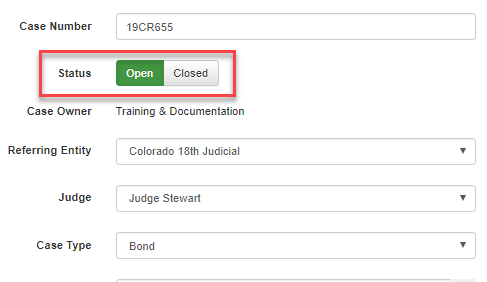
By selecting Case Details, the officer can adjust any of the referring court or sentencing information as well as select for the case status to change from open/close.
Interested Parties
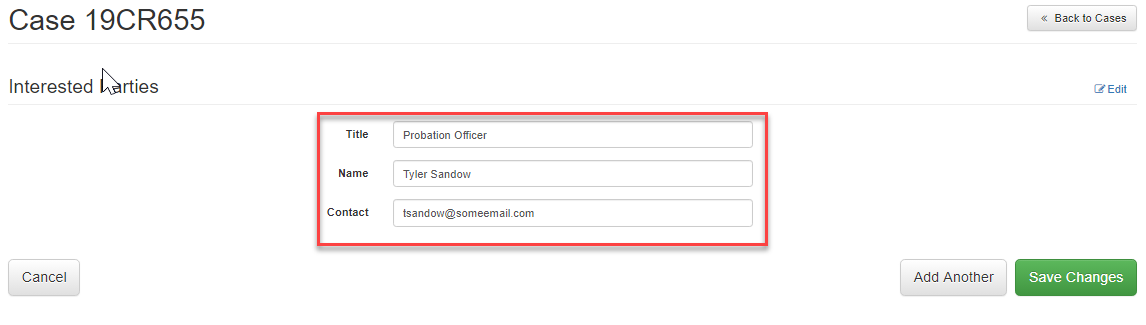
Interested parties can be added by selecting to edit that field and entering the appropriate information.
Attach Documents

To attach any relevant documents to the specific case simply select the +Add Document and follow the upload instruction.