For any activity assigned to a client, that activity can be modified, suspended. Or removed at any point. Should the officer need to modify a client’s activity they can select the individual client, navigate to their Activities tab, and select the activity in question.
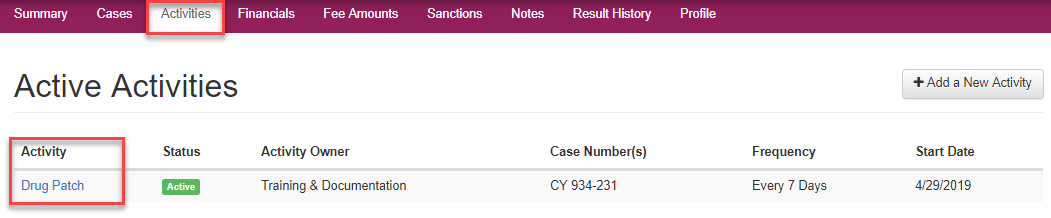
Edit Activity
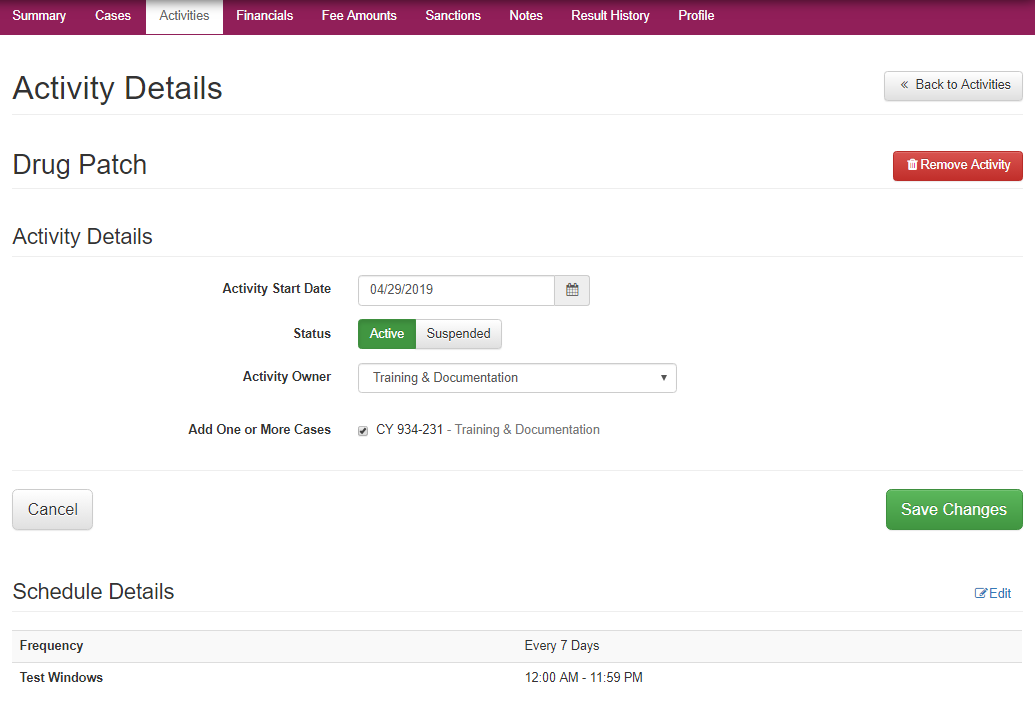
Once an activity is selected the Activity Details page will open where any of the major categories on the page can be edited. The list of editable options that can be modified for a case includes:
- Activity Details: Area where case owner can be modified or suspended
- Schedule Details: Modify testing windows and frequency
- Test Site Details: Select Testing and Courtesy testing sites
- Activity Fees: Review and change financial fees tied to program and testing type.
Suspend Activity
To temporarily suspend the activity, the officer can select the edit button on the Activity Details section and make the appropriate selections and select the green Save Changes button.
Remove Activity
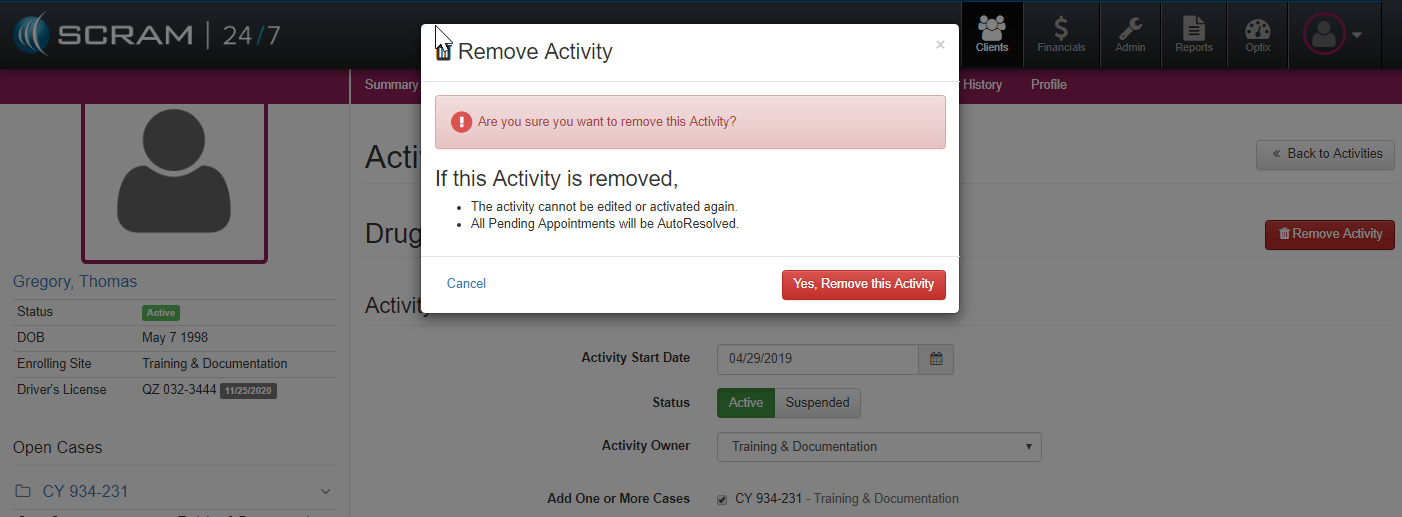
To remove the Activity Entirely, simply select the  button, where the system will then prompt the user to verify that they want to confirm the activity removal.