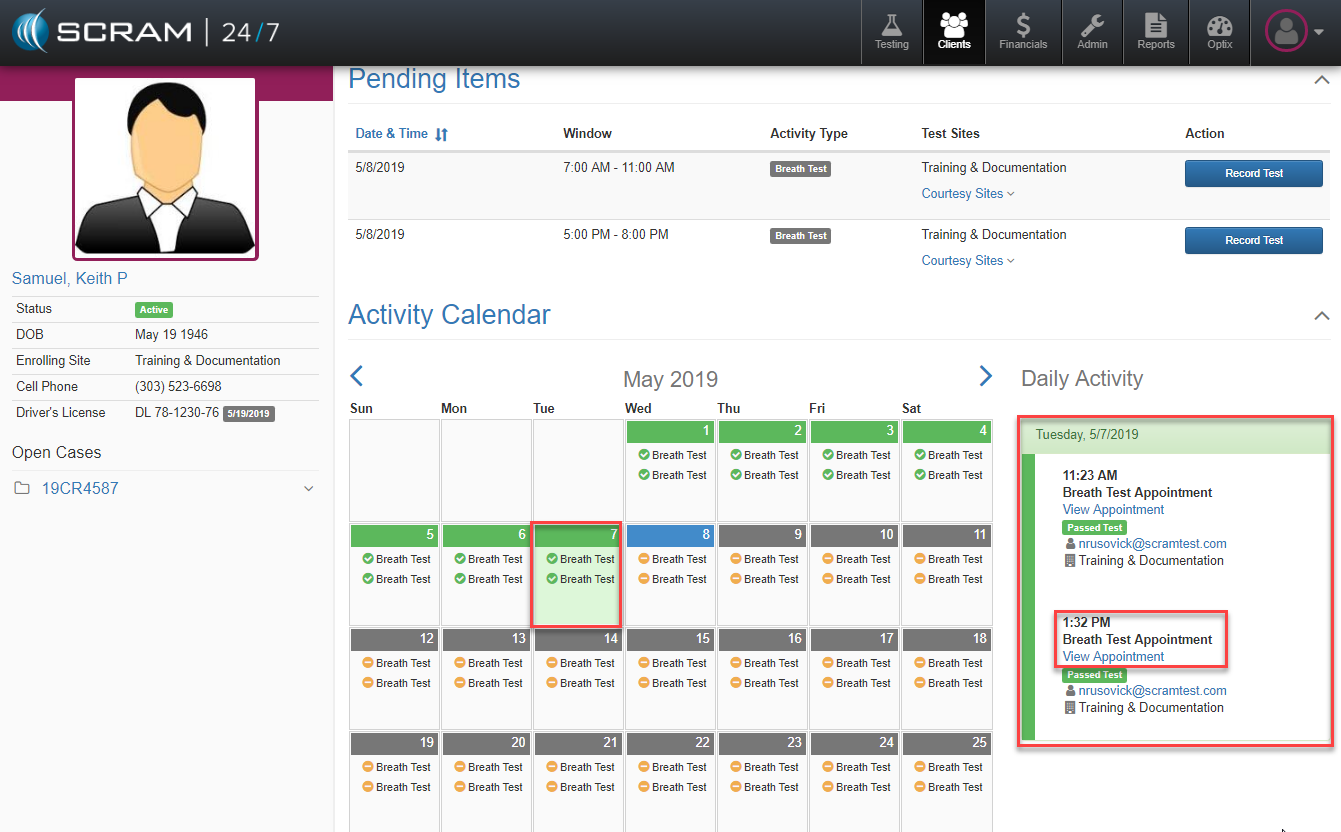
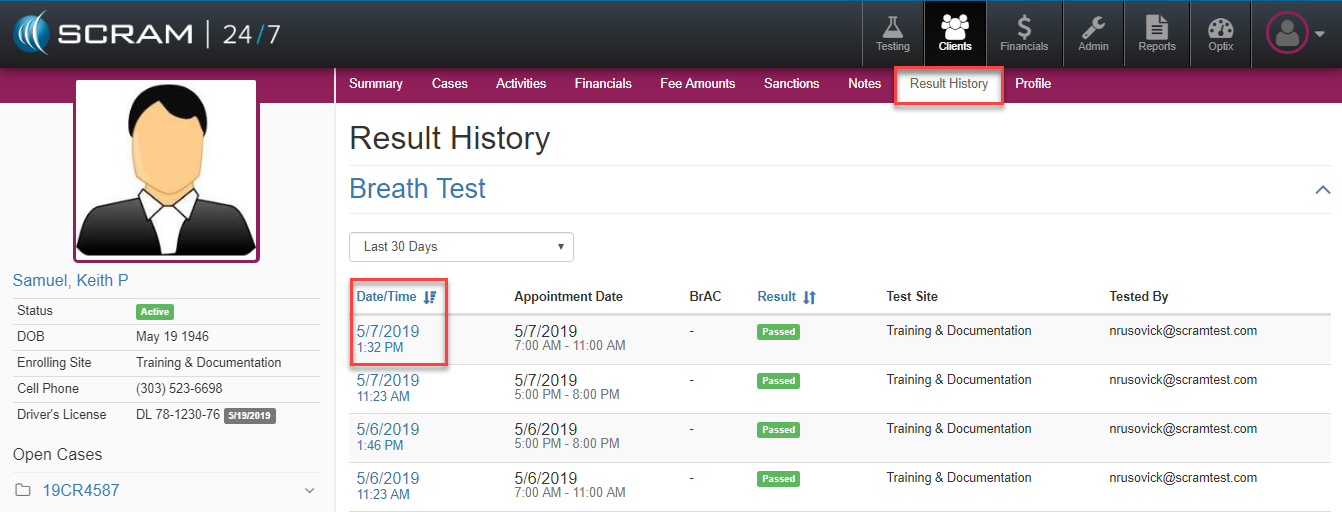
To edit a test or appointment after it has occurred, simply navigate to either the Activity Calendar or the Results history and select the specific appointment occurrence.
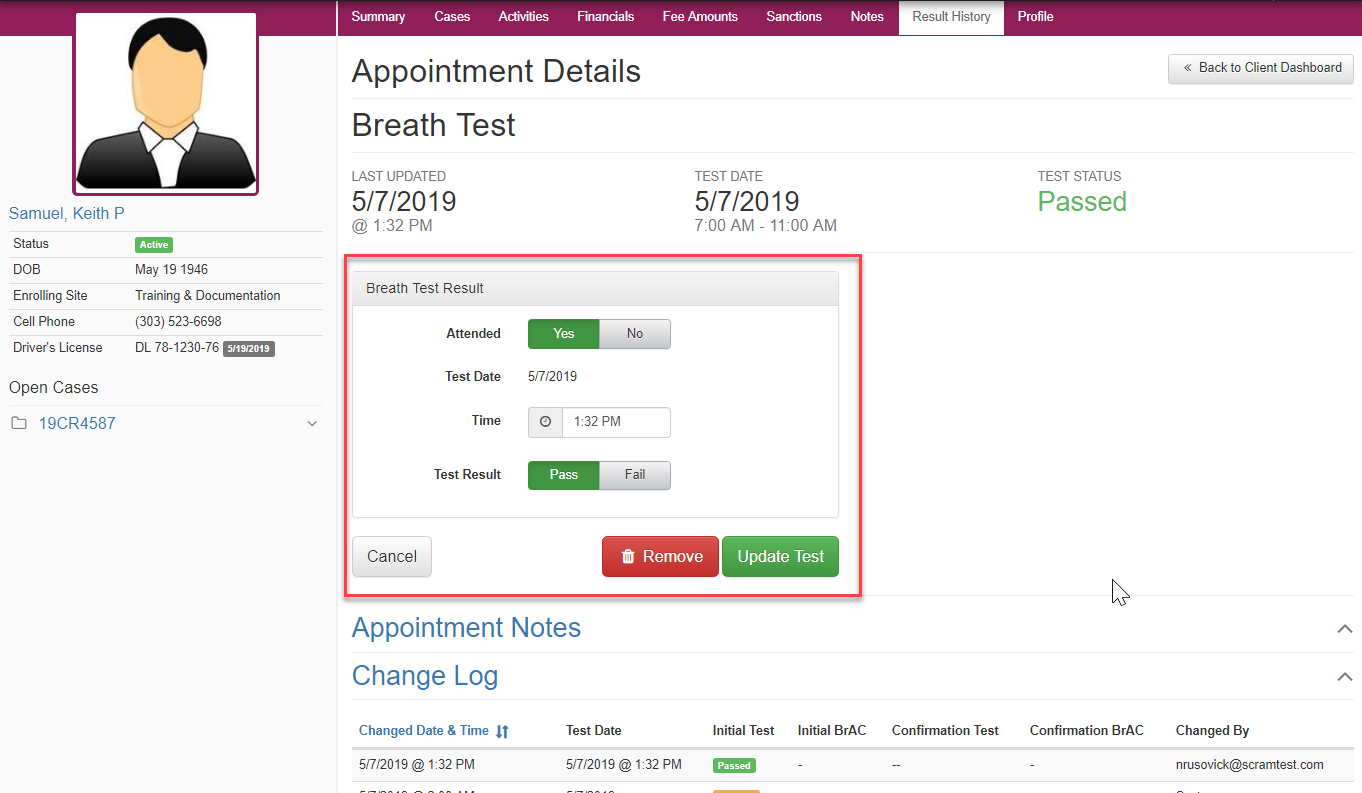
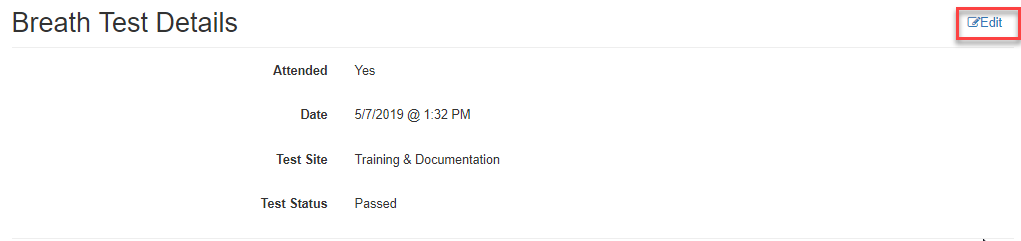 Once the appointment is opened, the Appointment Details page will open and by selecting the blue Edit button to the test details, the appointment or the results can be edited either for removal or updating. Note: Any changes made will be captured and timestamped in the Change Log.