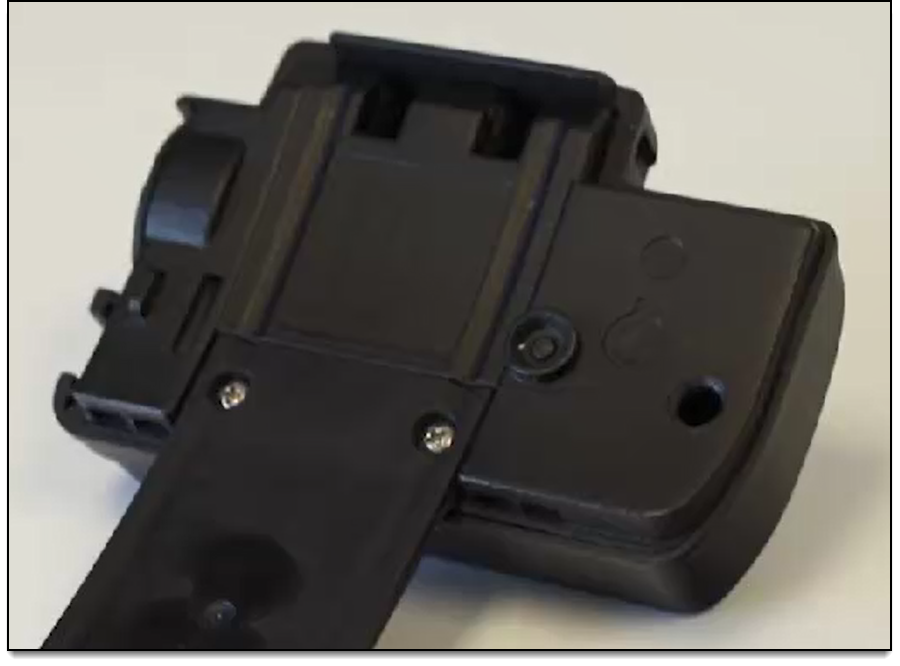
To replace the strap on an OM500 device:
- Use a Phillips screwdriver to remove the two retaining screws.
Note: Keep the screws for use on the new strap.
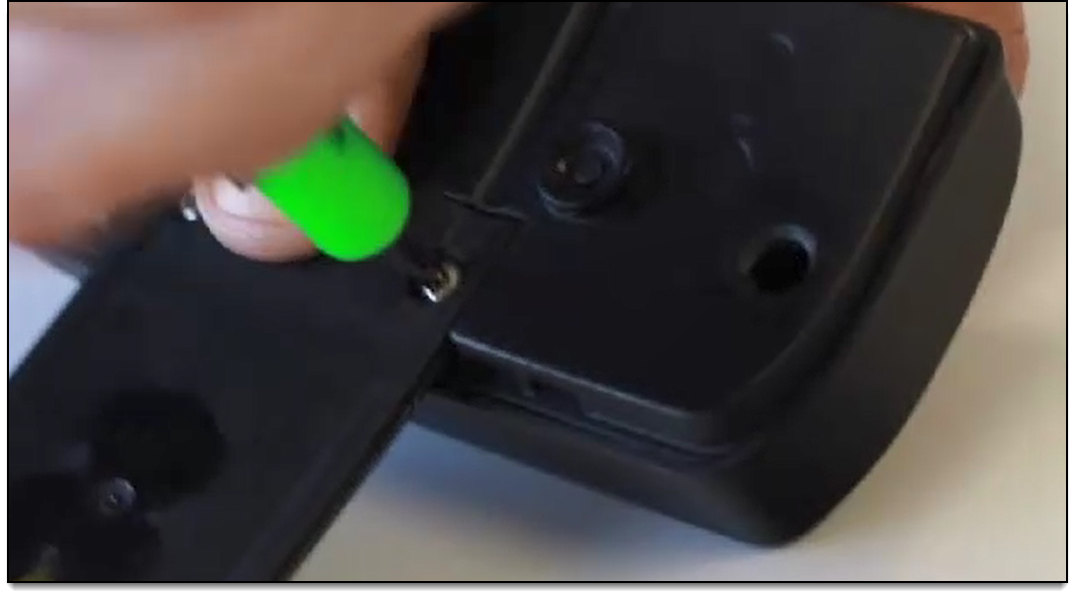
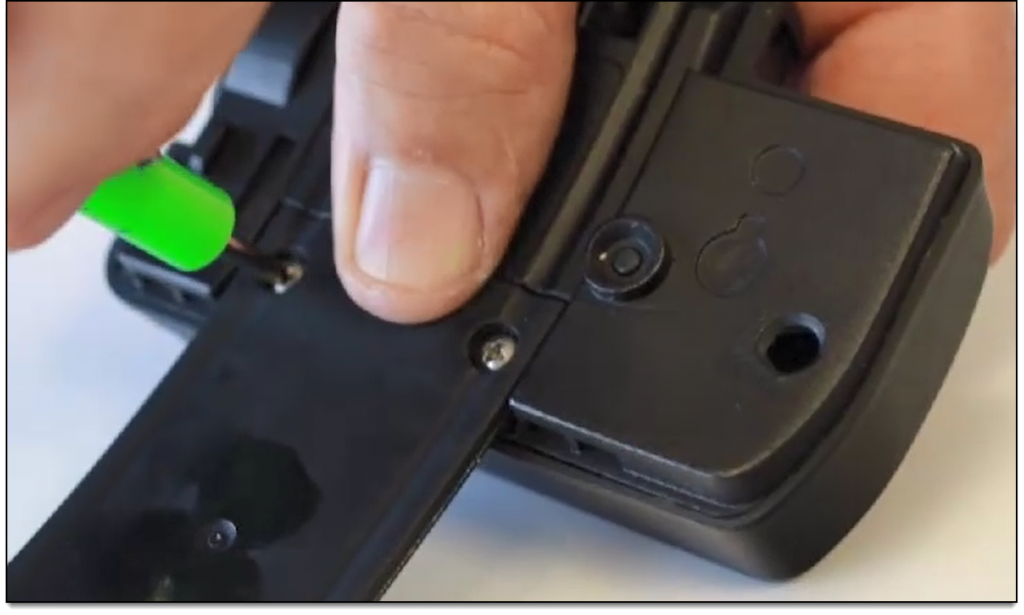
- Remove the strap.
- Inspect the eyelets on the back of the device and use a q-tip to remove any debris that may be present.
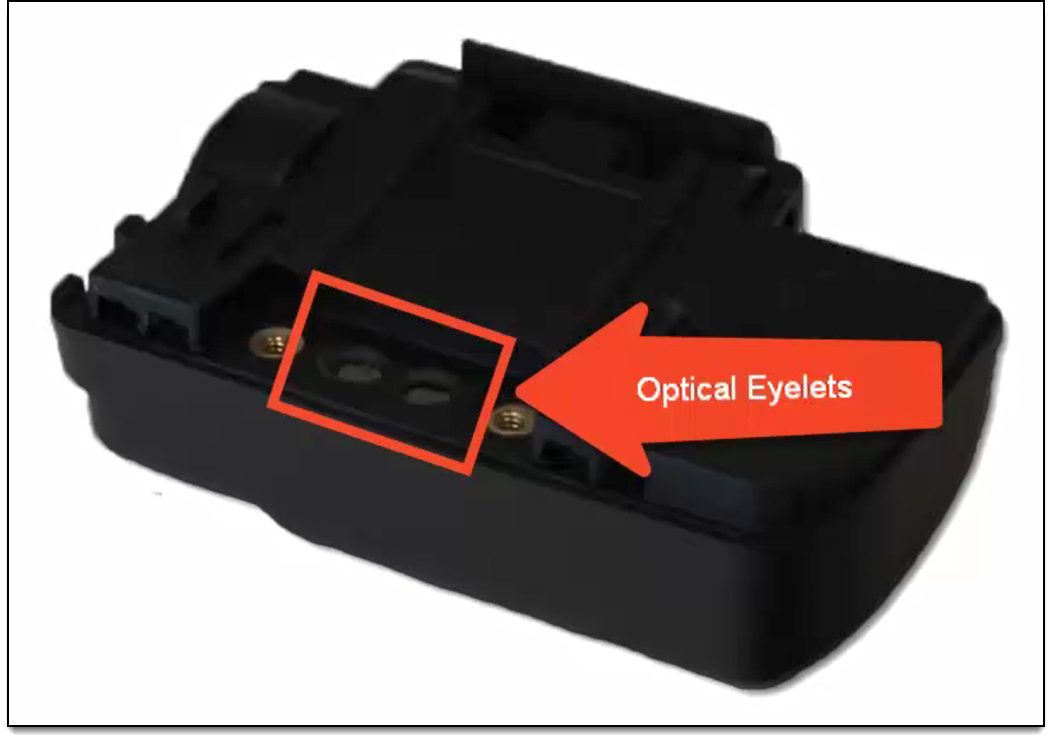
- Attach the new strap by hand tightening the two retaining screws.
Note: Overtightening the screws can damage the device.