There may be a scenario when you need to replace the client’s equipment.
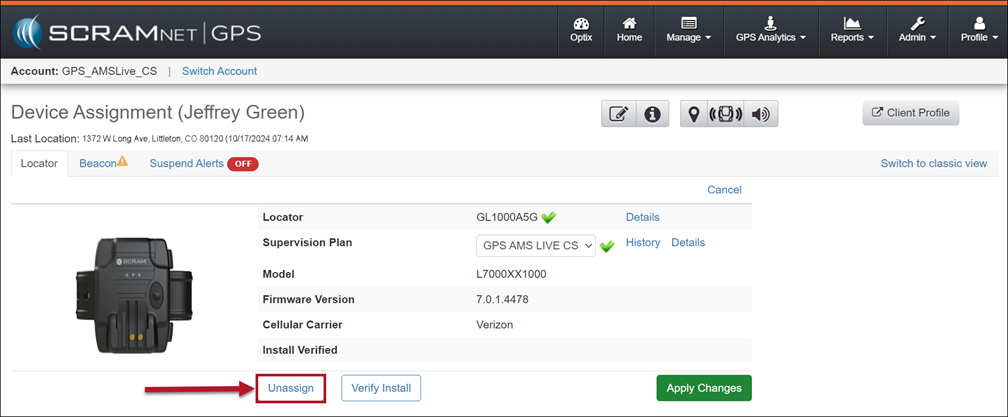
To accomplish this, start by unassigning the currently assigned equipment in SCRAMNET GPS.
For the SCRAM GPS Bracelet
- Follow steps 1-6 outlined in the “Inactivate the GPS Client” article, specifically the section entitled “Check In the Equipment Now and Inactivate the Profile Later,” to return the equipment to an “In Inventory” status.
- Once the device has been removed, you may then assign the new device by following the steps outlined in the “Add and Assign the GPS Bracelet” article, located in the “GPS Getting Started” section.
For the Beacon
Follow the steps outlined in the “Remove/Check-in or Replace the Beacon” article available in the “Client Discharge” section to remove and then assign a new Beacon when appropriate.