The Locate Now feature is an on-demand single location point that will display the current location of the client’s smartphone.
Request Location Information
Access your client’s TouchPoint Profile and select the Locate Now hyperlink on the left-hand side of the page.
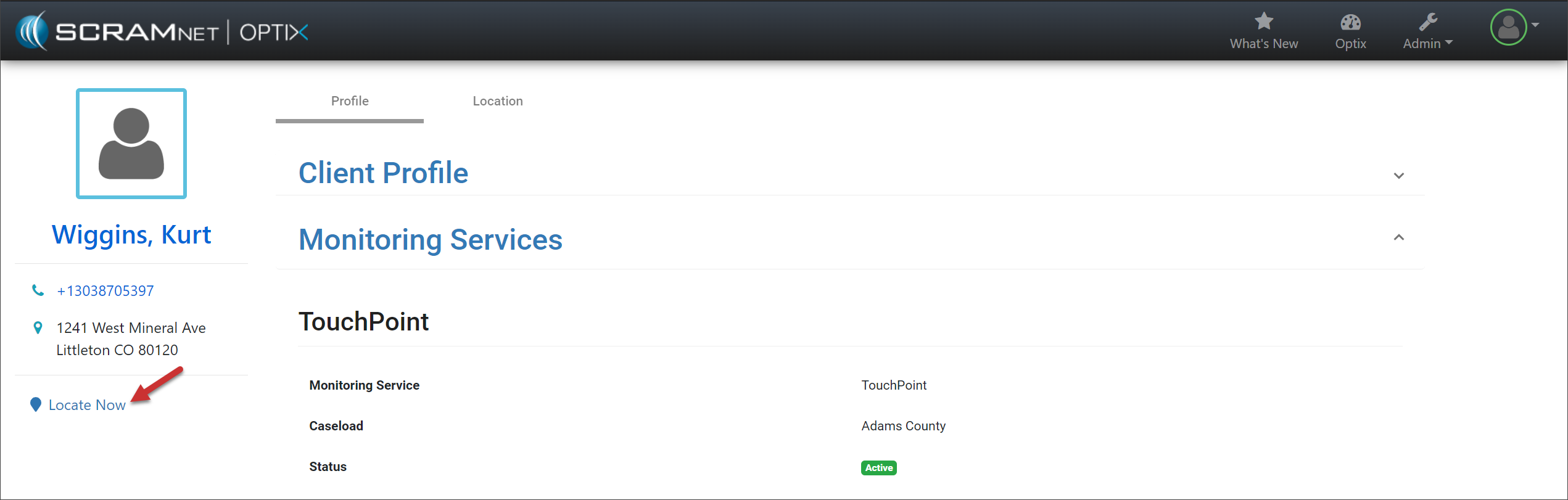
Client Profile Page – click to enlarge
Once selected, the system will request the location information from the client’s smartphone for up to five (5) minutes.
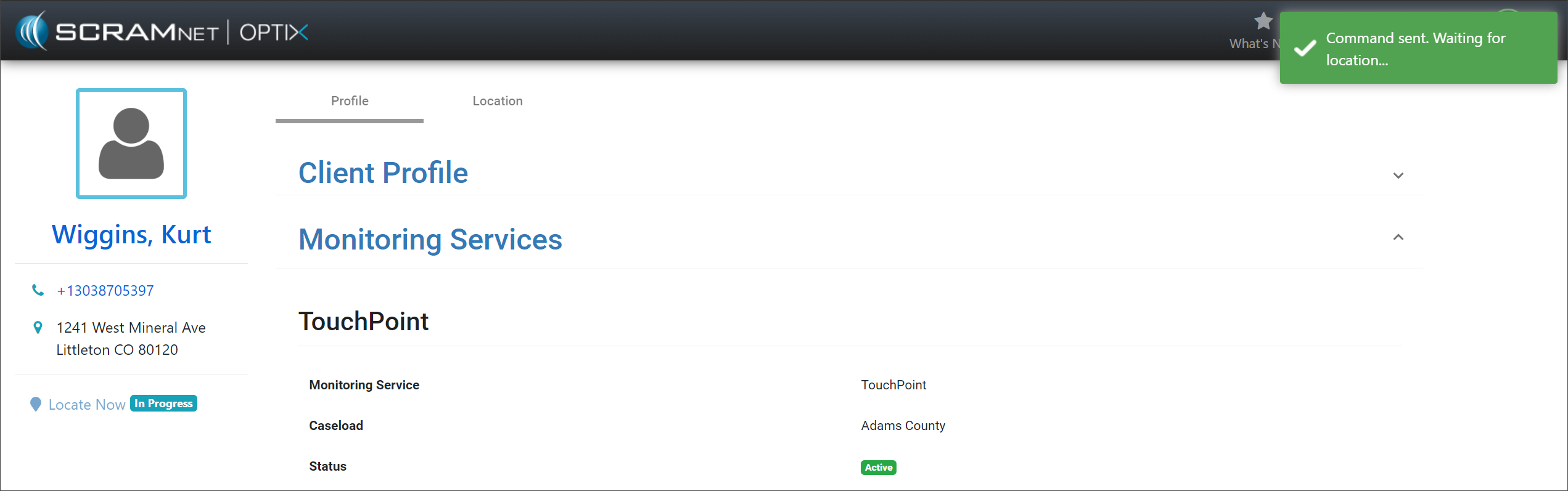
Client Profile Page – click to enlarge
Once the location information is available, a Location pop-up will display the location details and an interactive map.
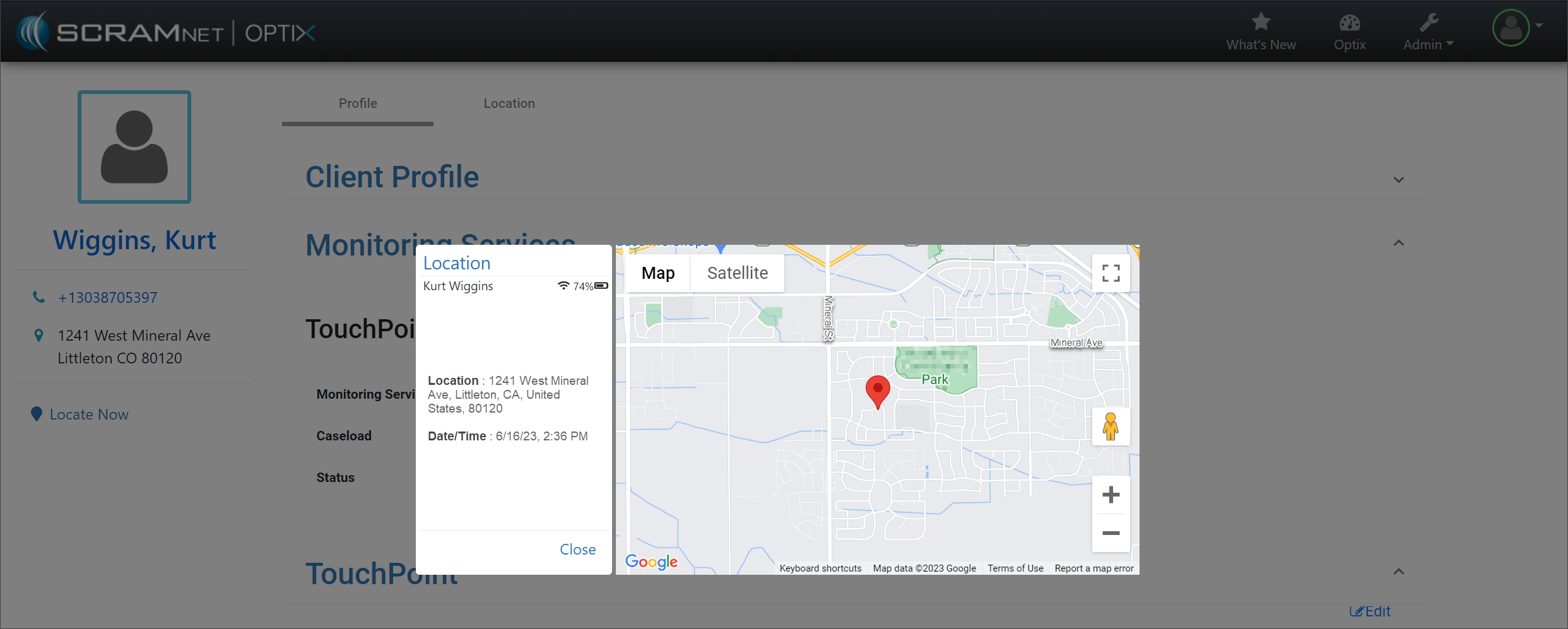
Location Pop-Up – click to enlarge
On the client’s Location page, you may view the Locate Now history results.
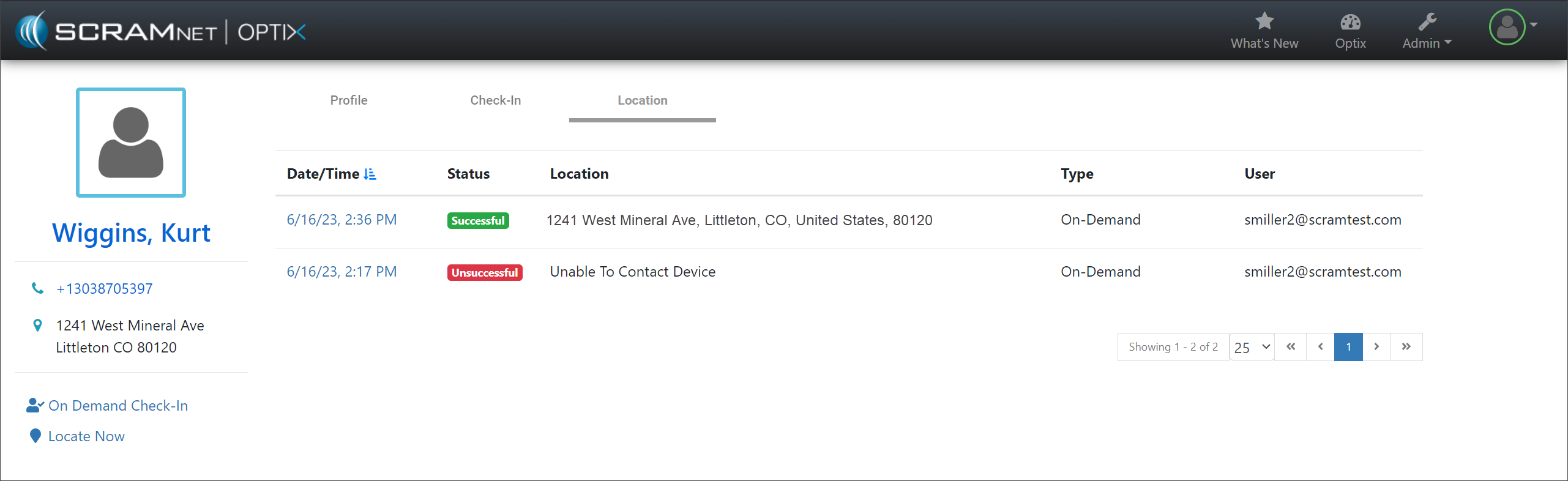
Location Page – click to enlarge
Select a specific result’s date and time hyperlink to view the associate location information, and print or export a .pdf of the details if you wish.
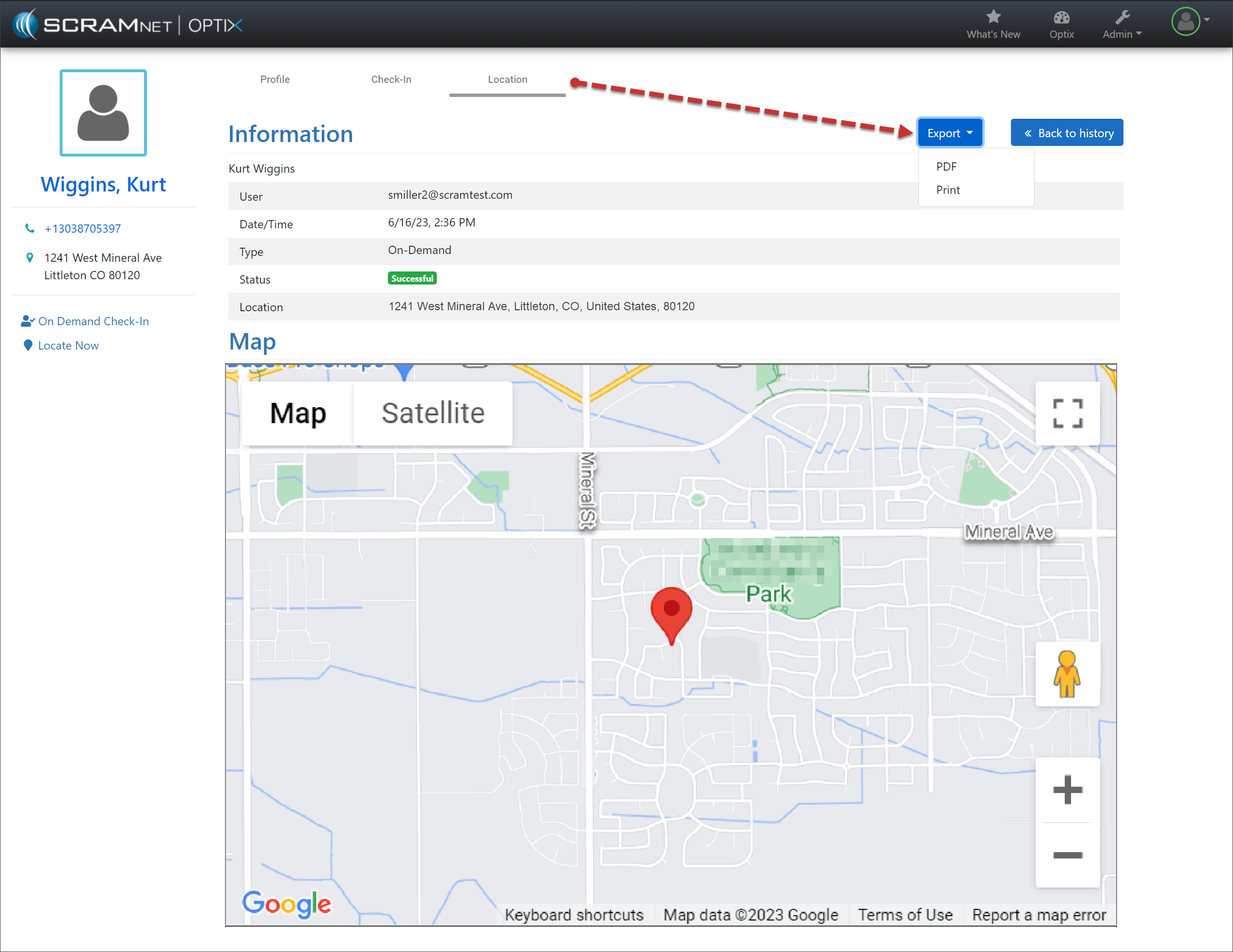
Location Details Page – click to enlarge
Troubleshooting No Location Available
The system will request the location information from the client’s smartphone for five (5) minutes. If no information is available after five minutes, the Location pop-up will list the location information as “Unknown” along with possible causes.
- The phone is powered-off, or the battery is depleted.
- Location services are not enabled.
- The smartphone is outside of cellular or Wi-Fi coverage.
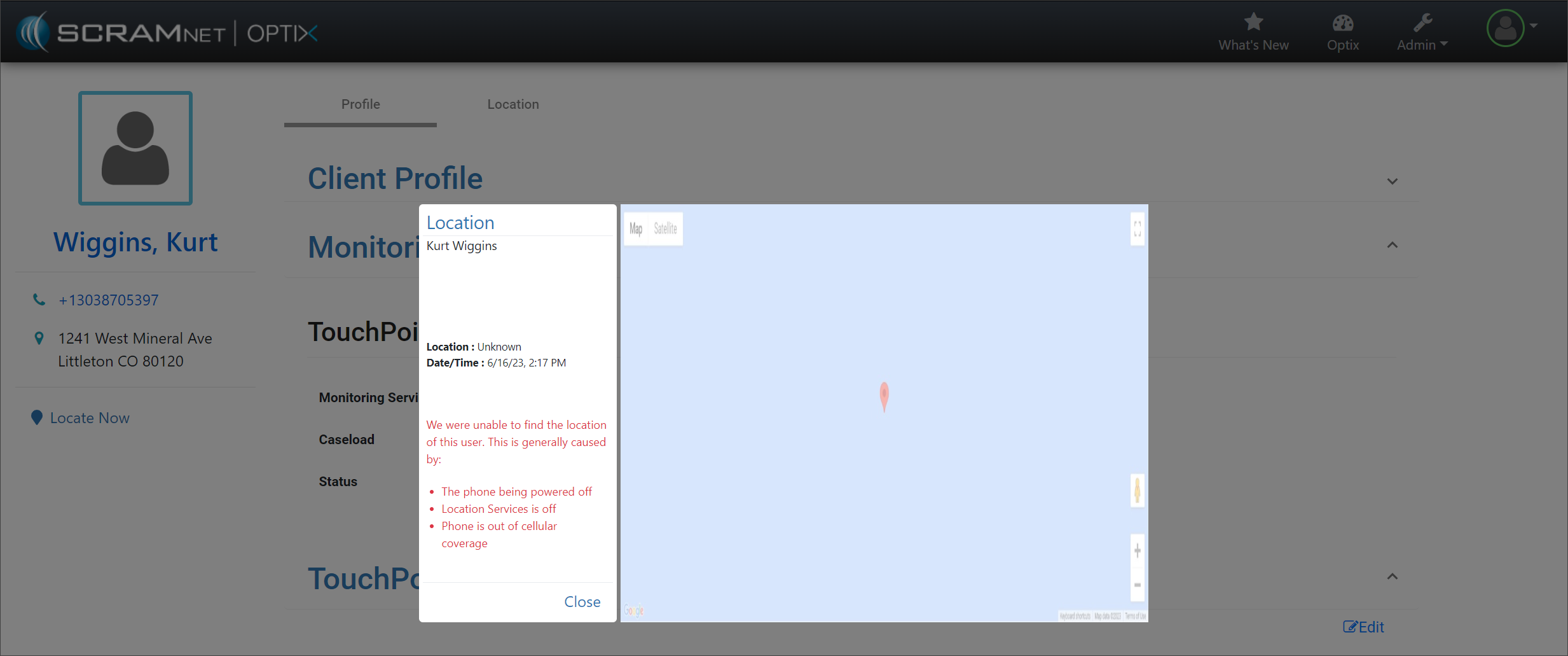
Location Pop-Up – click to enlarge