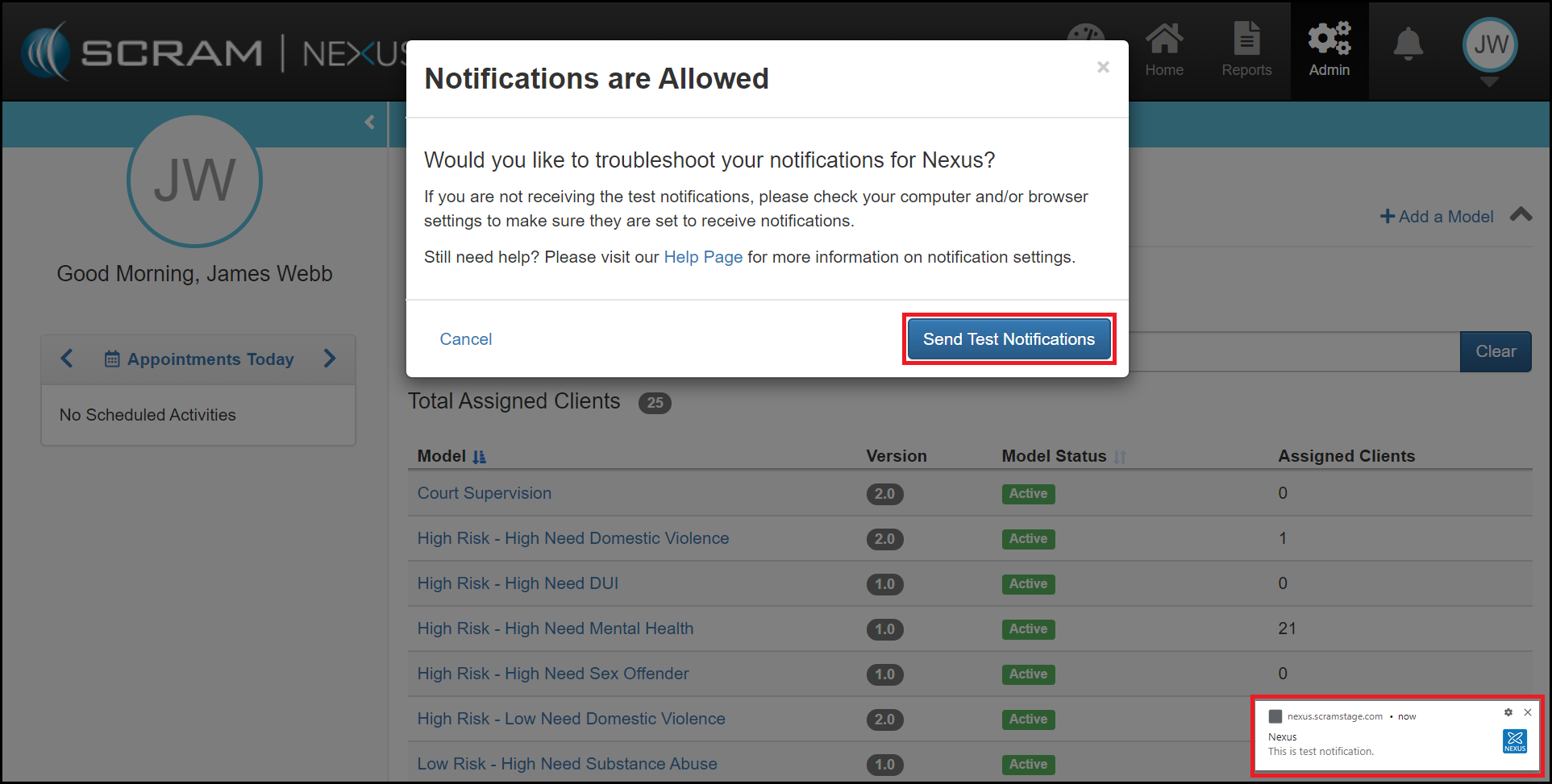
As a caseworker, you can opt to receive browser notifications from SCRAM Nexus Family. Allowing these notifications enables you to be notified when you have a new TouchPoint messages, even if you do not have SCRAM Nexus Family visible on a screen.
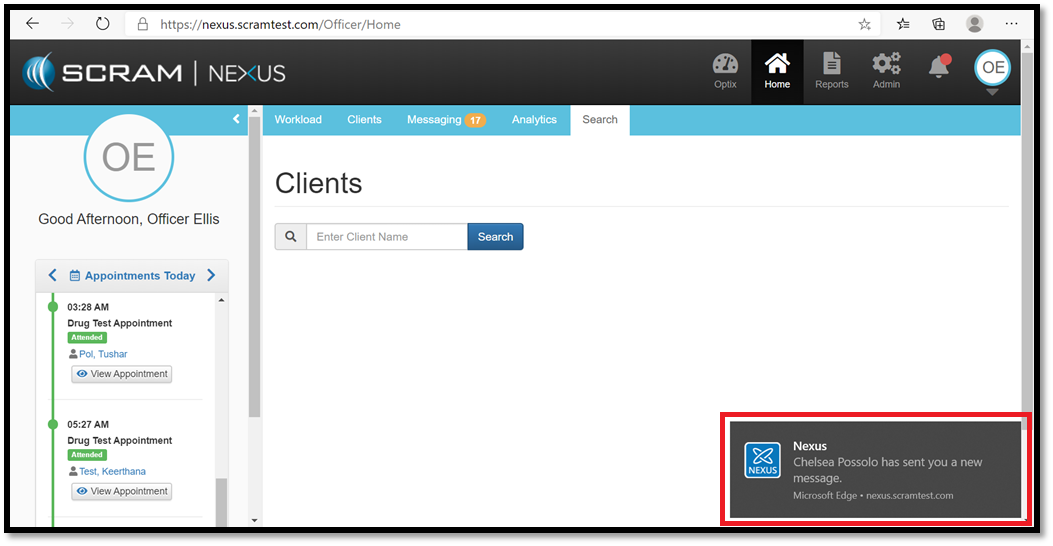
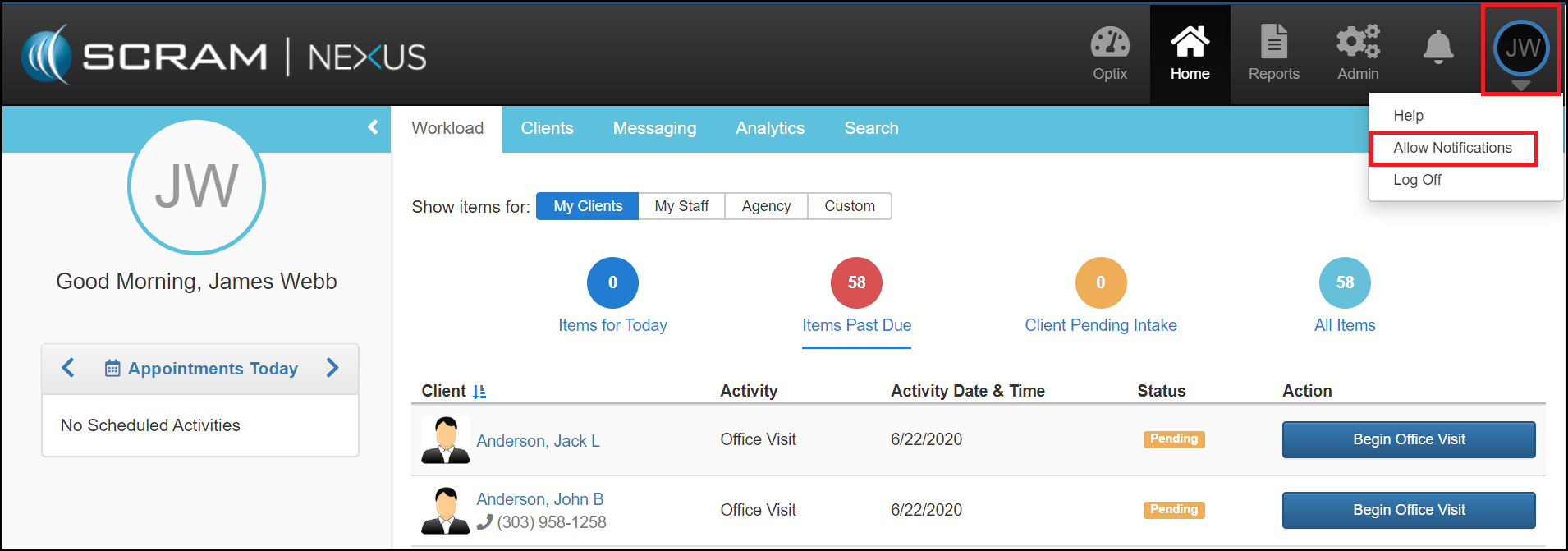
The first time you log into SCRAM Nexus Family, you will be asked to “Allow” notifications on the browser that you are using to log in. This feature works on all modern browsers (Chrome, Firefox, and Edge to name a few). In the event that you are not prompted to “Allow” notifications, you can manually do this by clicking on your user initials in the upper right corner and select “Allow Notifications.”
Once the nonfictions are enabled, you can send yourself a test message.