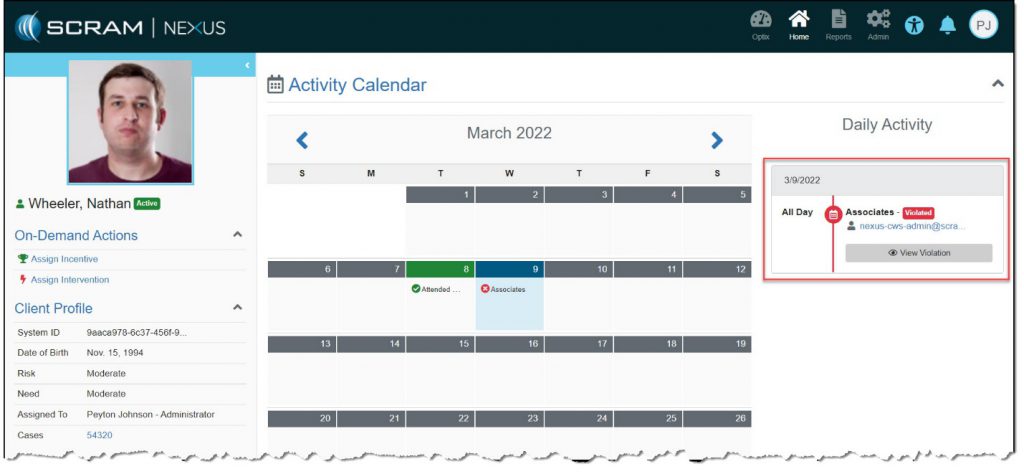
While under supervision, it may be necessary for you to assign an intervention in response to a negative action on the client’s part. To accomplish this:
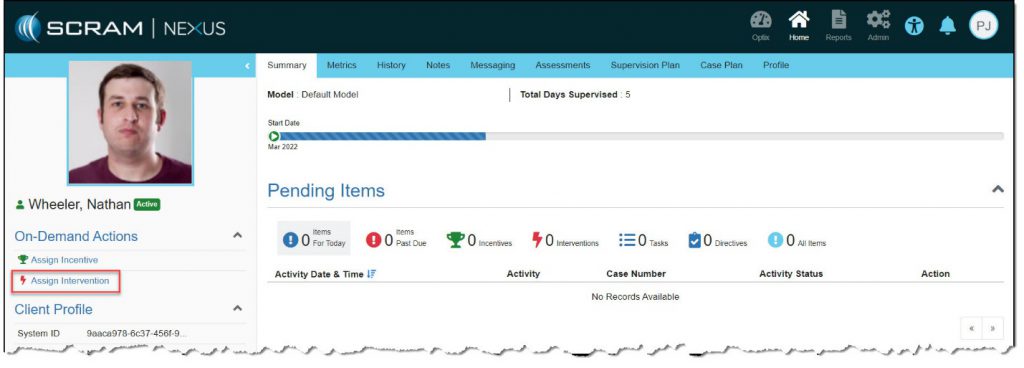
- Click the Assign Intervention link in the left area.
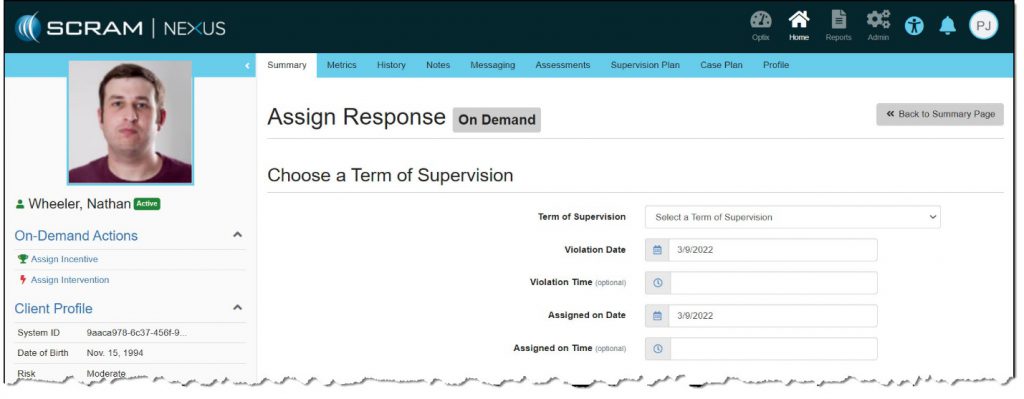
The Assign Response page appears. - In the Choose a Term of Supervision section:
- Select the term of supervision.
- Select the date and time (optional) when the violation occurred.
- Select the date and time (optional) when the intervention was assigned.
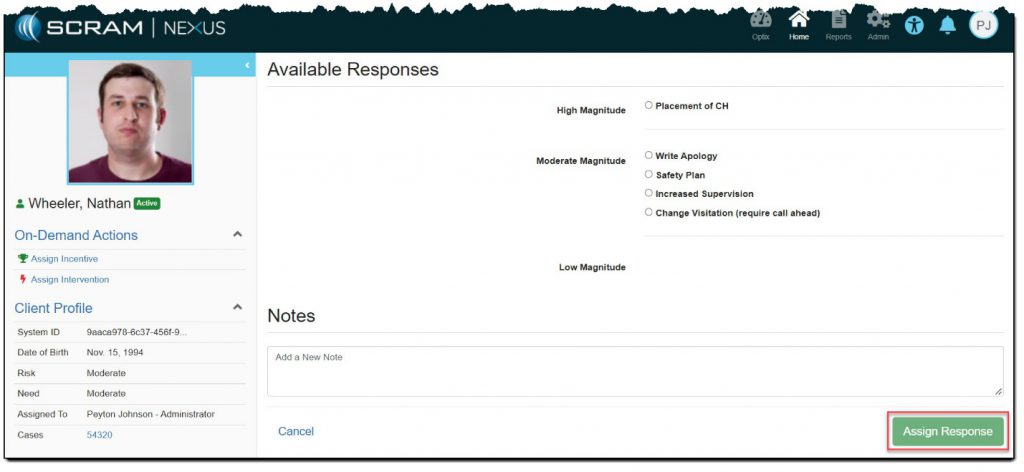
The client’s Summary page appears with the intervention displayed in the Daily Activity section.