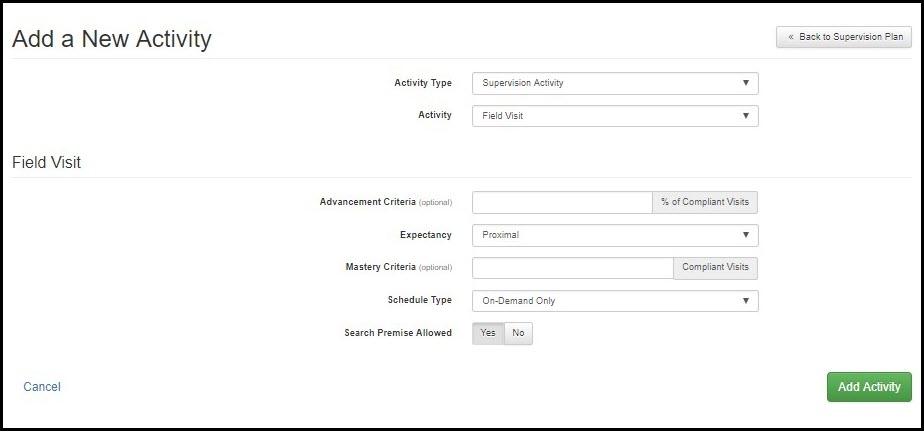
Throughout supervision, new activities can be added to a client’s supervision plan. To add a new activity, click the Add A New Activity link in the Phase section.
To add the activity:
- Select an option in the Activity Type drop-down list.
An Activity Name drop-down list appears.
Note: If the “Directive” option is selected, the second drop-down list contains specific directives that can be selected. You also have the option to create a custom directive. - Select an option in the second drop-down list.
Subsections, based on the options selected, appear. - Enter/select all necessary information in the subsections.
- Click the green Add Activity button.