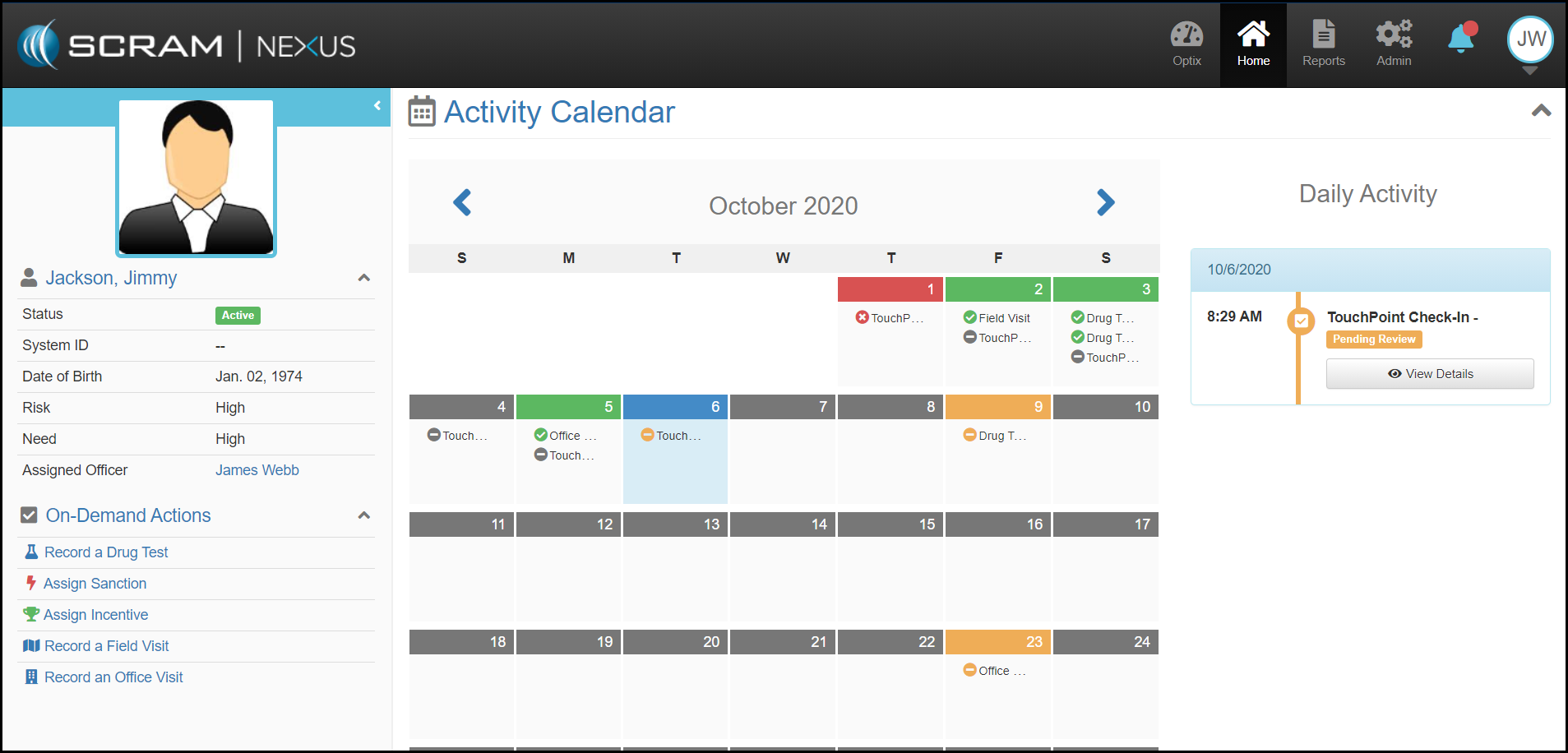
To access an individual client’s case, a caseworker can select a client’s name from either the caseworker’s Workload page or the client list. Once an individual case is open, a client-specific set of features are available for navigation and management.
The left panel of the page will continuously display important information on that client. This includes: photo, phone, date of birth, risk, need, assigned caseworker, and case number. Additionally, available on-demand activities like drug testing, assigning a sanction, assigning an incentive, and recording field or office visits can be launched from the panel.