This page describes the steps necessary to use Direct Connect to manually upload data from the SCRAM Base Station to SCRAMNET®.
What you will need:
- SCRAM Base Station assigned to the client
- USB cable
Procedure
- Open the Direct Connect application.
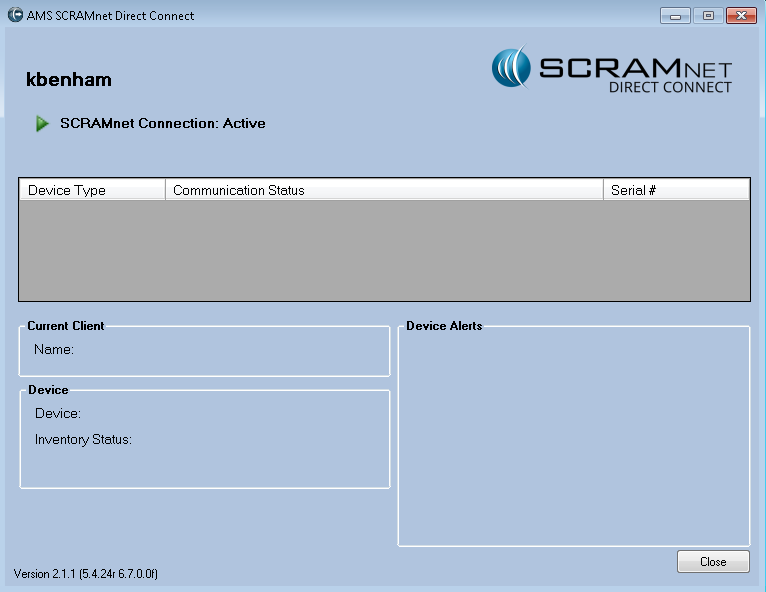
Direct Connect Application (click to enlarge)
- Connect Base Station with the Direct Connect software:
- Plug the small (mini-B type) USB connector into the base station.
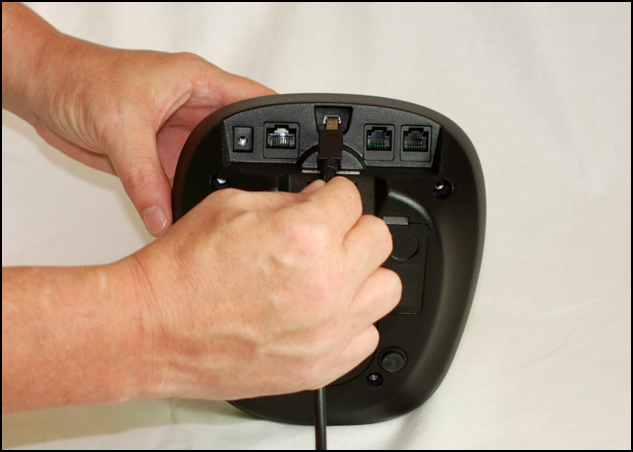
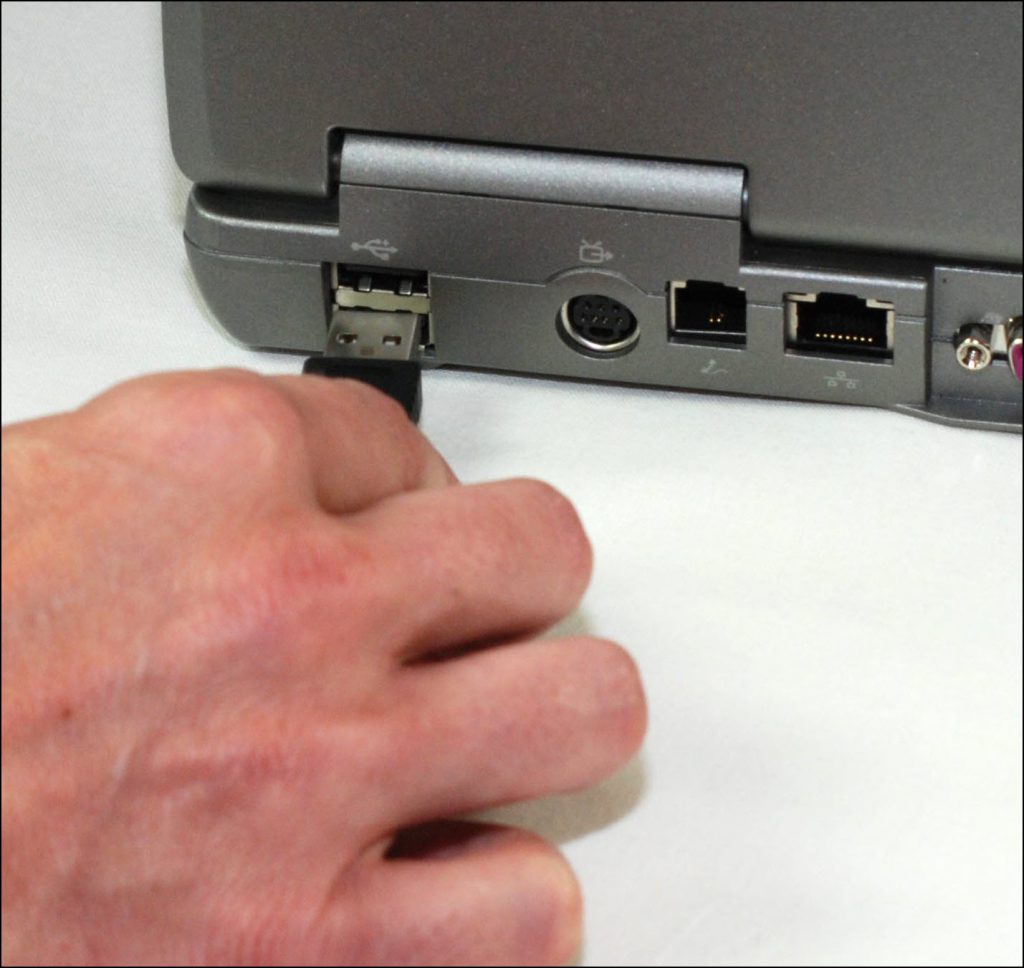
- Plug the large (A type) USB connector into a USB port on your computer.
- The base station automatically begins uploading any data being stored and the status of the base station changes to Communicating.
- When the upload is complete, the status changes to Communication Complete.
- Plug the small (mini-B type) USB connector into the base station.
- Contact SCRAM Customer Service if you would like to verify that all data was retrieved from the base station.