This help article assumes that you have already checked in the SCRAM CAM bracelet. If the equipment is NOT on hand, click the Stop Monitoring button and complete the Stop Monitoring process to set the status to Awaiting Return.
Select the type of base station that is being removed:
Check In Standard SCRAM Base Station
Purpose
Use the following instructions to check in the SCRAM Base Station for a client that is being removed from the SCRAM Systems Monitoring Program.
What you will need:
- Base Station assigned to client (including power cord and phone cable)
- Computer with Direct Connect software and USB cable
Procedure
- Plug the power cord into the Base Station and into an electrical outlet.
- The Base Station display will read:
- Line 1 – TIME/DATE
- Line 2 – CHECK PHONE LINE
- Launch the Direct Connect software on your computer.
- Plug the large end (USB-A connector) of the USB cable into your computer.
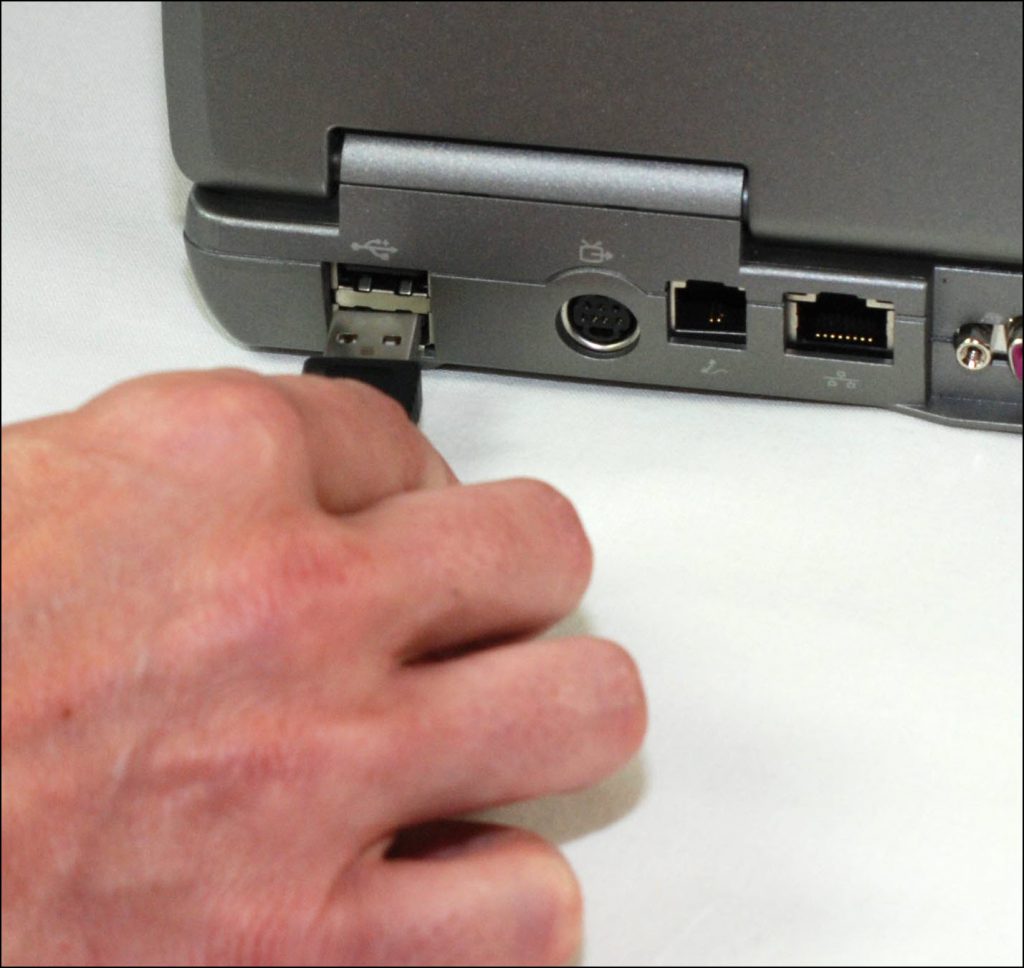
Plug the USB Cable into your Computer
- Plug the small end (mini-B connector) of the USB cable into the base station.
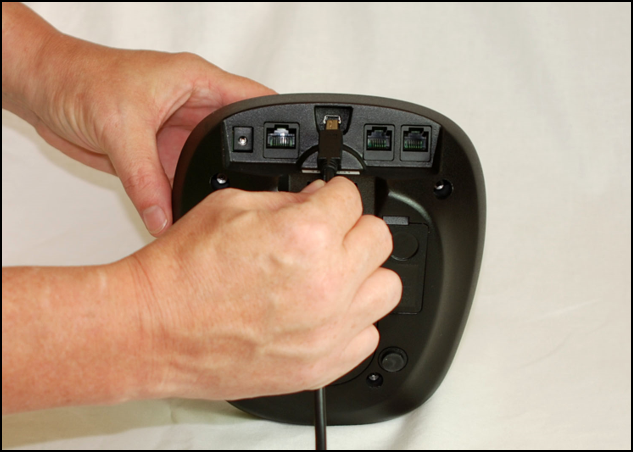
Connecting USB Cable to SCRAM Base Station
At this time the Base Station status in the Direct Connect application should display Communicating, and the Base Station display should read:
- Line 1 – DIRECT CONNECT
- Line 2 – ONLINE
Any outstanding data collected from the bracelet will be transferred from the Base Station to SCRAMNET and the Base Station firmware will be checked and updated, if necessary.
When complete, the Base Station status in the Direct Connect application will display Communication Complete…
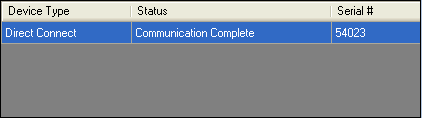
Direct Connect Application: “Communication Complete”
…and the Base Station display will read: STORAGE MODE.
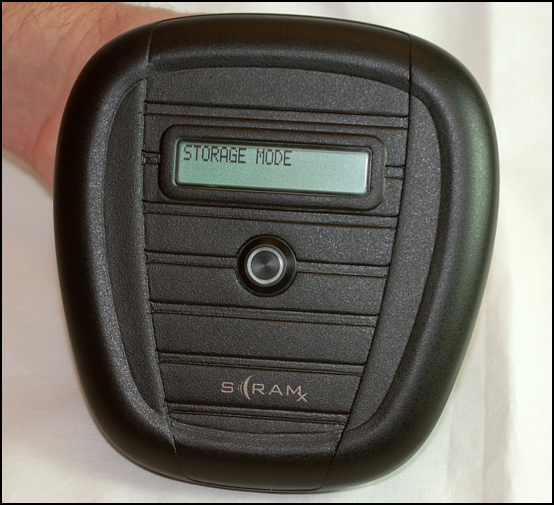
Base Station Displays “STORAGE MODE”
- Unplug the power cord and USB cable from the Base Station.
The Base Station is now back in inventory and available for use on another client.
Check In SCRAM Wireless Base Station (WBS)
Purpose
Use the following instructions to check in the SCRAM Wireless Base Station (WBS) for a client that is being removed from the SCRAM Systems Monitoring Program.
What you will need:
- Wireless Base Station assigned to client and power cord
Procedure
- Plug the WBS into an AC outlet.
The WBS will connect to SCRAMNET and will recognize that the client’s bracelet has been unassigned; so it will check itself in automatically. The WBS display will read:
- Line 1 – STORAGE MODE
- Line 2 – BATT CHARGING or FULLY CHARGED
The Wireless Base Station is now back in inventory and available for use on another client.