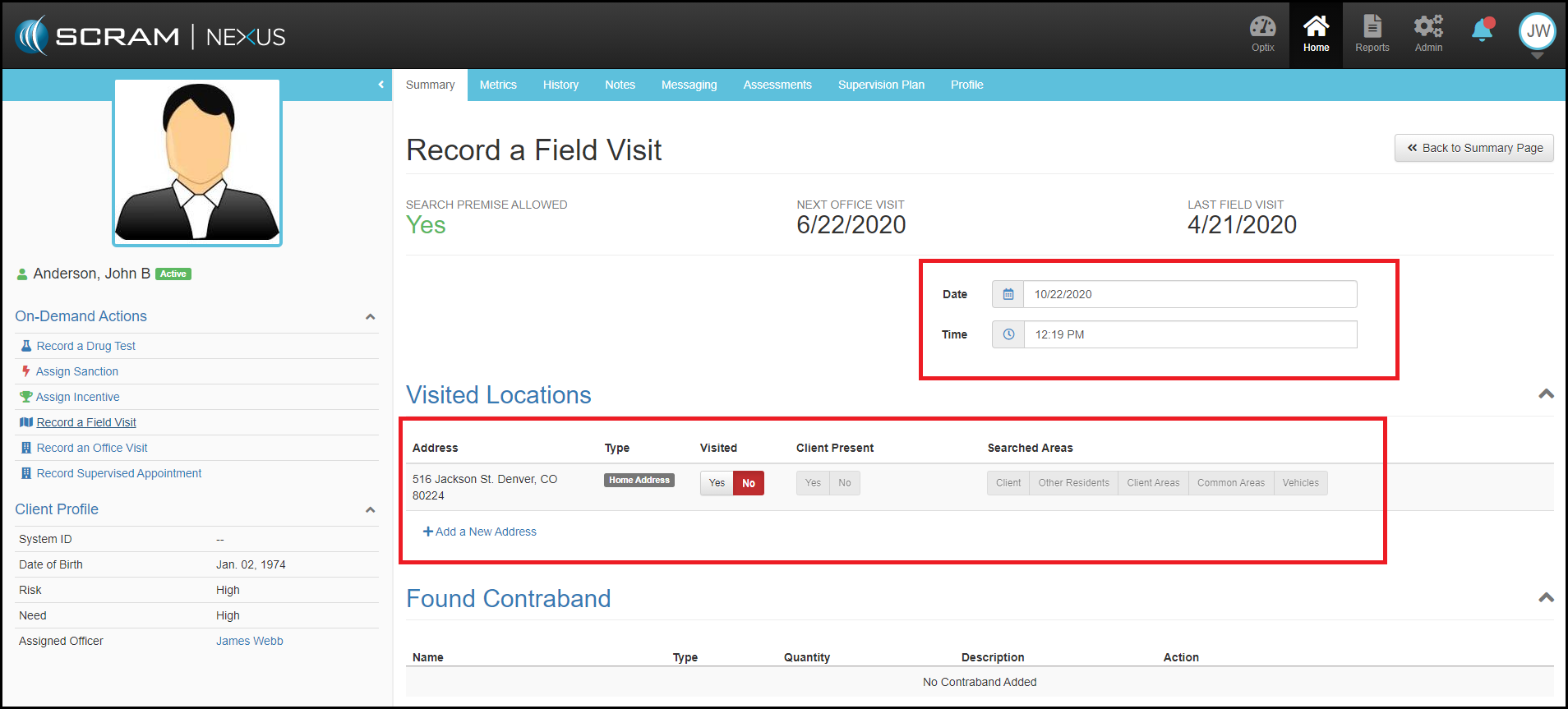
Field Visits in Nexus are setup as an On-Demand action. While they are built into the formal supervision plan, they are typically not scheduled on the client’s calendar and are driven by the officer.
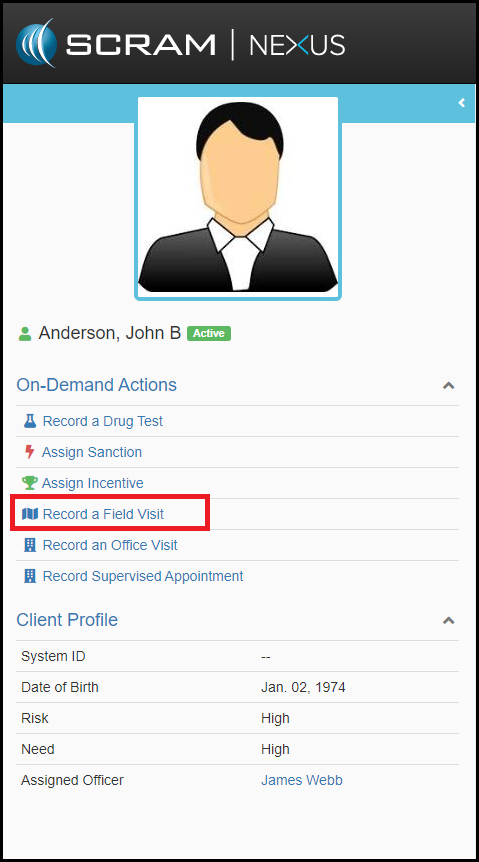
Record A Field Visit
To initiate a Field Visit, the “Record A Field Visit” can be launched from the On-Demand Actions menu available in the left picture panel for each client. Field Visit consists of the following steps.
- Date & Time: Premise Search and date and time can be noted
- Visited Locations: Location visited is noted along with checkboxes for client presence and any areas searched.
- Found Contraband: Provides officer ability to document any found contraband.
- Notes: Open text to capture visit details
Hit green Complete Field Visit.