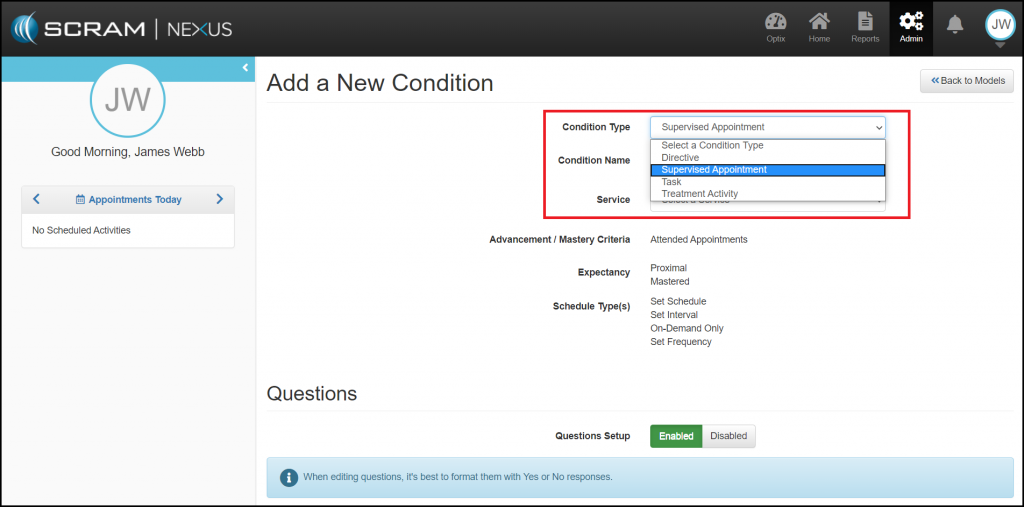
The Conditions library allows you to Add a New Condition and review a list of approved Conditions. The list represents the Activities that can be assigned to a Client through their Supervision Plan. When you select a condition name, you will be directed to the Conditions Details page where you can review or edit the specifics of the activity. These conditions fall into five major areas:
- Supervision Activities: They include activities such as Drug Tests and Office Visits. (Supervision Activities can only be added by AMS)
- Treatment Activities: Court Ordered Treatment. When adding a Treatment Activity, you will need to associate the condition to a service (type of treatment) and you also have the option to create a unique question group to be associated to the condition.
- Tasks: Can be a one-time event like a Mental Health Assessments or Polygraph Test.
- Directives: Client directives can be used to easily track recurring instructions. For example, “Bring in your time-sheet every 2 weeks” or “Turn in AA Attendance Sheet”. Client Directives differ from Client Tasks in that they have a start dates, due dates, and can track when the client successfully completed or failed to complete the directive.
- Supervised Appointments: They include activities such as a Court Appearance or Review Hearing. When adding a Supervised Appointment, you can create unique question groups to be associated to the condition.
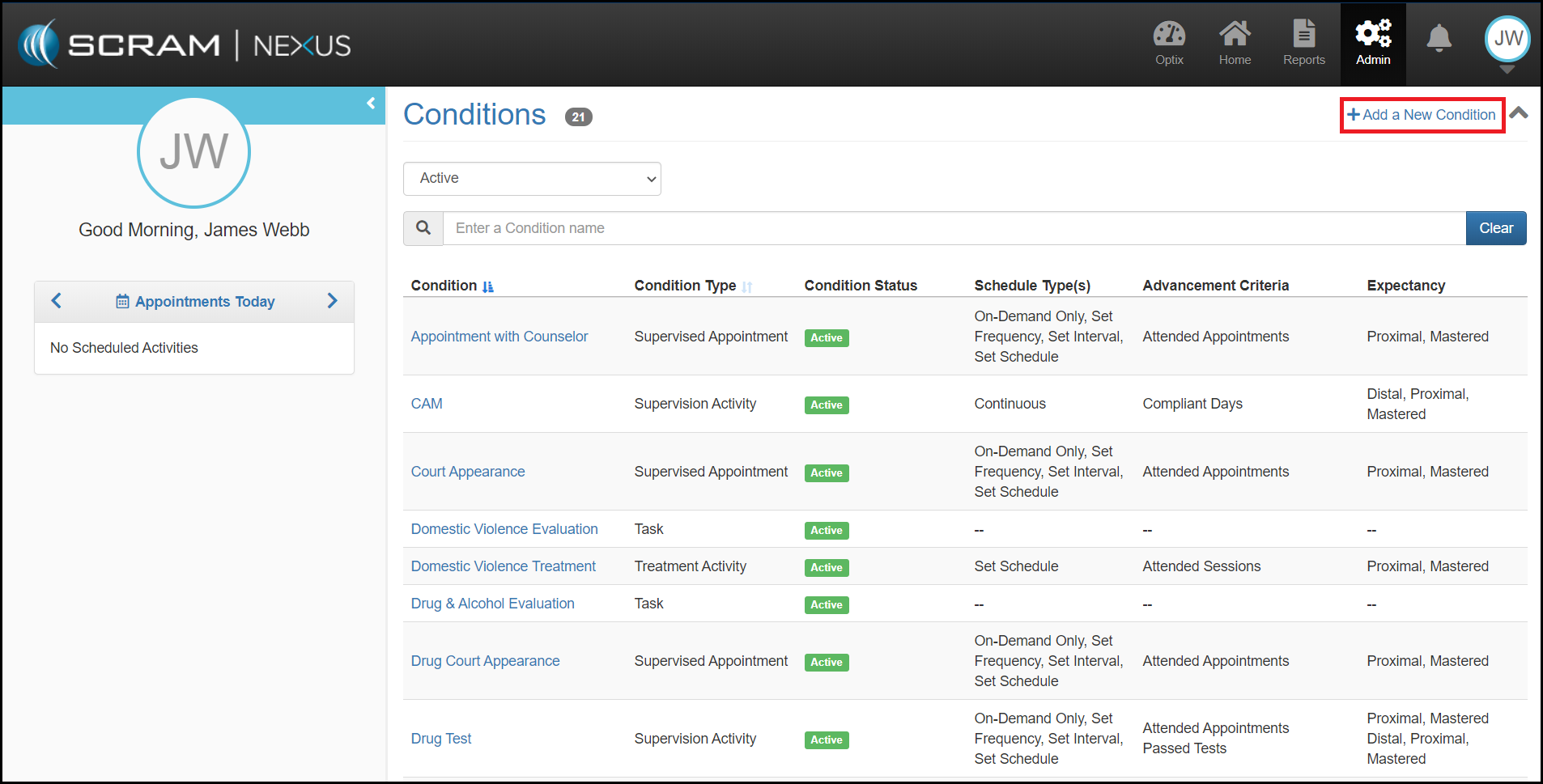
New Conditions can be added from the Add a New Condition button.