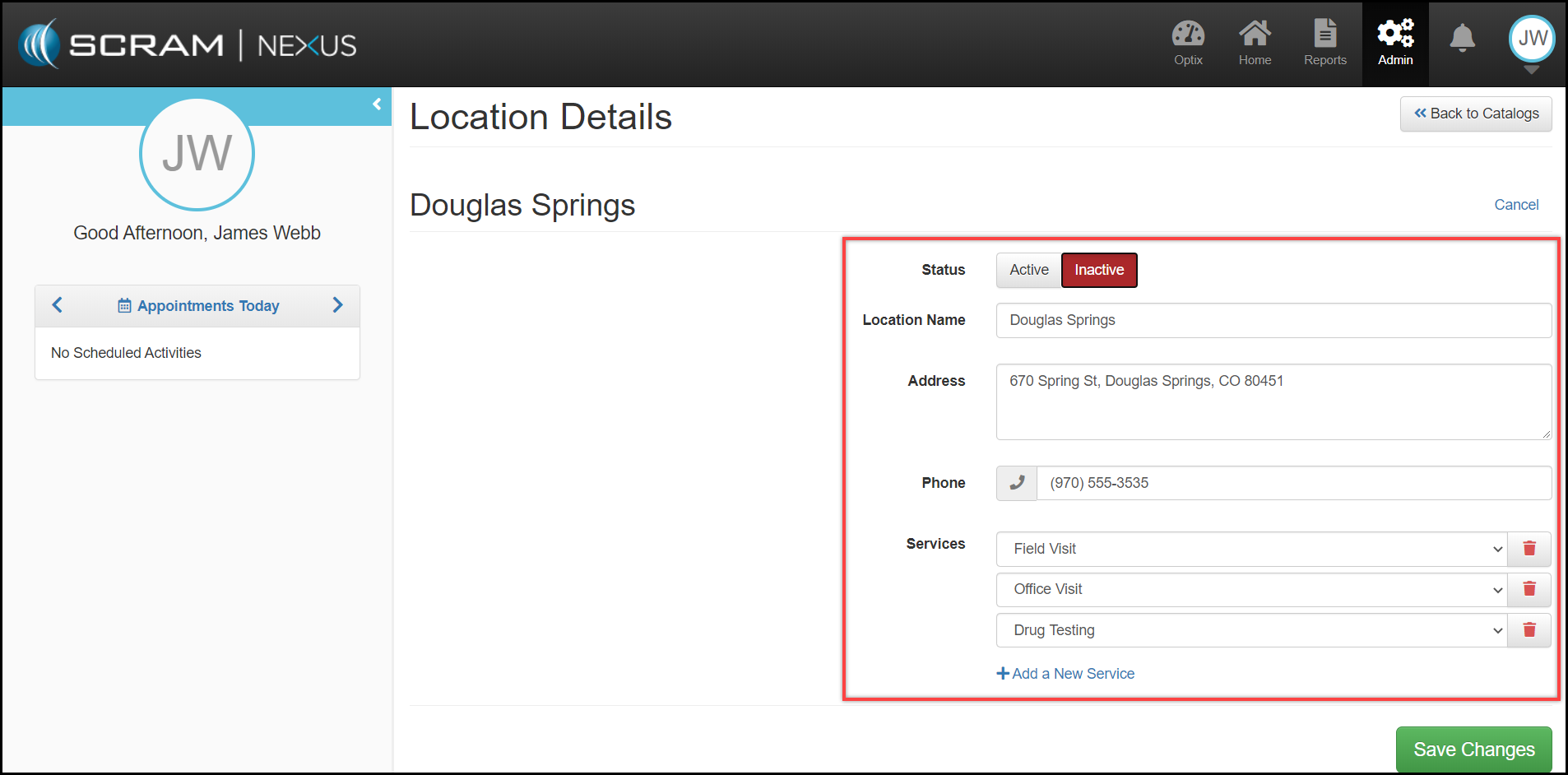
Agency Locations can be added, edited, or deactivated.
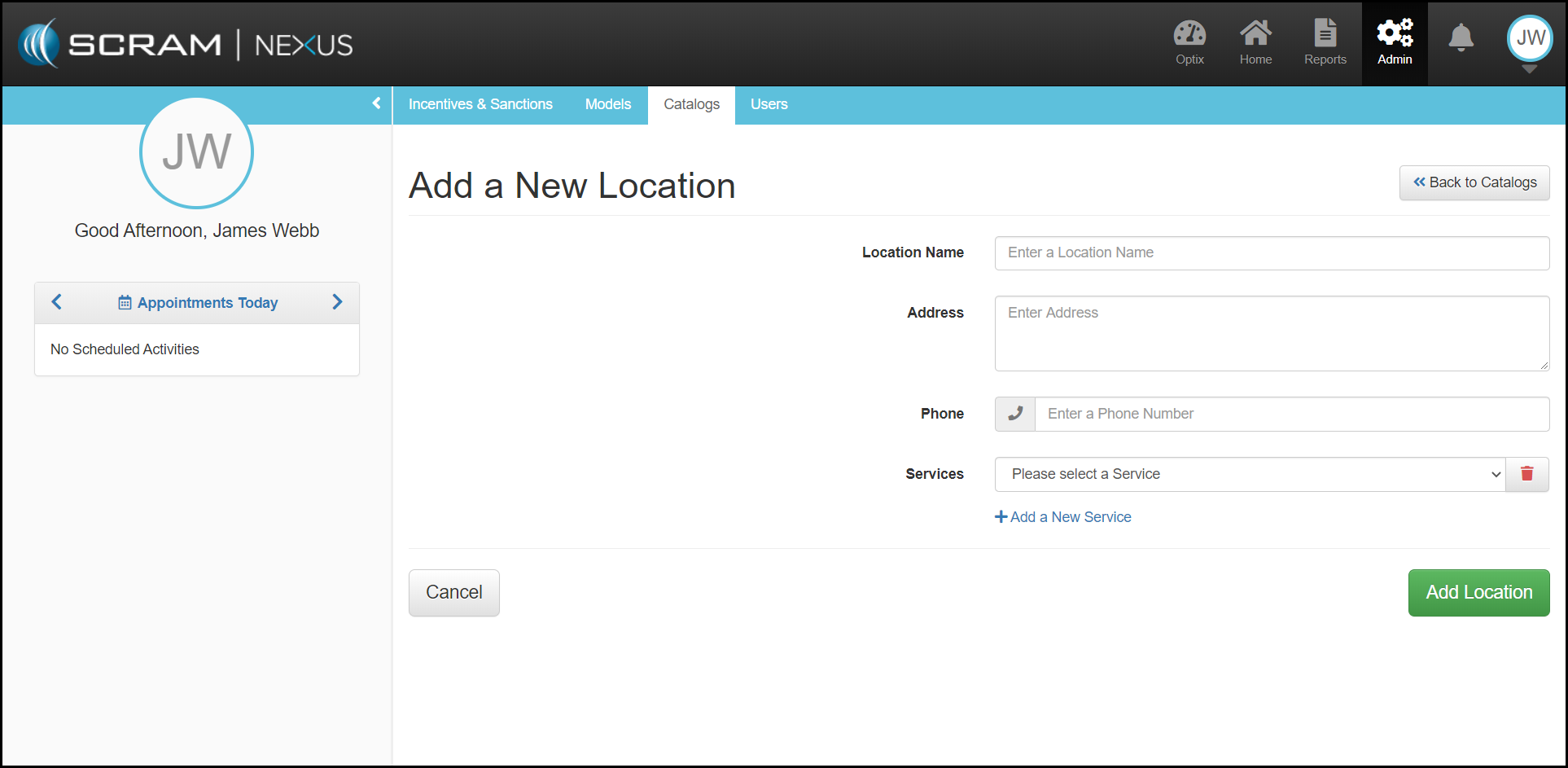
To add a new location:
- Select the Add a New Location button in the upper right corner.
- From the Add a New Location page, fill out the location information and select appropriate services provided from dropdown.
- To add a New Service not available from the dropdown. Click on the Add A New Service button.
- To complete, click Add Location button in lower right.
To Edit or deactivate a Location:
- Navigate to Location Details page.
- Select Edit.
- Once the changes have been made, click Save Changes.