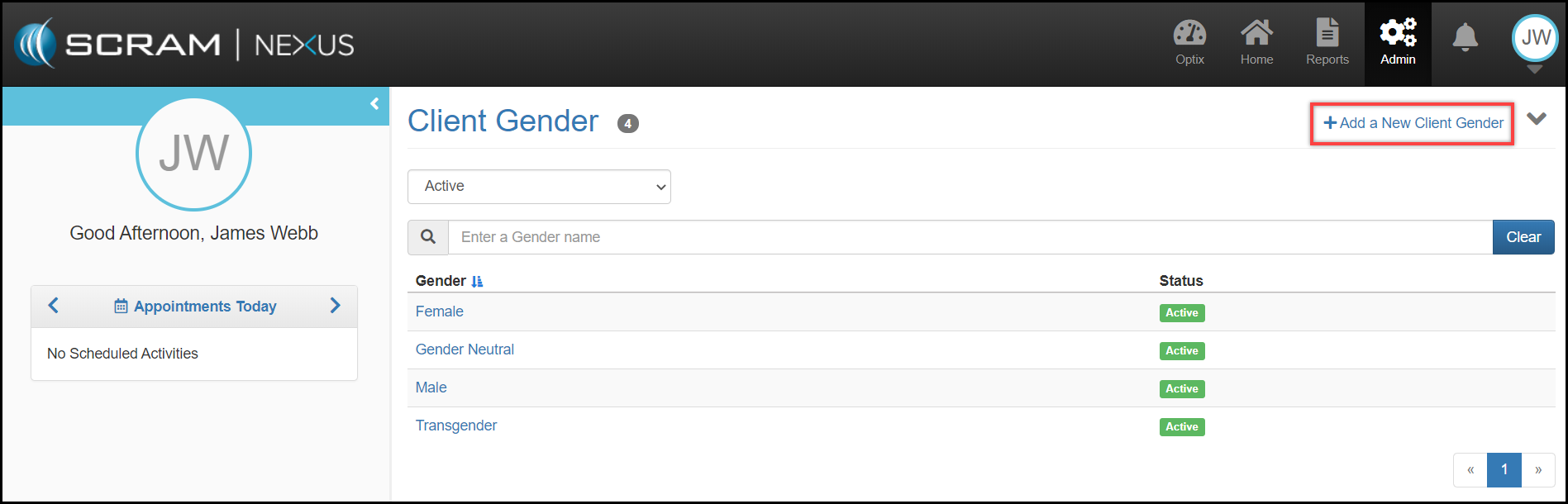
The Client Gender category provides a listing of all of the defined genders utilized by the department. While the system comes with a default setting of Male and Female, agency administrators can easily add additional categorizations by selecting the Add a New Client Gender button. From there an Add a New Gender page will open where an administrator can define a new Gender category by typing the description into the Gender text field and clicking the green Add Gender button.