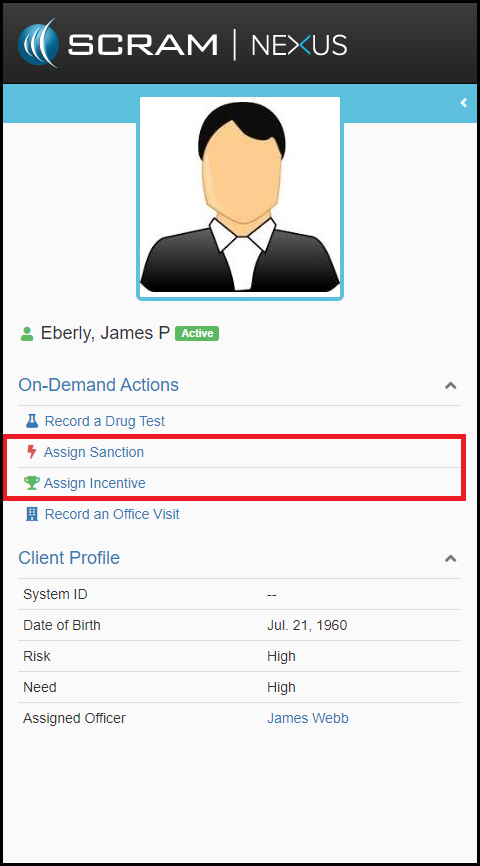
After selecting a client, users can quickly review the left navigation bar and from the On-Demand Actions button, select Assign Sanction.
Users will then be taken to the Assign Sanction (On Demand) page to issue the sanction. From there the officer can simply:
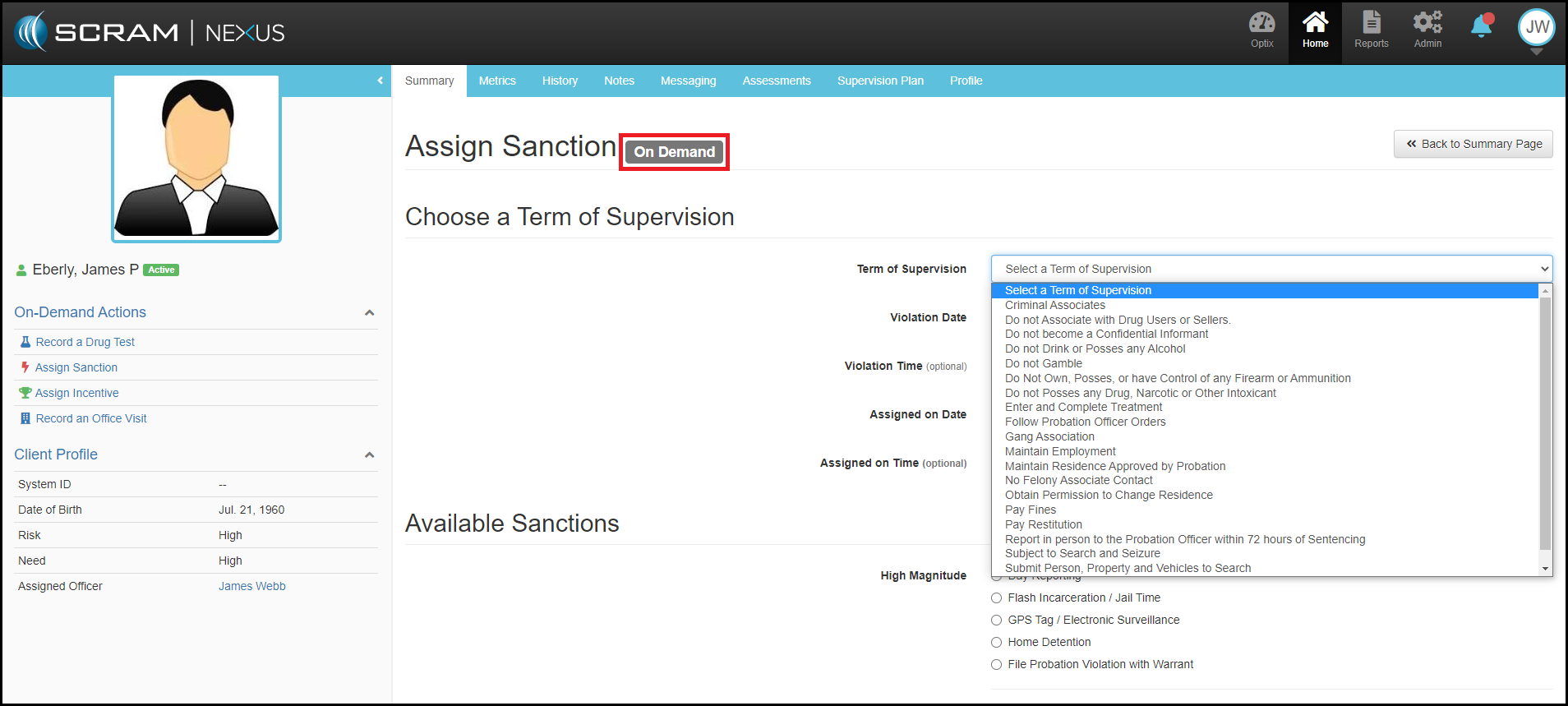
- Select from drop down “Term of Supervision” violated
- Select date of violation
- Optionally input time
- Choose from the available Sanctions
- And add any Notes to be recorded
- Click on green Assign Sanction button in lower right.