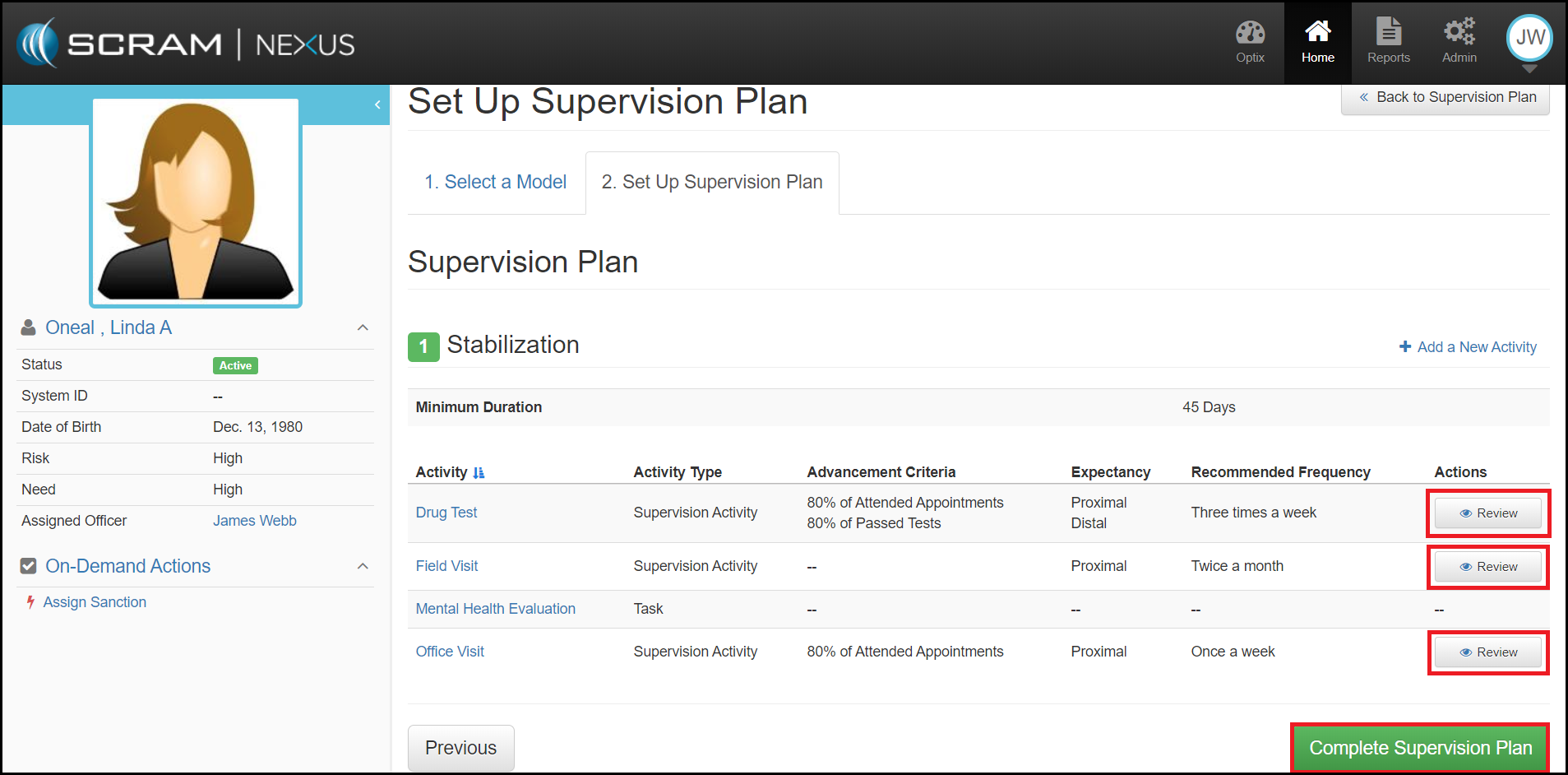
Step 4. Save Changes: From the Set Up Supervision Plan, hit the green complete supervision plan button. This will tie the model to the client and automatically populate their schedule with upcoming requirements and activities.
Step 4. Save Changes: From the Set Up Supervision Plan, hit the green complete supervision plan button. This will tie the model to the client and automatically populate their schedule with upcoming requirements and activities.