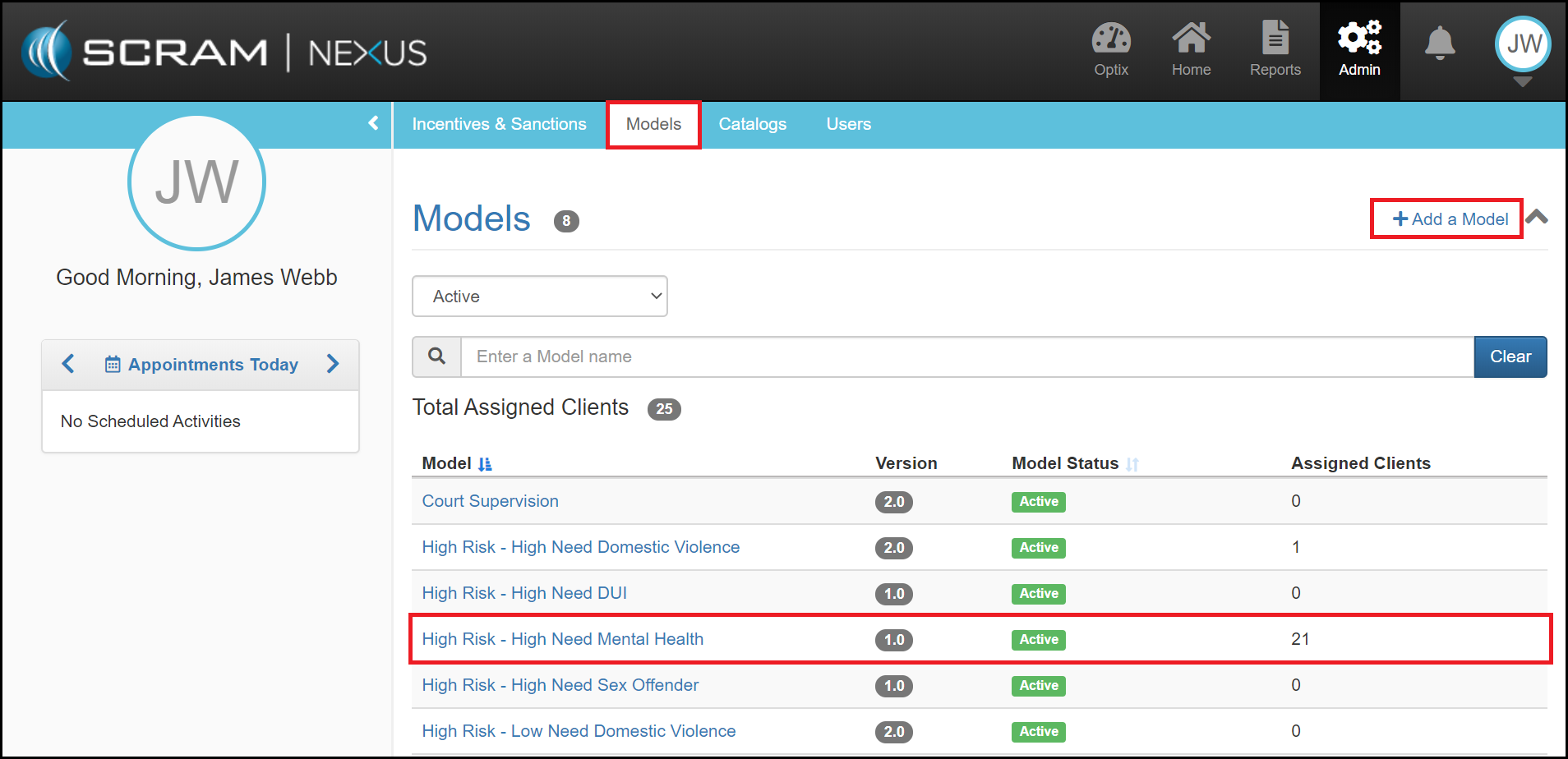
The Models tab provides an Administrative user the ability to create a Model and also displays a list of approved Models that can be assigned to a client. By selecting the Models name, you will be directed to the Models Details page where you will be able to manage the Model, see the Qualifying Groups and the Phases associated to the Model.
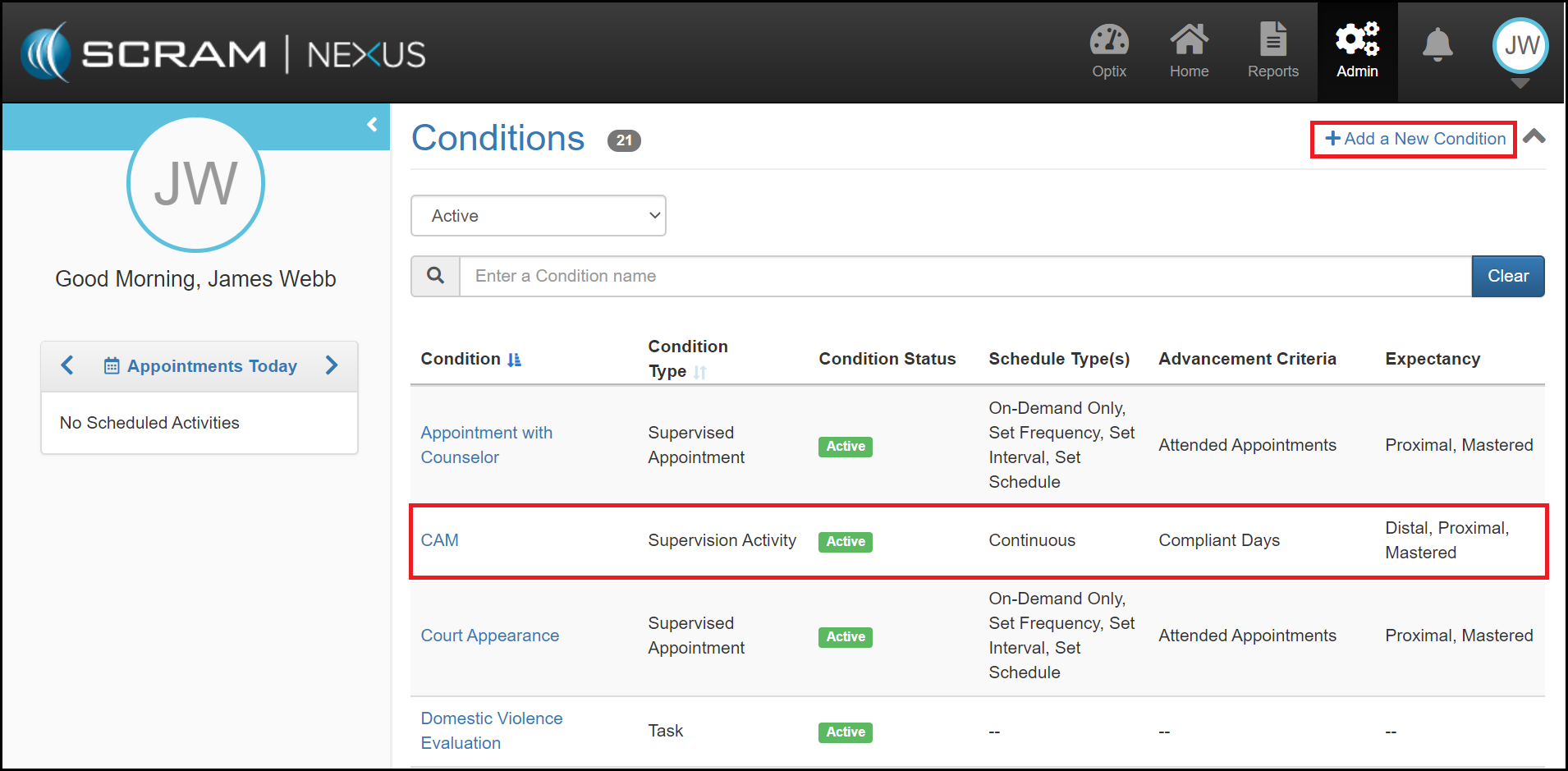
The Conditions section allows you to Add a New Condition and review a list of approved Conditions. The list represents the Activities that can be assigned to a Client through their supervision plan. When you select a condition name, you will be directed to the Conditions Details page where you can review or edit the specifics of the activity.