Use this page to check in the SCRAM Remote Breath Pro (RB Pro) device for a client that is being removed from the SCRAM Systems Program.
Stop Monitoring
Perform the following steps in SCRAMNET.
- Access the client’s Equipment page and select the Stop Monitoring button.
- On the Schedule when to Stop Monitoring page, select the option of:
- Stop monitoring now and check in equipment now. The RB Pro device status will update to “Pending Removal.” Once the device communicates with SCRAMNET, it’s status will update to “In Inventory.”
- Stop monitoring now and check in equipment later. The RB Pro device status will update to “Awaiting Return.” Once you have received the unit, select the “Move to Inventory” hyperlink to update the status to “In Inventory.”
- Schedule stop monitoring at a later date. The RB Pro device status will update to “Awaiting Return” on the designated date and time. Once you have received the unit, select the “Move to Inventory” hyperlink to update the status to “In Inventory.”
- Select the Complete Stop Monitoring button.
Once a device that is in an “Awaiting Return” status is received, select the “Move to Inventory” hyperlink on the client’s Equipment page to return the device to an “In Inventory” status.
Below is a comparison of the two inventory statuses:
| PENDING REMOVAL | AWAITING RETURN |
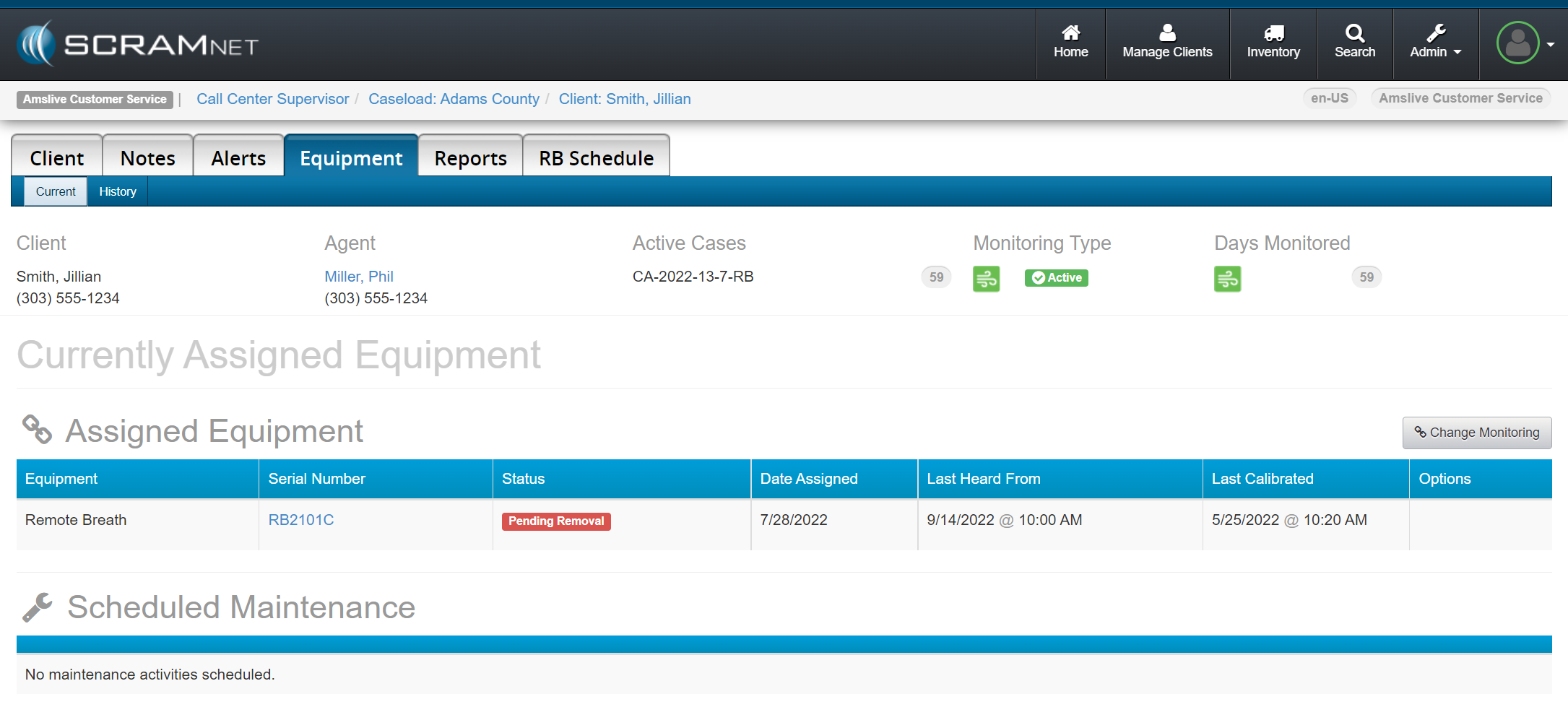 Pending Removal – click to enlarge |
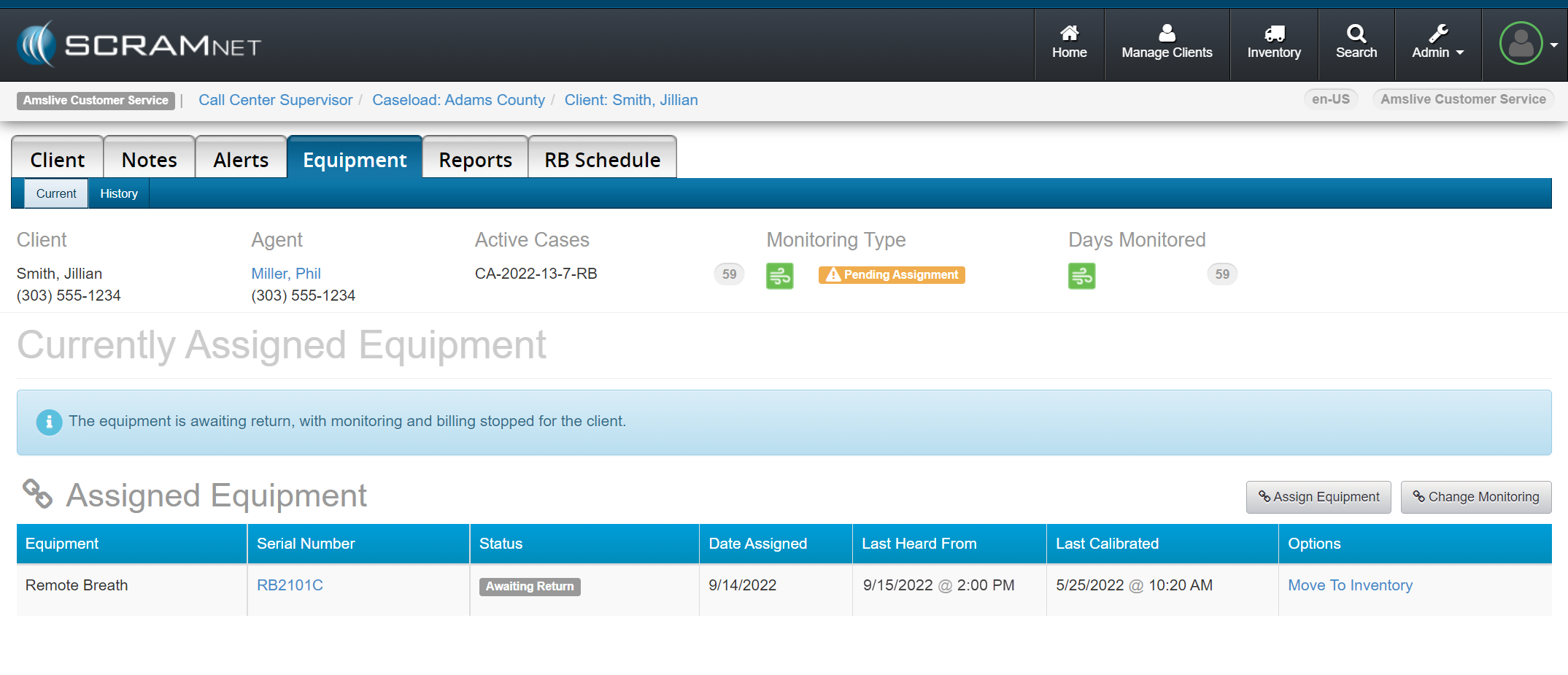 Awaiting Return – click to enlarge |
|
|
* Ensure the device is powered on, has a battery charge or is charging, and is able to communicate via the cellular network or WiFi.