The Reports tab in Optix provides users the ability to run a series of pre-configured program level based reports. Users simply select the appropriate Caseload and desired Date Range from the individual drop downs for each individual report and click on the green Get Report button to launch the report.
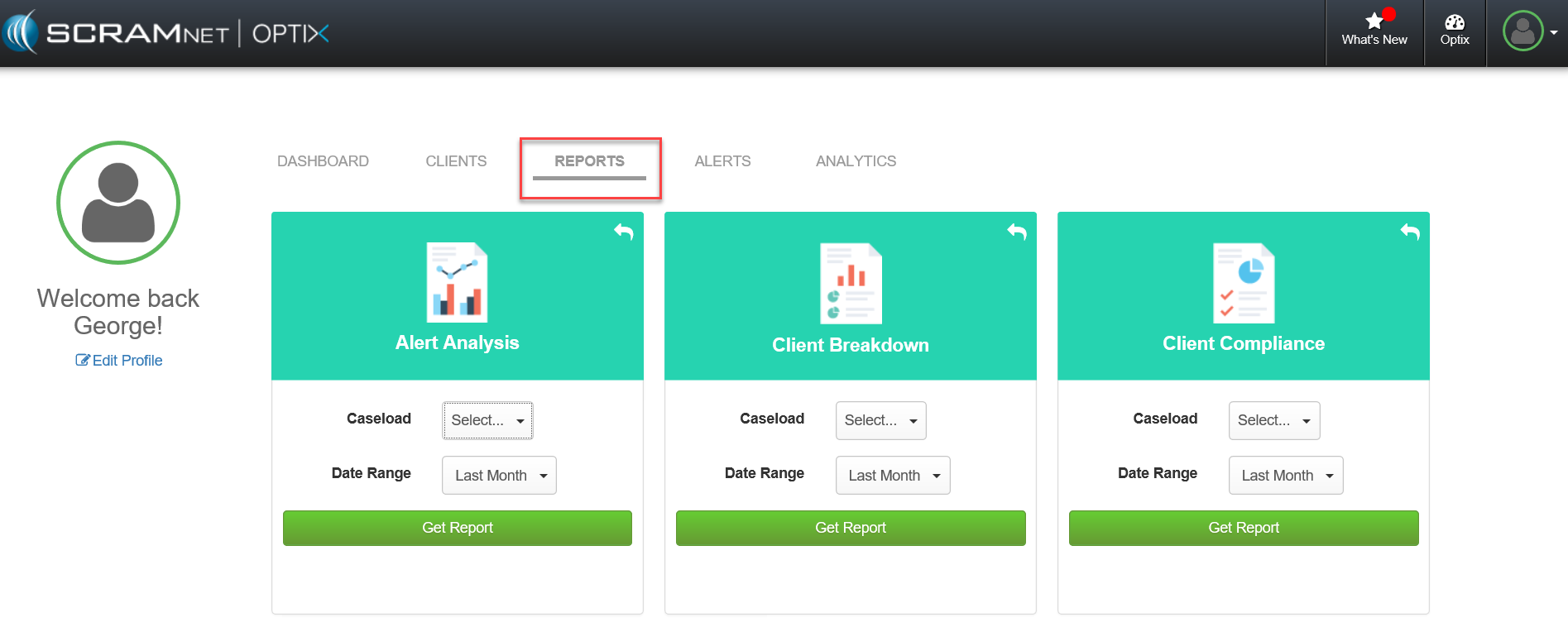
Optix Reports page (click to enlarge)