On November 18, 2021, the Change Monitoring button located on a new client’s Equipment page will display as “Assign Monitoring” until a monitoring type has been associated with the client. The updated verbiage on the button for this initial association to a monitoring type, more accurately reflects the action being completed for a new client.
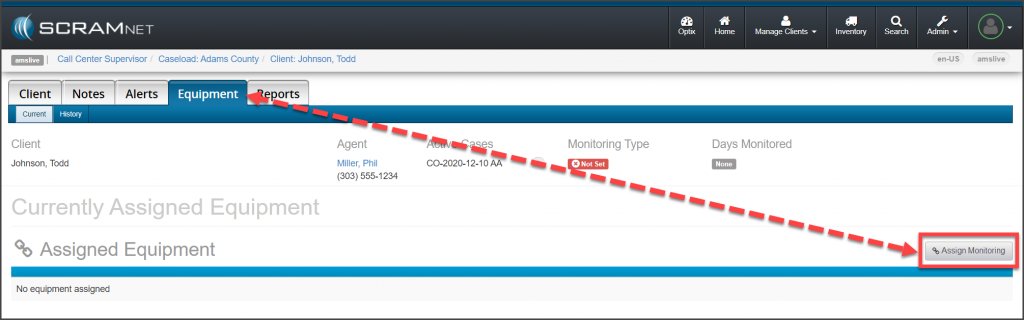
Once the initial association to a monitoring type has been selected, the button will display as Change Monitoring from that point forward.
The process of adding a monitoring type to a new client itself has not changed; this is just a simple verbiage update to the action button. To review the process of creating a client in SCRAMNET, select the hyperlinks below to navigate to the corresponding monitoring technology’s Help articles:
- SCRAM CAM US: Create Client in SCRAMNET
- SCRAM CAM UK: Assigning Equipment for CAM Monitoring
- SCRAM House Arrest: Create Client In SCRAMNET
- SCRAM Remote Breath: Create Client in SCRAMNET