If a session series requires a change, locate the session series in the Sessions calendar and open the series by selecting the session’s name:
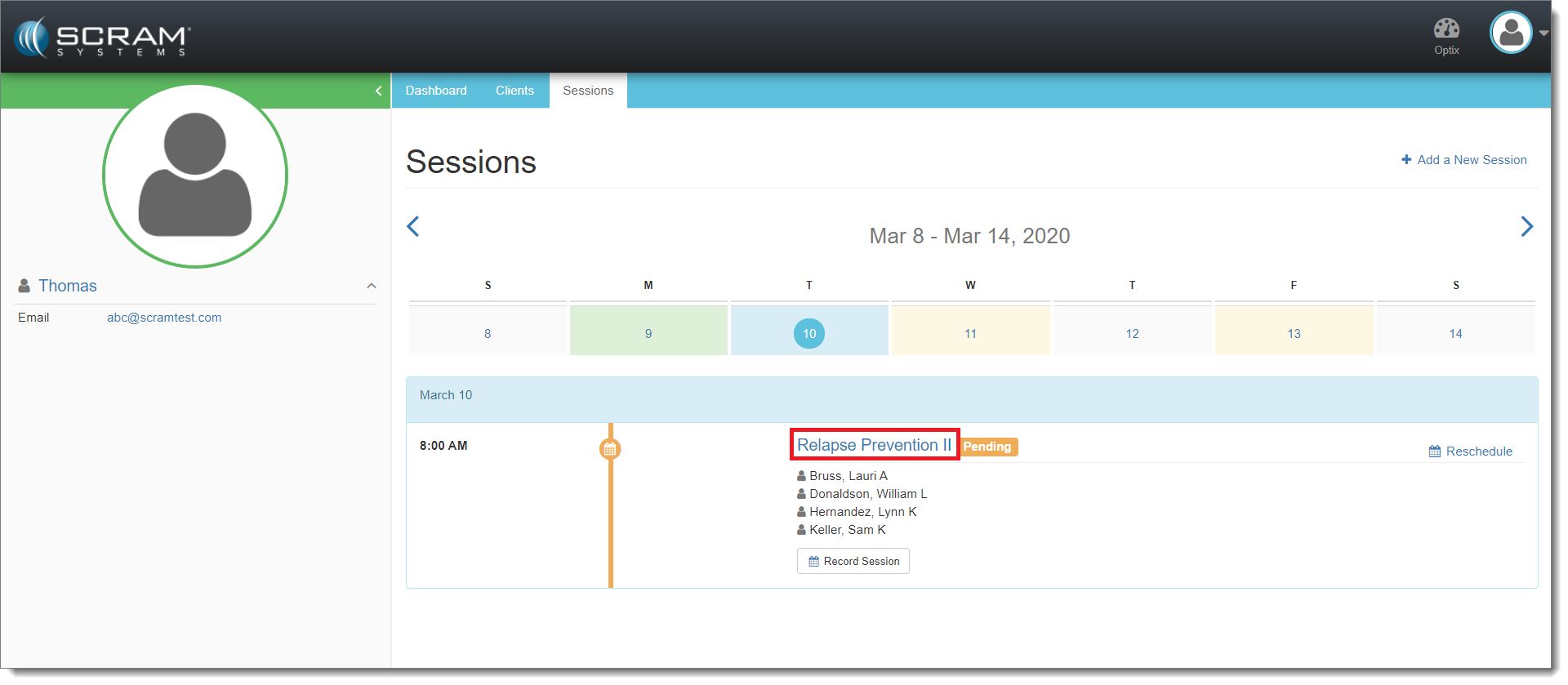
Select the Session (click to enlarge)
Once the session series is open, select Edit:
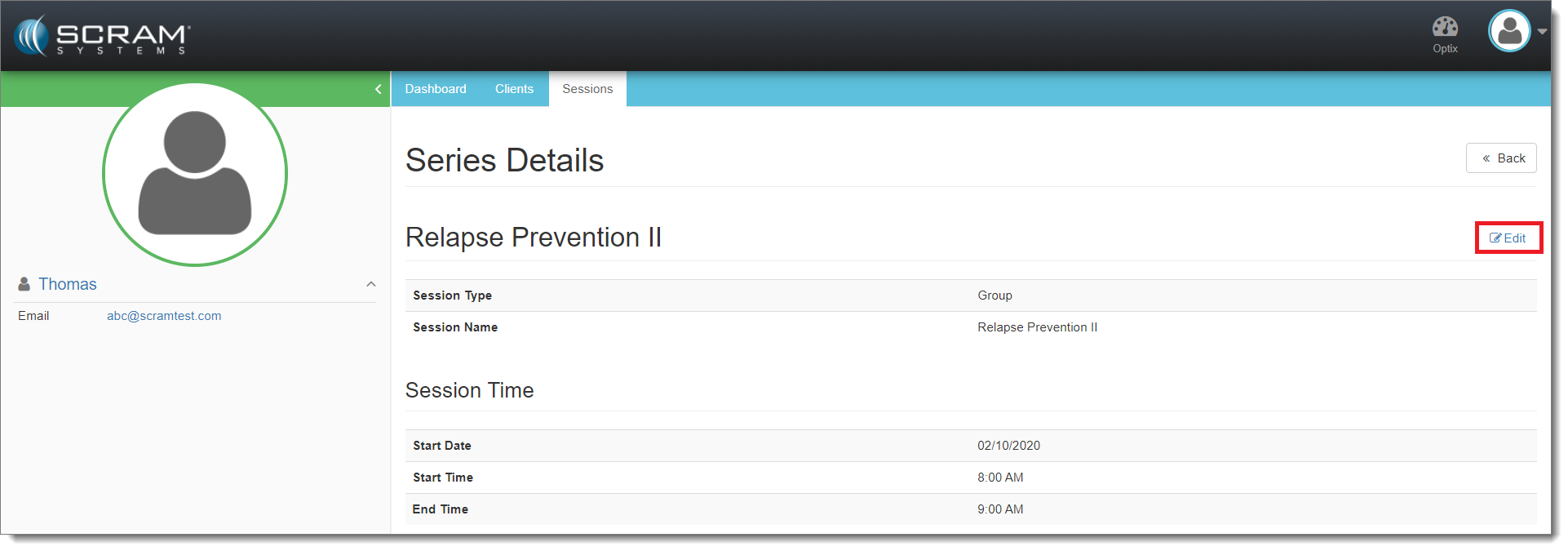
Select Edit (click to enlarge)
Make changes to your session series by adjusting the values in the appropriate fields:
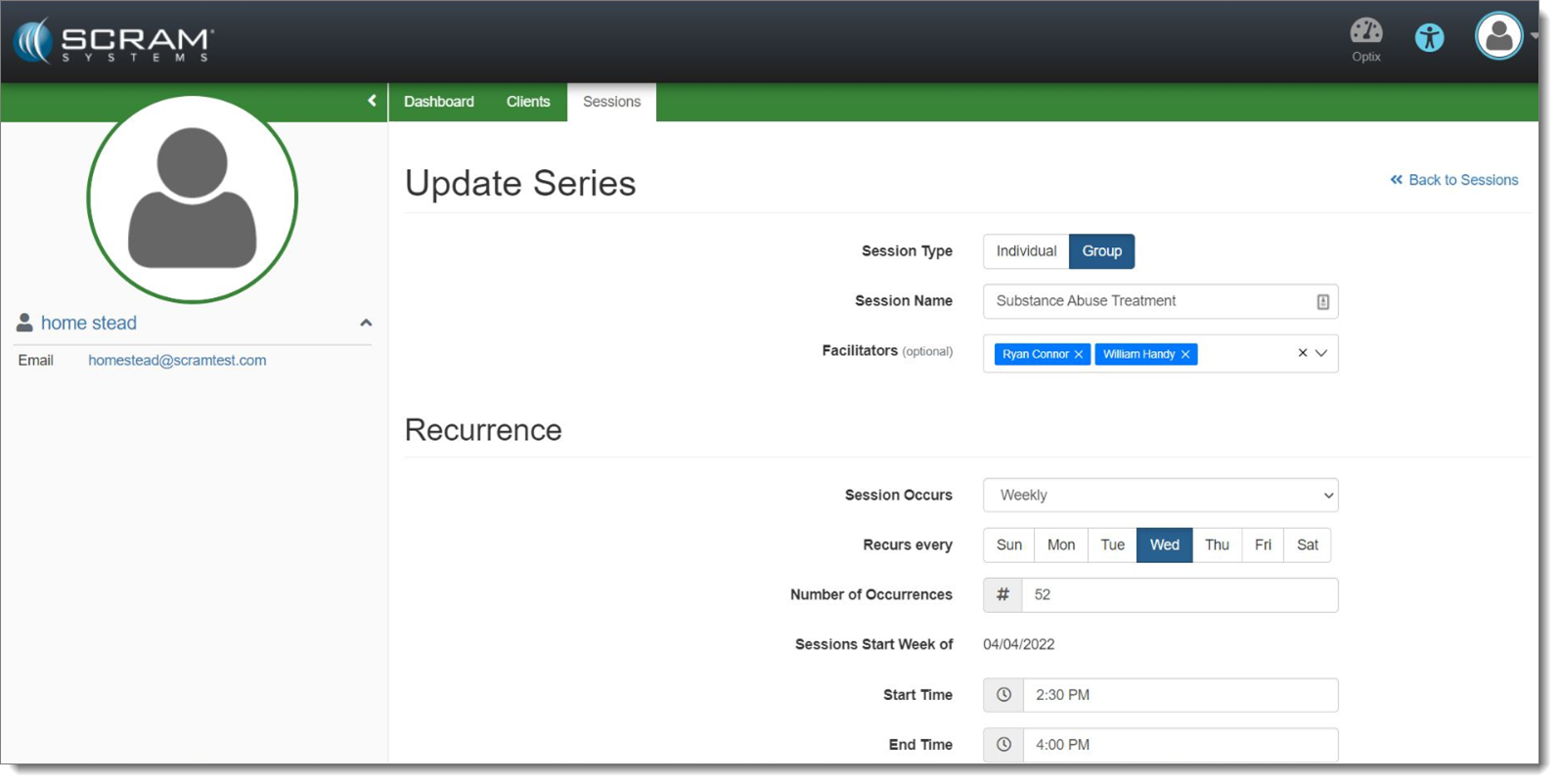
Edit the Appropriate Fields (click to enlarge)
When you are finished making changes to your session series, scroll to the bottom of the page and click Update Series.
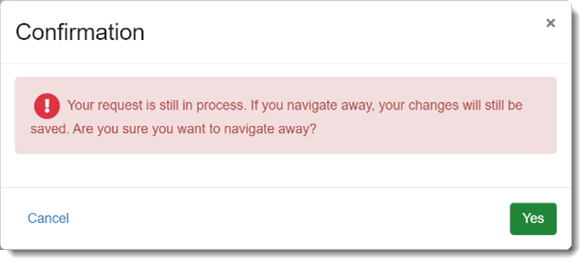
If you save a Session series and then attempt to navigate away from the page, you may receive a warning that your changes are still in process. This warning is intended as a safeguard to prevent you from creating a duplicate Session, or from making additional changes to the existing Session before the prior change is complete.