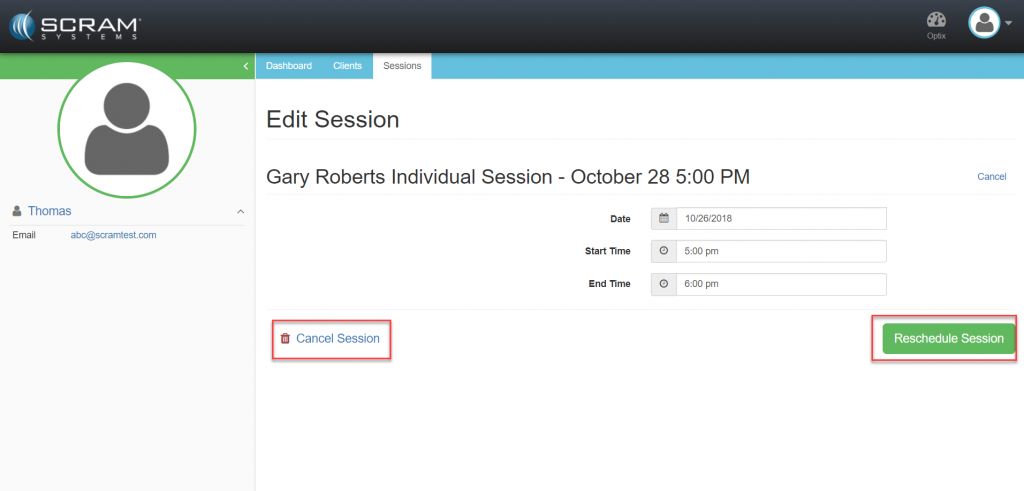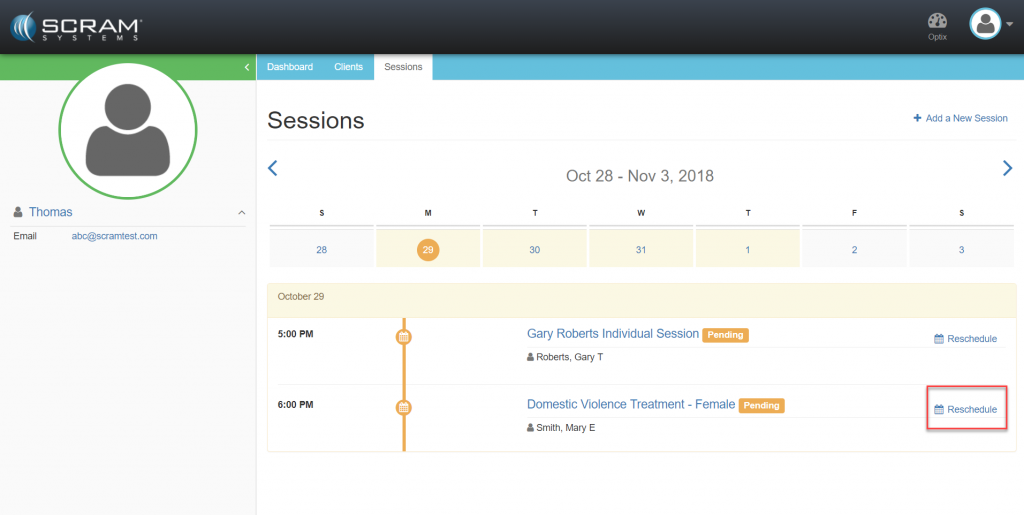
If a client individual session or a group session requires a One-Time Schedule Change:
- Locate the session in the session calendar.
- Click the Reschedule
- Select a new date. (optional)
- Select a start time.
- Select an end time.
- Click the Cancel Session (optional)
- Click the Reschedule Session