Treatment Provider Dashboard
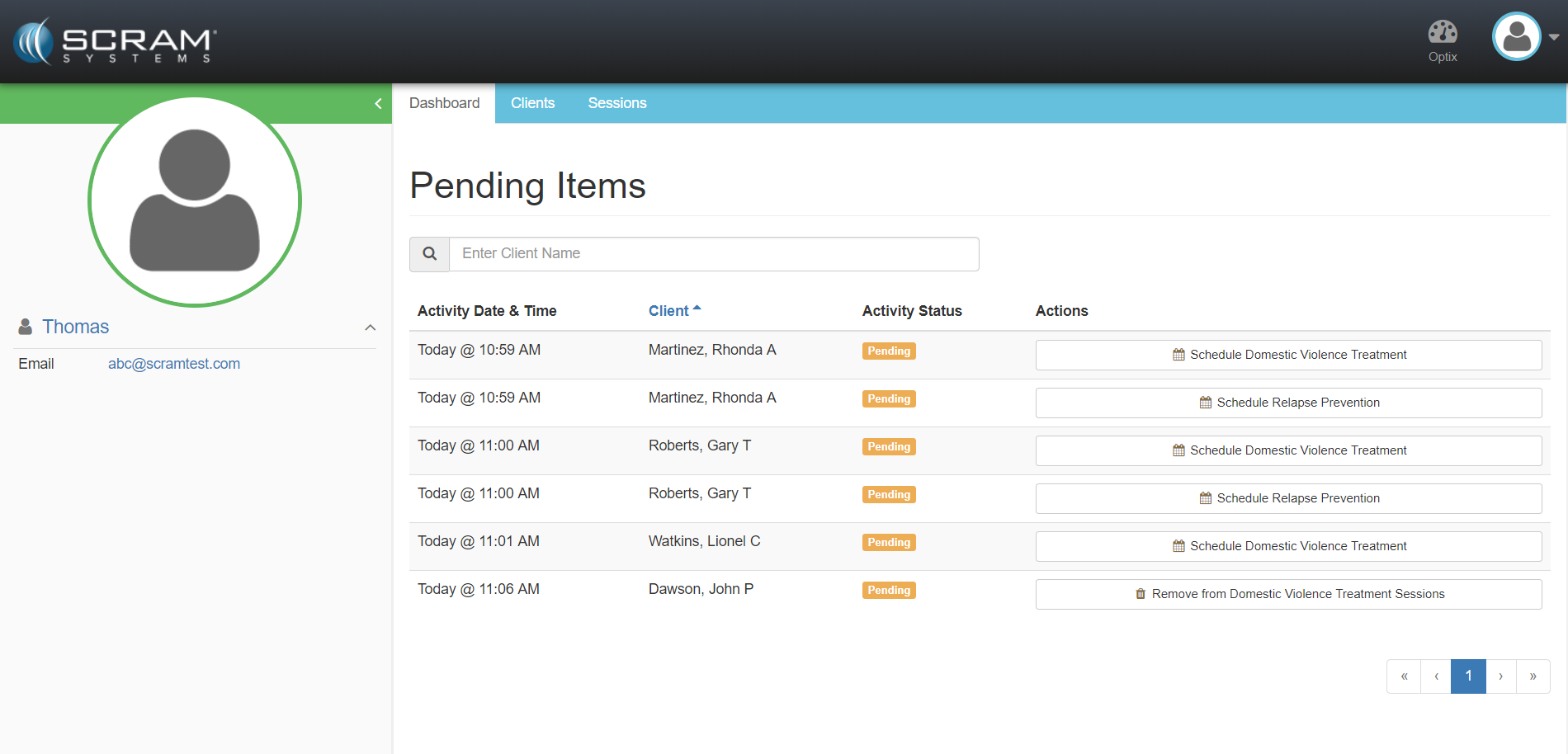
Upon log on, treatment counselor’s will be immediately presented with the Dashboard view. The Dashboard presents:
- Sidebar displays Provider Information
- Top Navigation Tabs
- Dashboard: Described below
- Clients: List of entire Nexus clients your treatment organization is providing service to.
- Sessions: Calendar view where session tracking can be launched
- Treatment Dashboard
- Pending Items:
- Referral for Treatment
- Removal of Treatment
- Search Client Pending Items
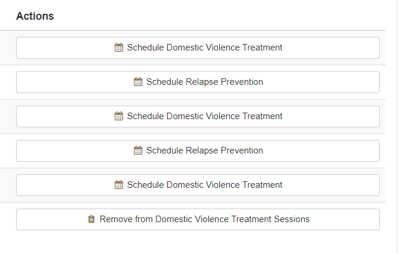
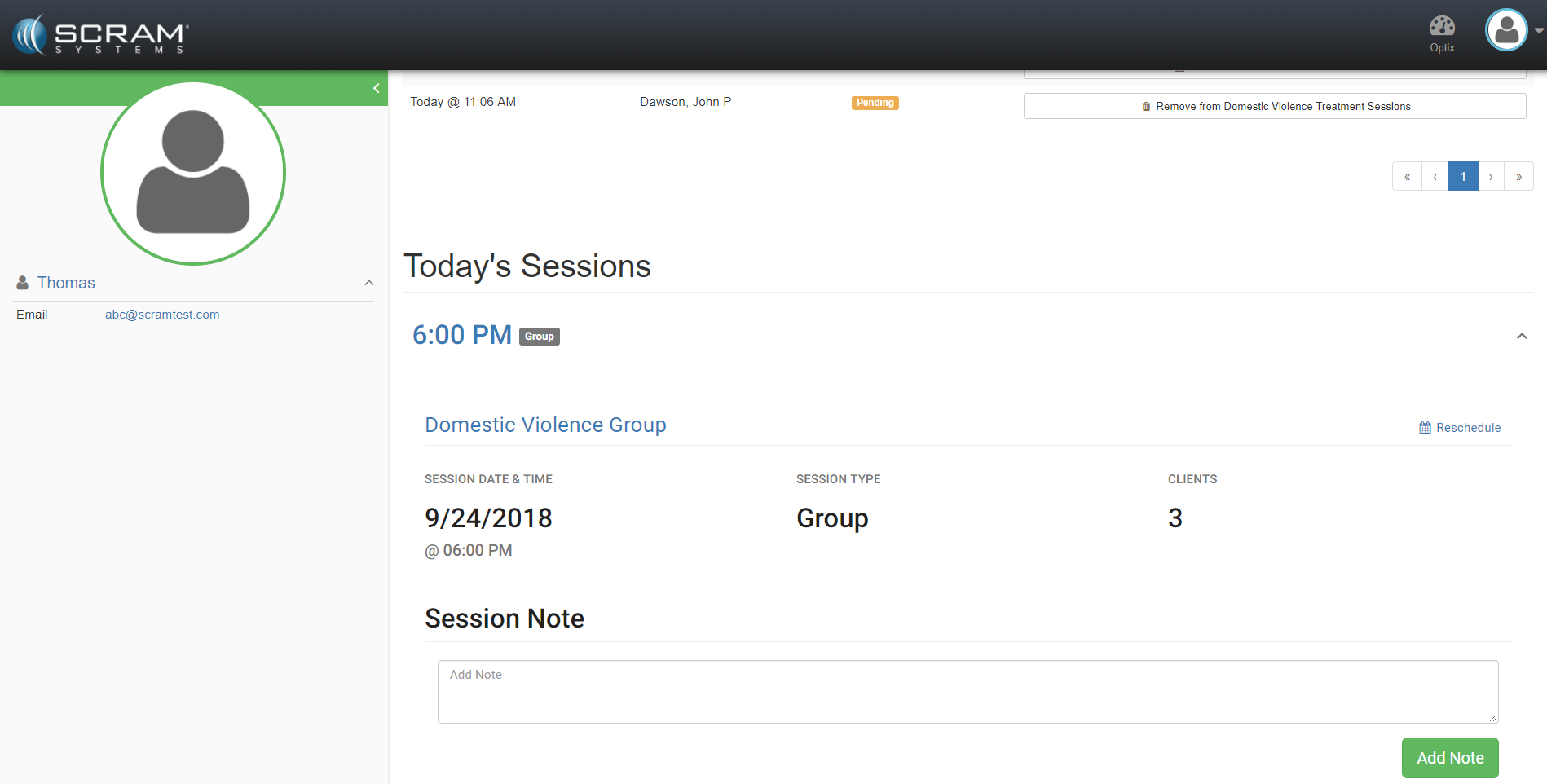
- Actions: View/Record/Reschedule Today’s Sessions
- Pending Items:
Note: A user can view/record/reschedule today’s sessions from the Dashboard or by clicking the Sessions tab and selecting the session from the session calendar.