To add a Client to an existing session, locate the session in the Sessions calendar and open the session by selecting the session’s name:
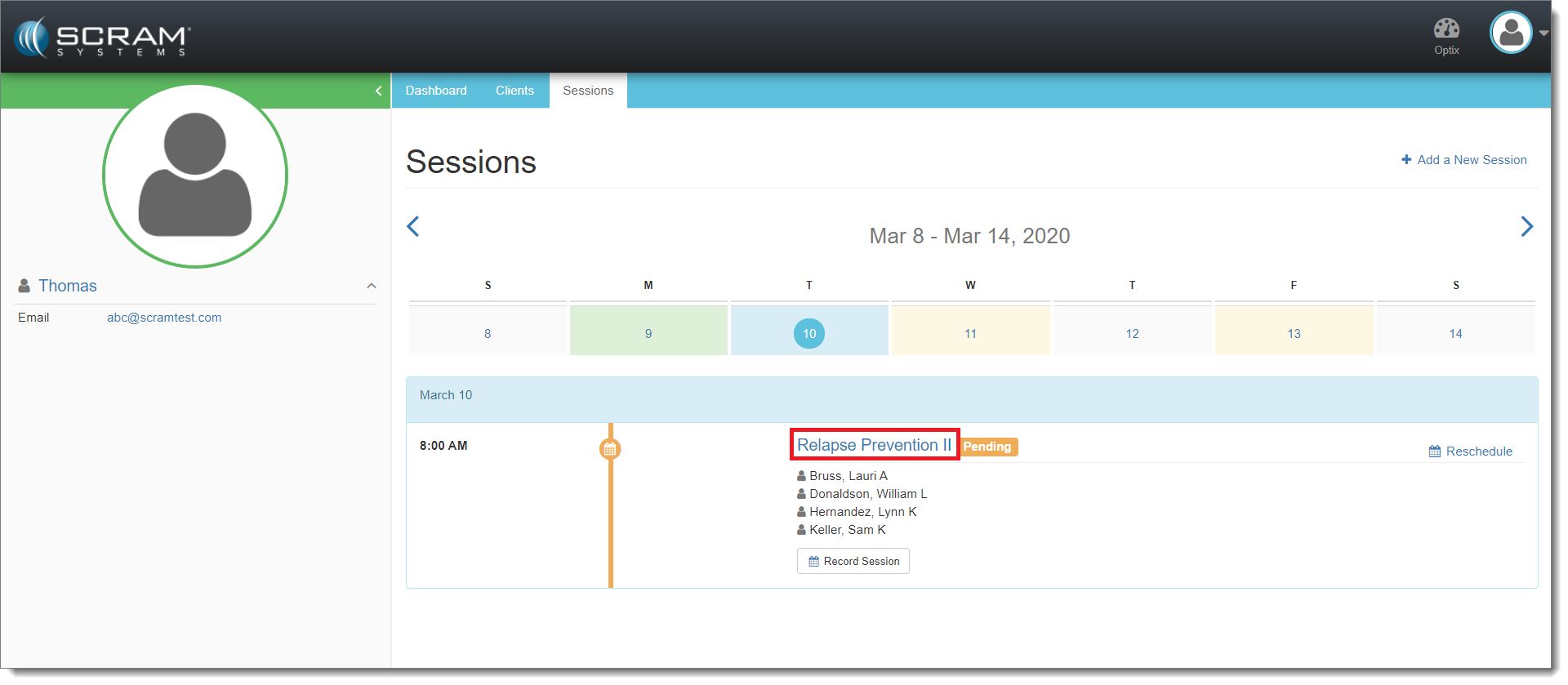
Select the Session (click to enlarge)
Once the session is open, select Edit:
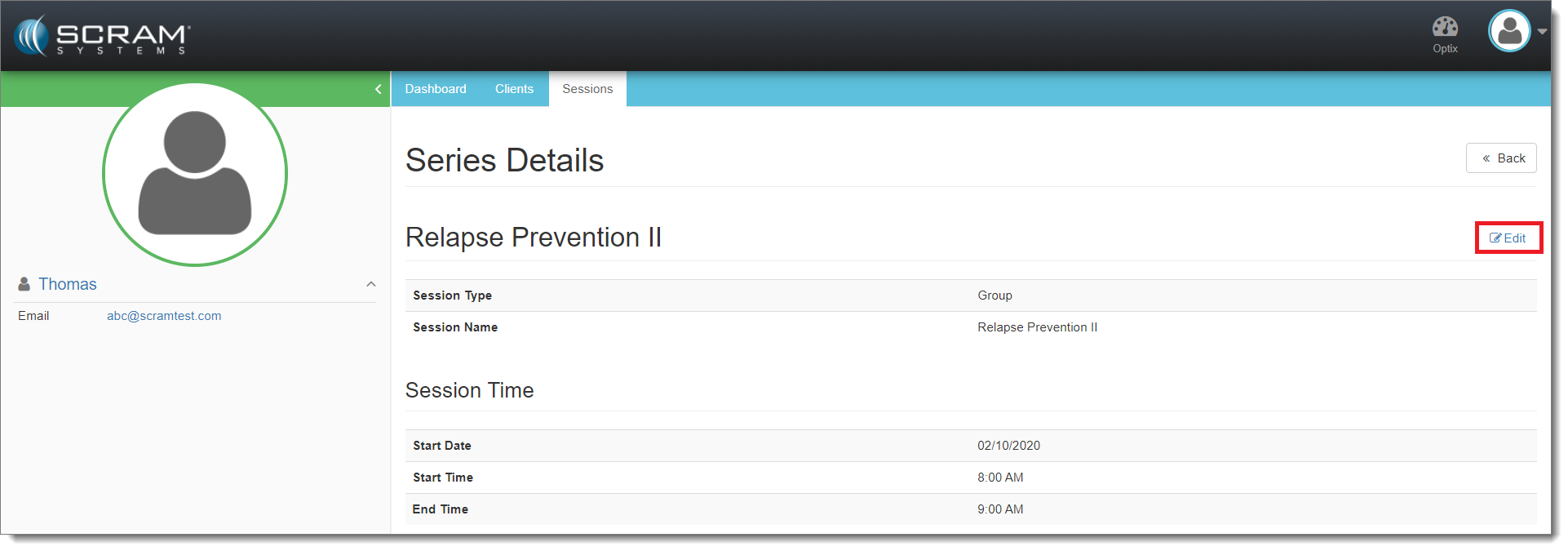
Select Edit (click to enlarge)
Next, select the desired client’s name from the Clients dropdown menu and then select the appropriate Activity:
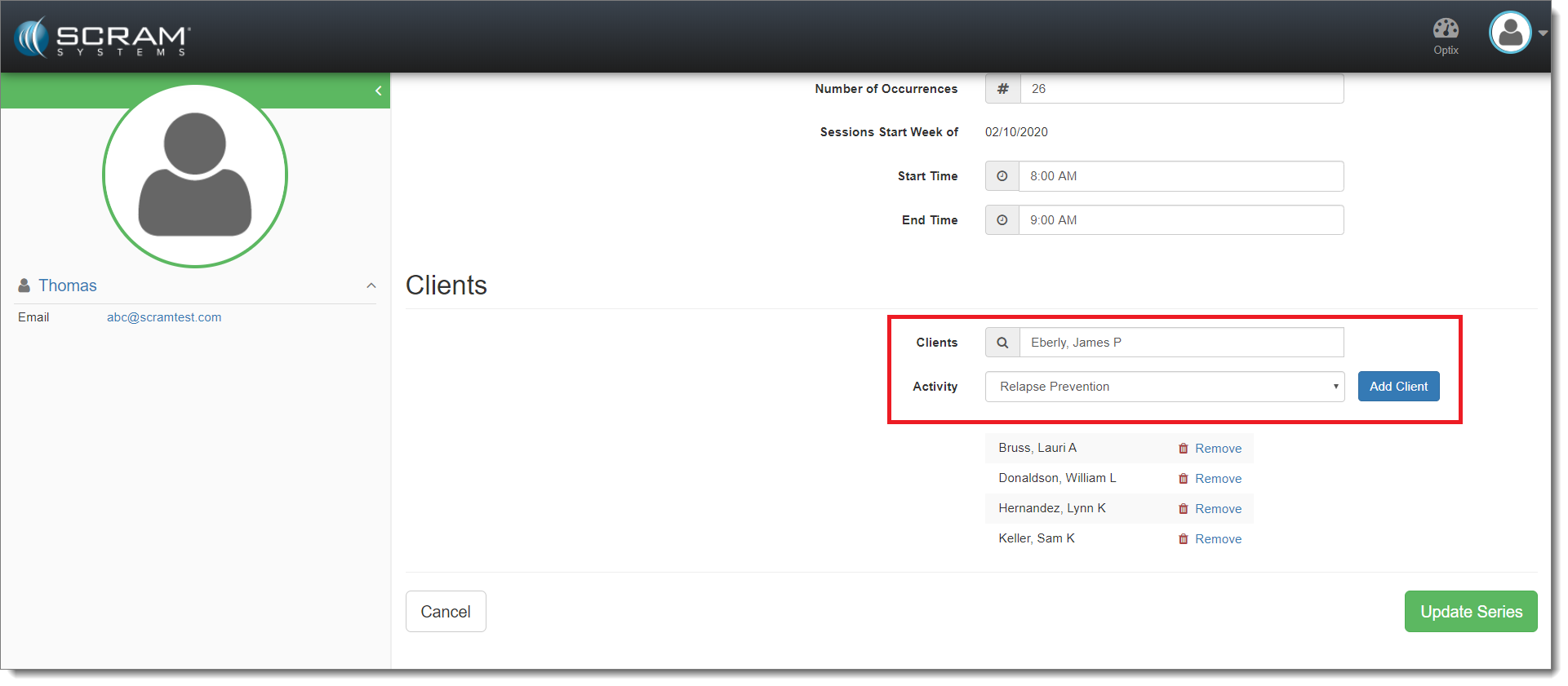
Add the Client and Activity (click to enlarge)
Next, select the blue Add Client button followed by the green Update Series button.
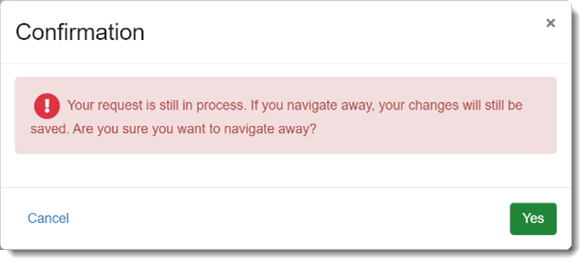
If you save a Session series and then attempt to navigate away from the page, you may receive a warning that your changes are still in process. This warning is intended as a safeguard to prevent you from creating a duplicate Session, or from making additional changes to the existing Session before the prior change is complete.