Effective September 22, 2020, SCRAM Systems® will release four new updates for your SCRAM TouchPoint™ caseload. Updates included in this release:
- A New TouchPoint Tile Icon
- New Document Shared Confirmation Banner
- New Notification Badge for a Received Document in the SCRAM TouchPoint App
- New SCRAM TouchPoint Client Self Help Link
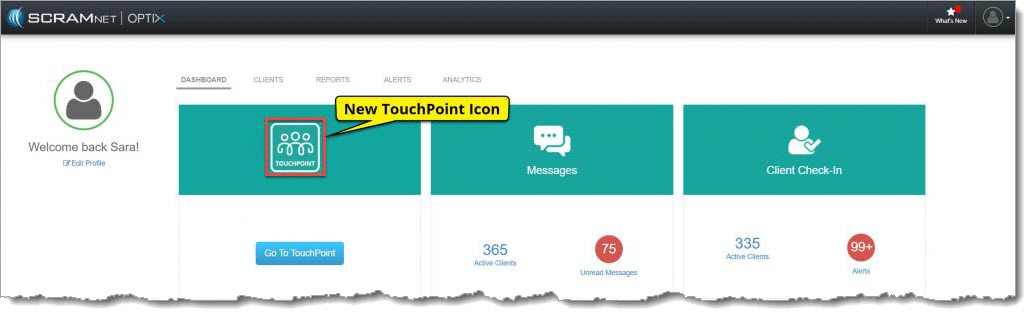
New TouchPoint Tile
The TouchPoint tile on the SCRAM OPTIX® Dashboard has a new icon. The administrative functionality remains the same. Click on the Go To TouchPoint button within the tile, to open the Manage TouchPoint page. From here, access the Manage Check-In information and the Messaging Text to All feature.
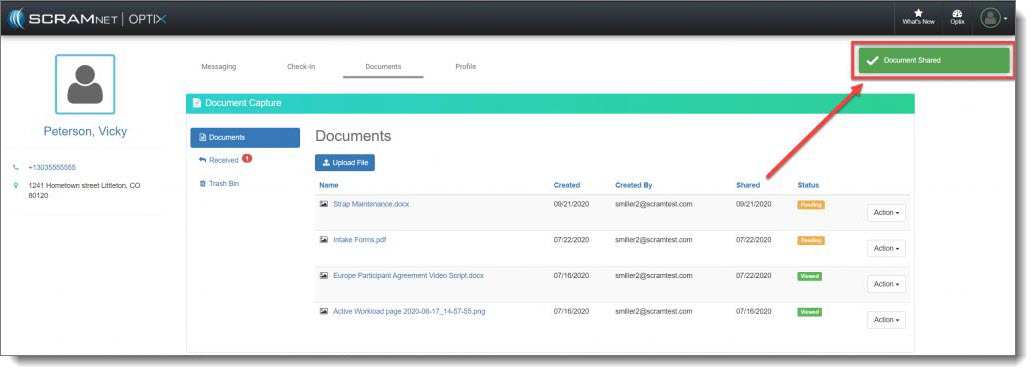
New Document Shared Confirmation Banner
On the client’s Document page, once you have uploaded a document and then selected the Share option, a green Document Shared verification banner will display on the top of the screen confirming you have successfully shared the document with your client.
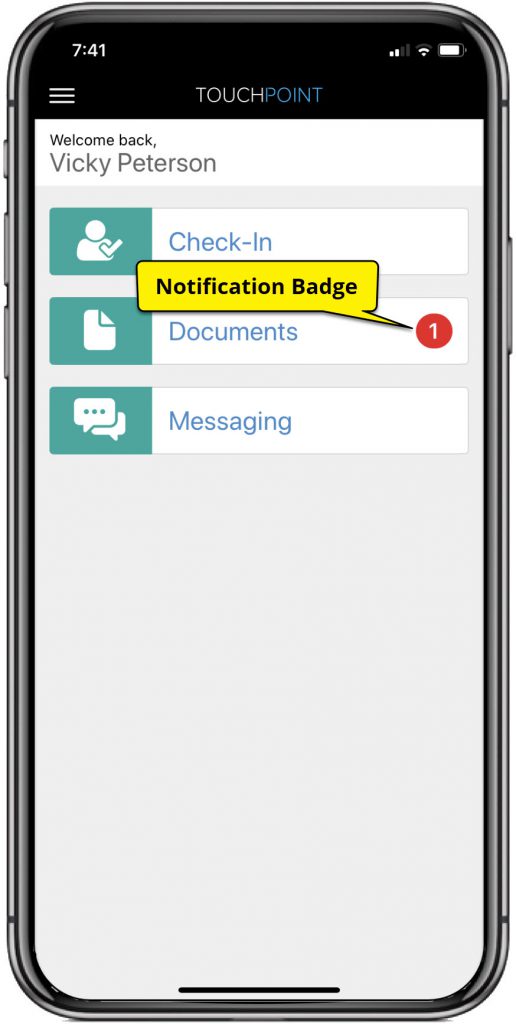
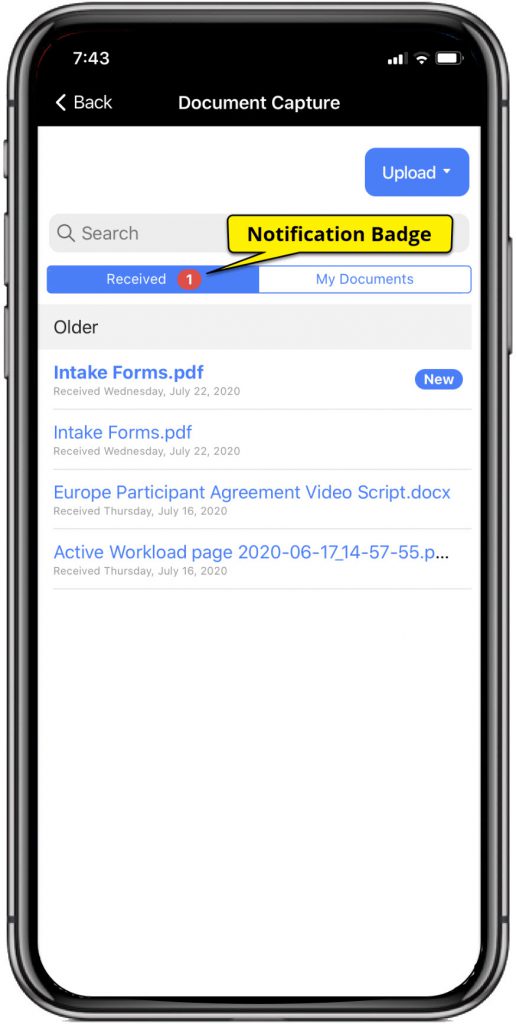
New Notification Badge for a Received Document in the SCRAM TouchPoint App
After sharing a document from the client’s Document page in SCRAMNET OPTIX, the Documents tile within the client’s app will display a red notification badge. In addition, when the client taps the Documents tile, the Received tab will also display a red notification badge alerting them to a new document shared by you.
 |  |
SCRAM TouchPoint App Client Self Help
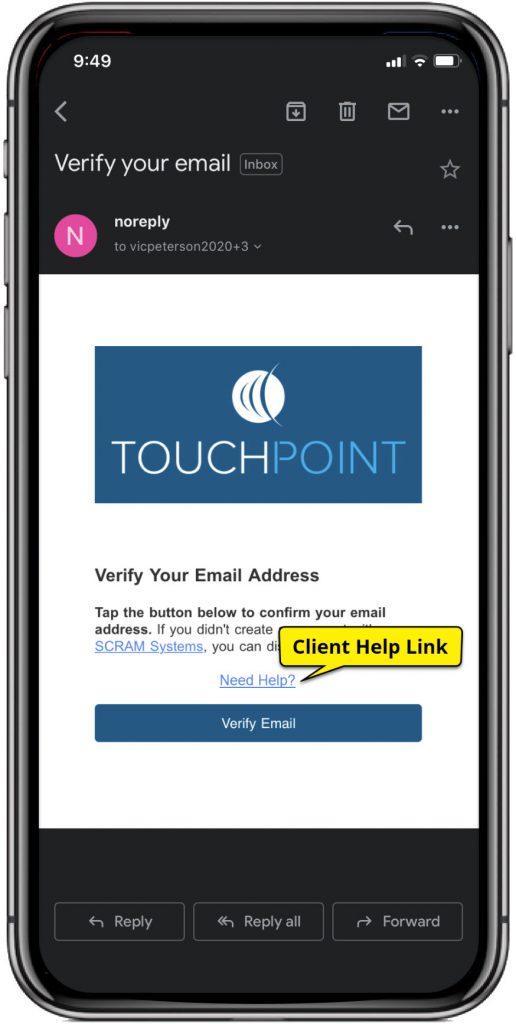
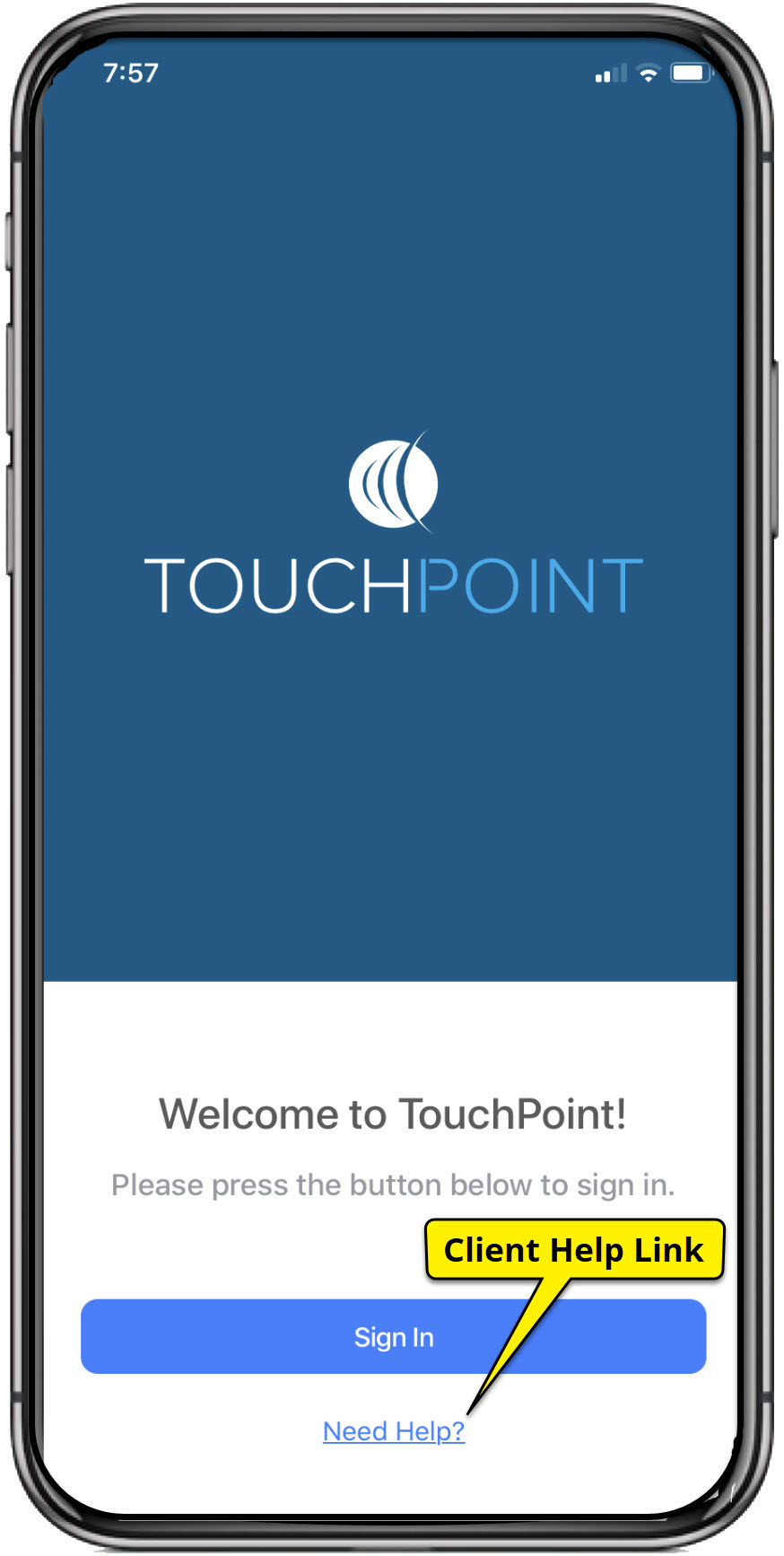
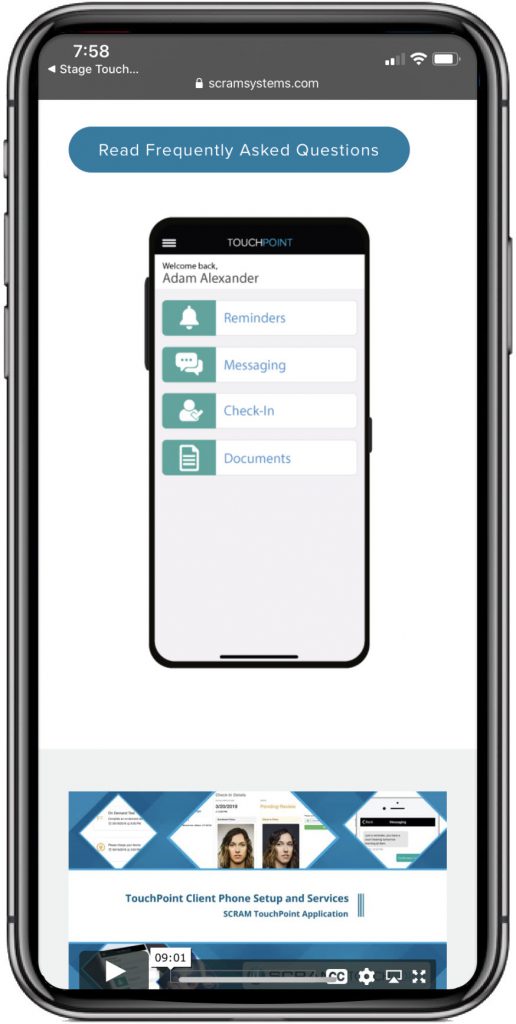
Your TouchPoint clients can now access the Client TouchPoint Installation document, video installation instructions and Frequently Asked Questions document by selecting the Need Help? link located on the email entitled Verify Your Email Address, and on the SCRAM TouchPoint app Sign In screen.
Tap the Need Help? link, to open the support page where the documents and video can be found.
 |  |  |
Feedback
As always, please feel free to contact SCRAM Systems Customer Services at 1-303-785-7879 with any recommendations for system improvements.