Once installed, access the SCRAM Direct Connect program from your Windows desktop as follows:
- Select Start
 , and then scroll through the alphabetical list on the left until you locate the “SCRAMNET” folder
 - Select the SCRAMNET folder to open it and reveal the
 Direct Connect V2 program
 - Select the Direct Connect V2 program to launch it
And that’s it!
Direct Connect V2 uses your Microsoft Windows login credentials to automatically log you in:
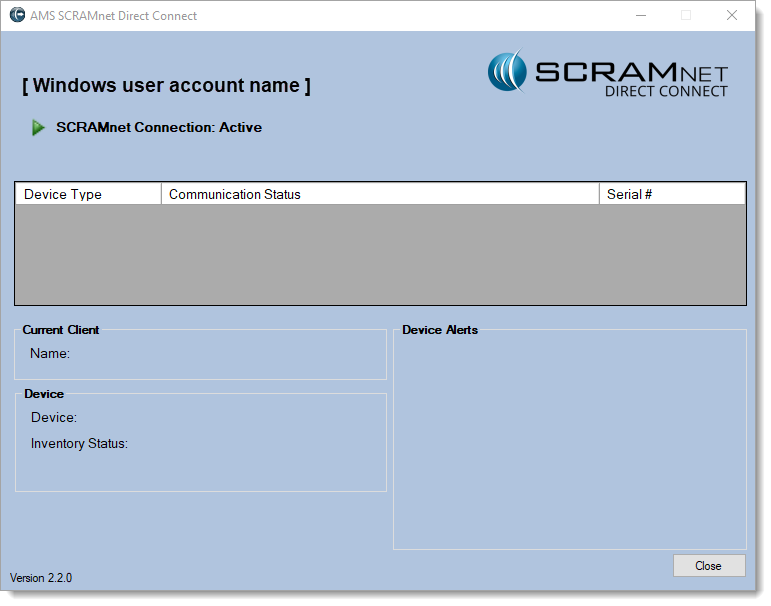
Direct Connect Application (click to enlarge)
 |
TipAny time you use Direct Connect to retrieve and upload device data, perform device maintenance, or to change a device’s assignment or inventory status, the event will be logged in SCRAMNET with the Windows User ID of the account used to access the Direct Connect program. For this reason, SCRAM Systems strongly recommends each individual agent uses their own Windows account to access the Direct Connect software, as opposed to a common or general account login. This will ensure the continuity and accuracy of recordkeeping for each client’s monitoring program. |