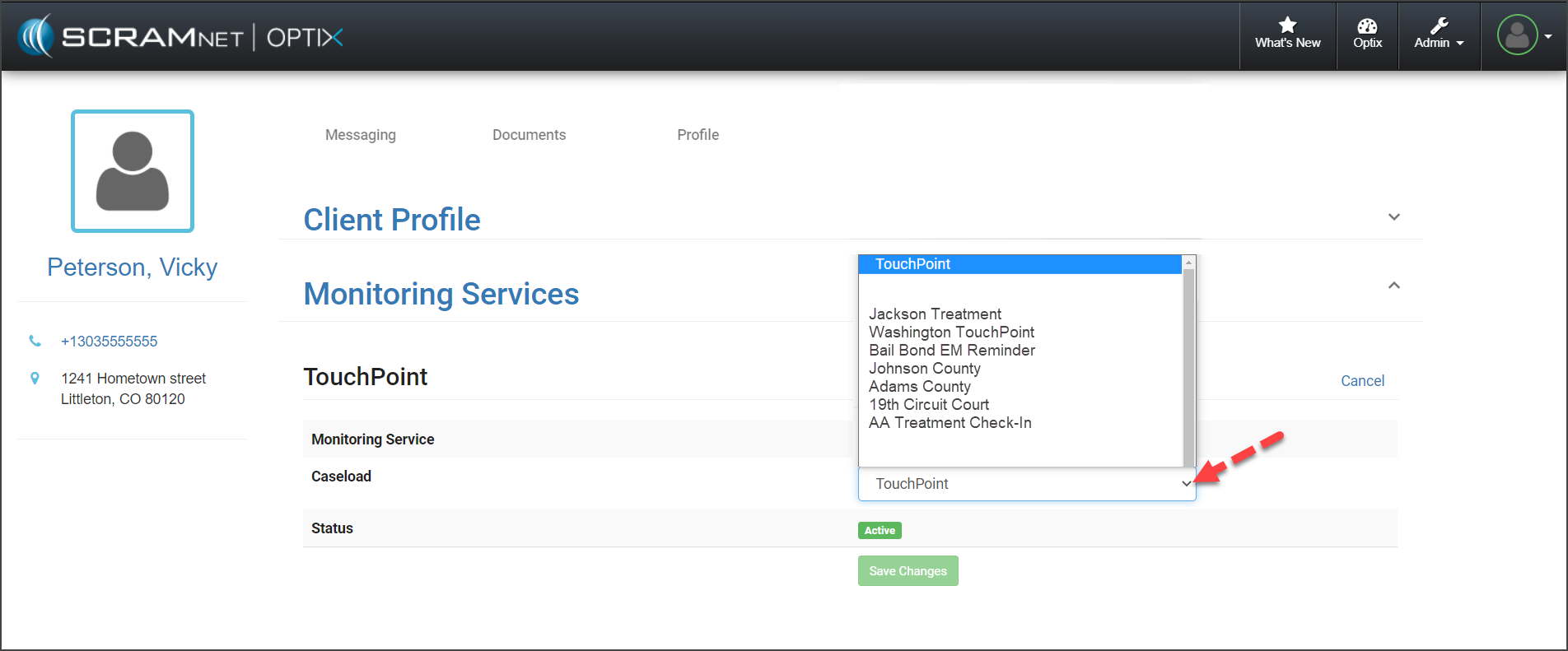
On December 17, 2020, SCRAM Systems® will release the new transfer client feature in SCRAM OPTIX™ for your SCRAM TouchPoint™ caseloads. With this new feature, you will be able to transfer a TouchPoint client to a new TouchPoint caseload for monitoring. Here is how it works.
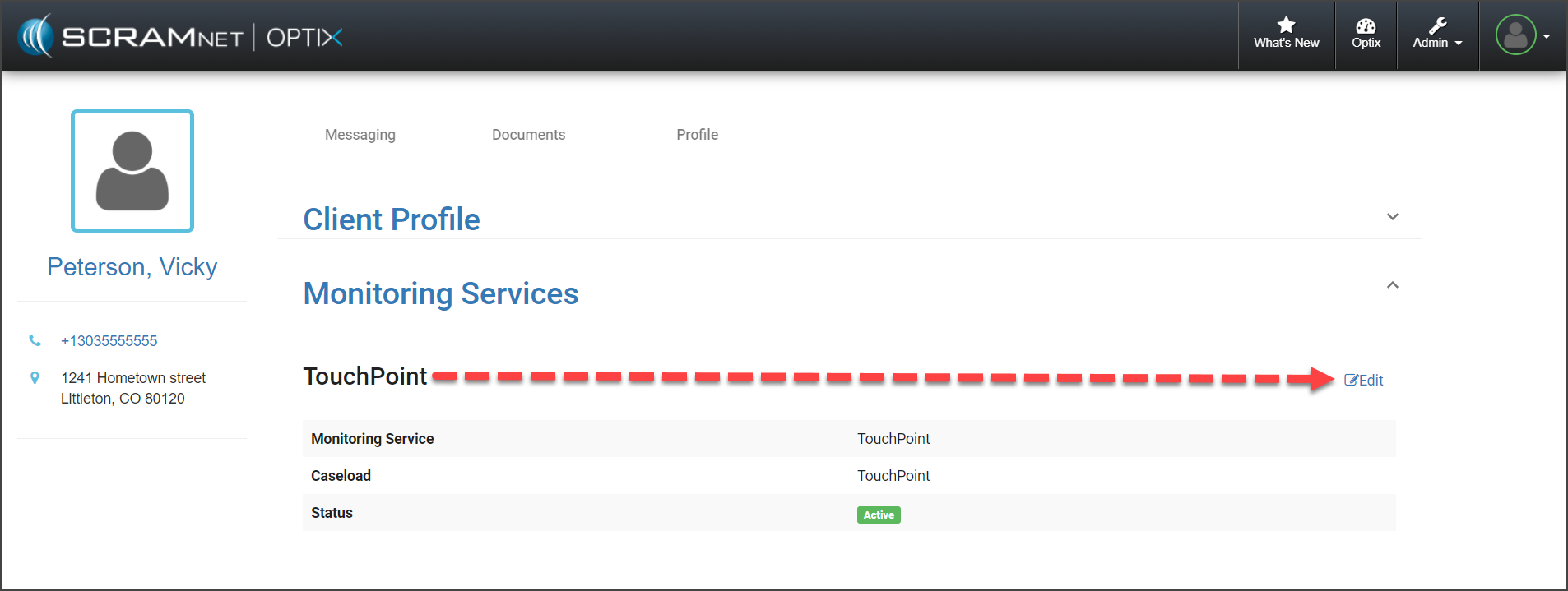
Once a TouchPoint client has been added into the system, you are able to transfer the client to a new TouchPoint caseload by selecting the Edit link next to the Monitoring Services on the client’s OPTIX Profile page.
To view step-by-step instructions on how to transfer a client to a new caseload, click here.
TouchPoint Caseload Management
To ensure you can transfer a client from one caseload to another, the services enabled for the caseload the client will be transferred into must be identical to the services enabled in the caseload the client is currently in. This is true even if the client is not enabled for all the available services.
As a best practice, SCRAM Systems recommends you enable all TouchPoint services for all of your TouchPoint caseloads. Keeping the services consistent across all caseloads ensures there will not be any issues when you transfer a client to a different TouchPoint caseload for monitoring.
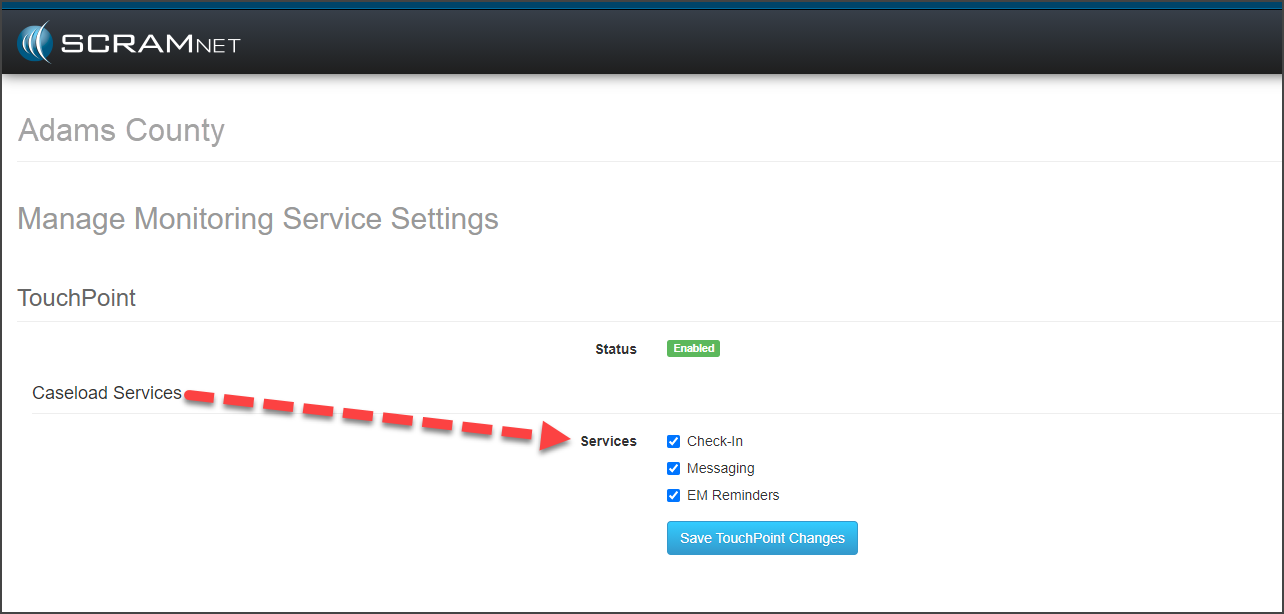
To view information on creating a TouchPoint caseload or how to update a current caseload, click here.
Feedback
As always, please contact SCRAM Systems Customer Service with any recommendations for system improvements.