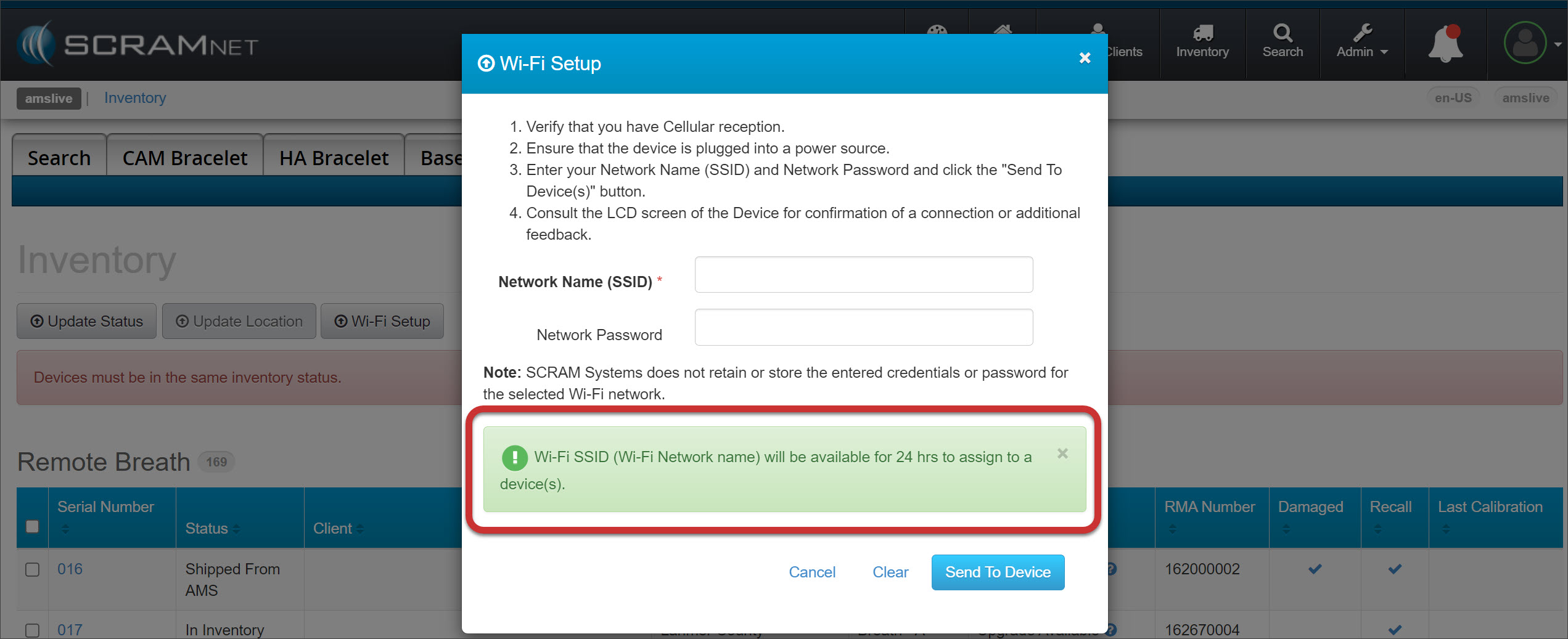
On September 6, 2023, SCRAM Systems® will release an enhancement to the SCRAMNET Inventory page, which will enable you to connect multiple Remote Breath Pros and Wireless Base Stations to your location’s Wi-Fi network simultaneously.
Once connected, the devices will automatically reconnect to this persistent Wi-Fi network when in range. Connecting to a Wi-Fi network may speed up the assignment, firmware upload, and check-in processes at locations with poor cellular network connections.
Multiple Wi-Fi Setup
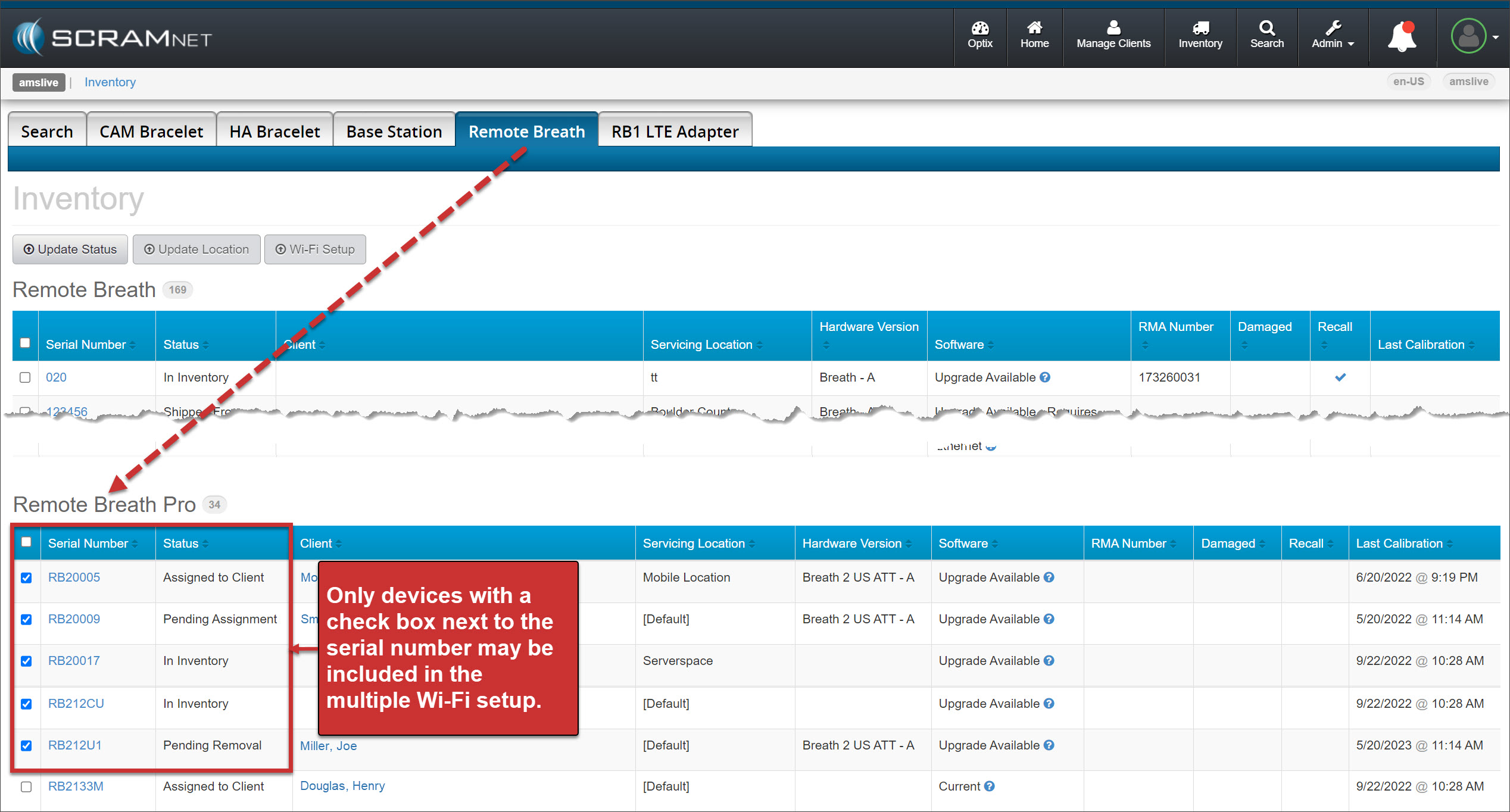
- Select the Inventory button.
- Select either the Base Station or Remote Breath tab. In this example, “Remote Breath” is selected.
- Locate the Remote Breath Pro section and check the box next to each device’s serial number to which you wish to send the Wi-Fi credentials.
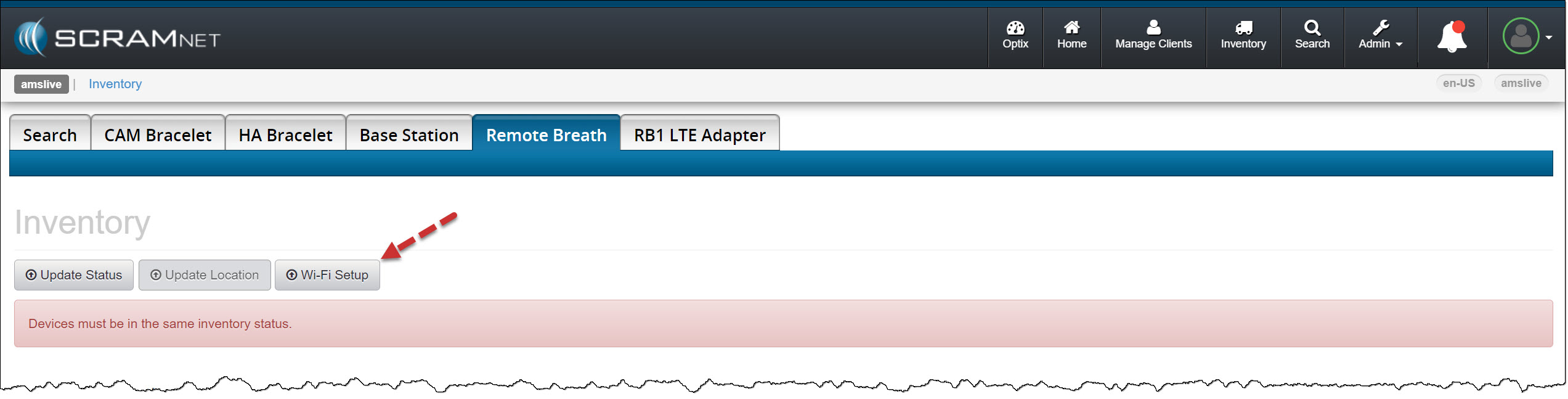
- Select the Wi-Fi Setup button.
 |
The warning banner, “Devices must be in the same inventory status,” pertains not to the Wi-Fi Setup process but to the update device status or location process. |
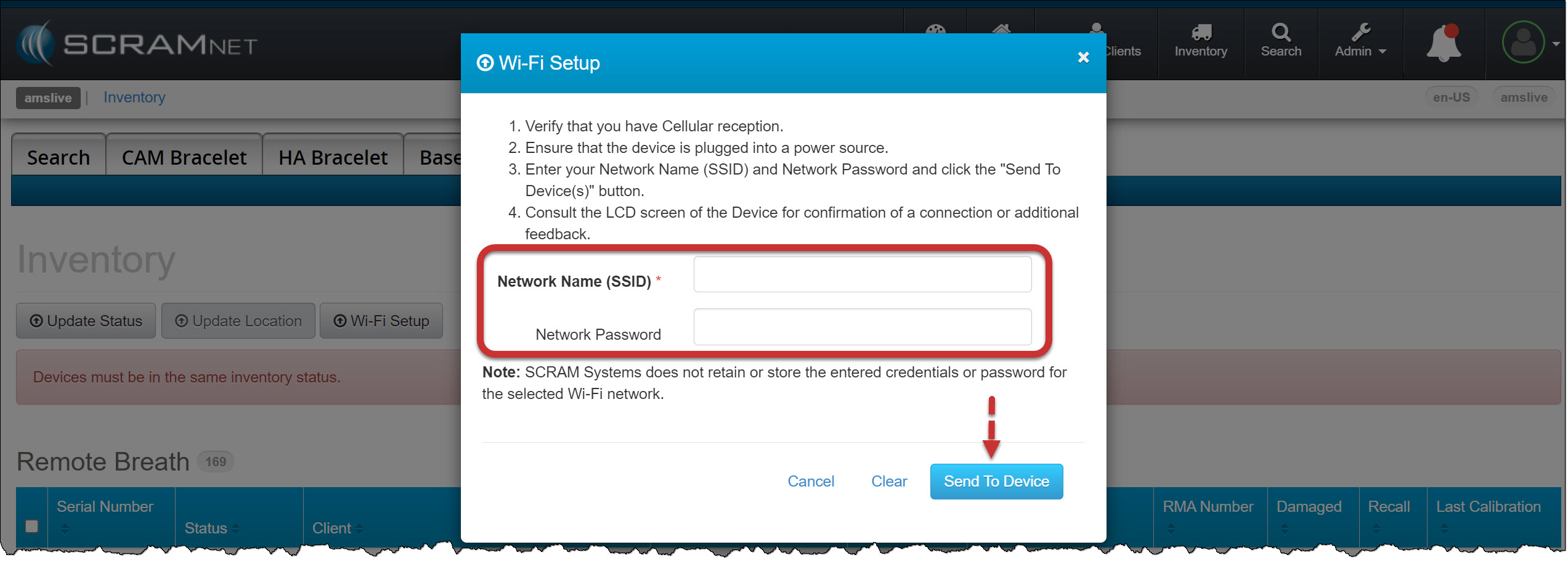
- Enter the Network Name (SSID) and Network Password information on the Wi-Fi Setup pop-up.
- Select the Send to Device button.
The Wi-Fi information will be available for the selected devices for 24 hours. If the device is not in range of the Wi-Fi network, does not successfully connect to the Wi-Fi network, or is powered off during the 24-hour window, you may resend the information following the above process.