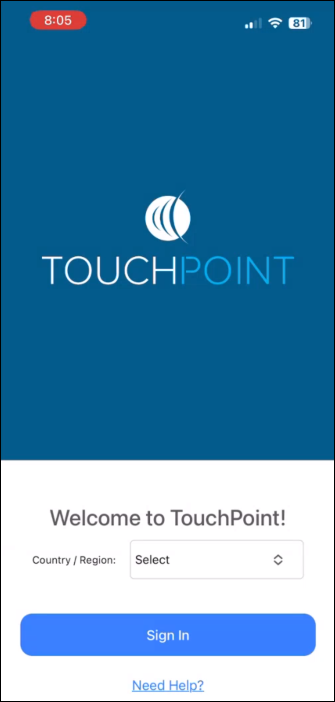
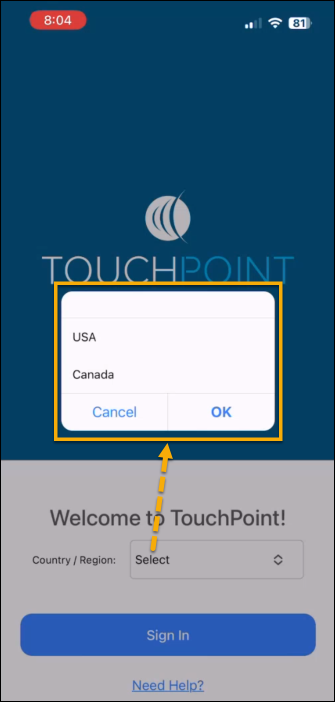
On April 25, 2024, SCRAM Systems will release an update to the SCRAM TouchPoint mobile application. With this update, the first time a new SCRAM TouchPoint client signs into their application, they will be prompted to select a Country/Region. After making their selection, they may continue with the current login process.
Current TouchPoint clients who are already signed into the app will not be required to select a Country/Region. Current users will only need to select their Country/Region if they decide to Sign Out of the app from the TouchPoint Profile screen first.
New Country / Region field
Country / Region Menu Options
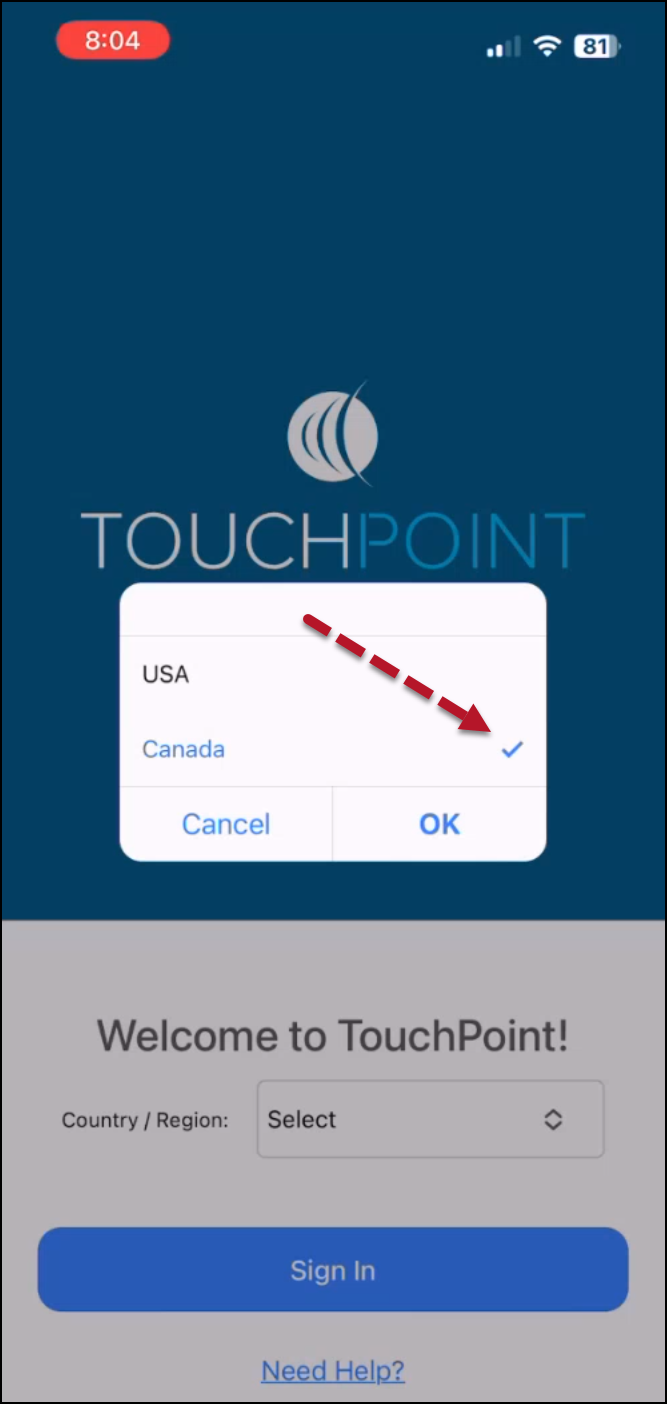
Canada Selected
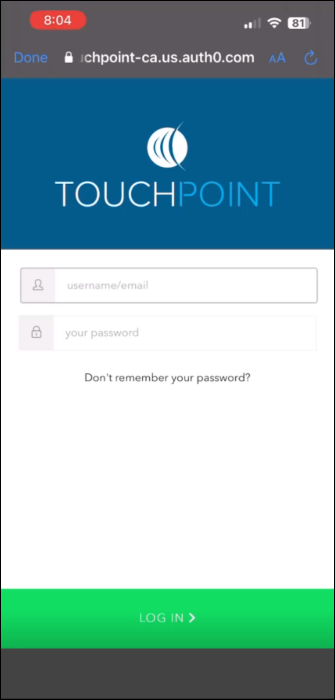
Username and Password Log In Screen
The latest version of the TouchPoint app will be available to clients in the app stores. As a best practice, SCRAM Systems recommends that all TouchPoint app users enable their smartphones to automatically update their apps to make this process easier.
Troubleshooting a Login Issue
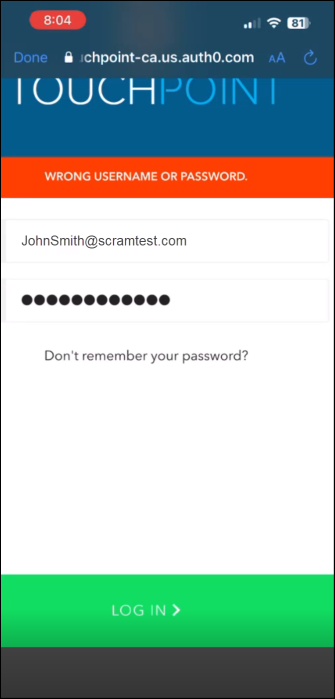
If the client selects a Country/Region not associated with their profile, their application will display a “WRONG USERNAME OR PASSWORD” banner when attempting to log in. To rectify this, have the client close the application, reopen it, and select the correct Country/Region option.
Error Message
Tips:
If the user continues to receive the error banner after choosing the correct Country/Region option, verify the user’s ID and select the “Don’t remember your password?” link.
If the client transfers from a Canadian program to a United States program or vice versa, they must uninstall and reinstall the application on their smartphone.