On April 30th, 2025, SCRAM Systems will release multiple enhancements for your SCRAM 24/7 program.
These enhancements are:
- Updates to the personally identifiable information (PII) that is available on the Add 24/7 Client page and the client’s Profile page.
- Google Address validation for client address on the Add 24/7 Client page in the Contact Information section.
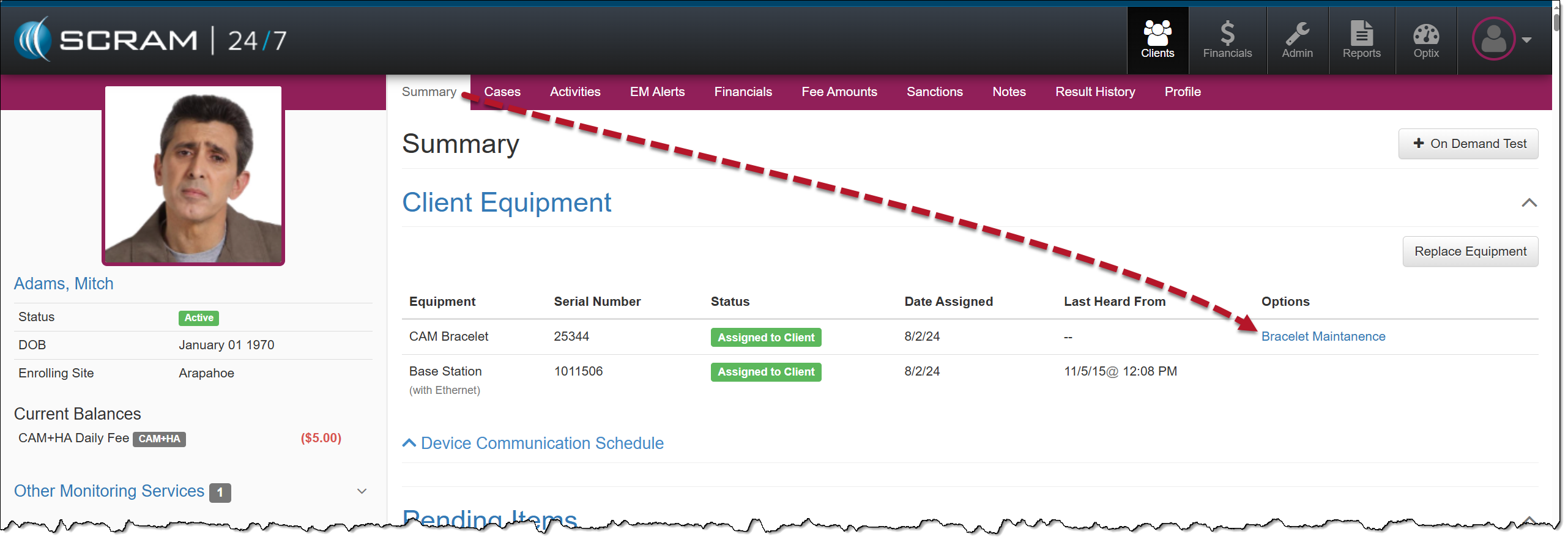
- On the client’s Summary page, the Maintenance hyperlink located in the Options column will now display as “Bracelet Maintenance.”
- For clients participating in a CAM+HA or House Arrest Activity, an Activate Lockdown hyperlink is available in the Options column.
Personally Identifiable Information (PII)
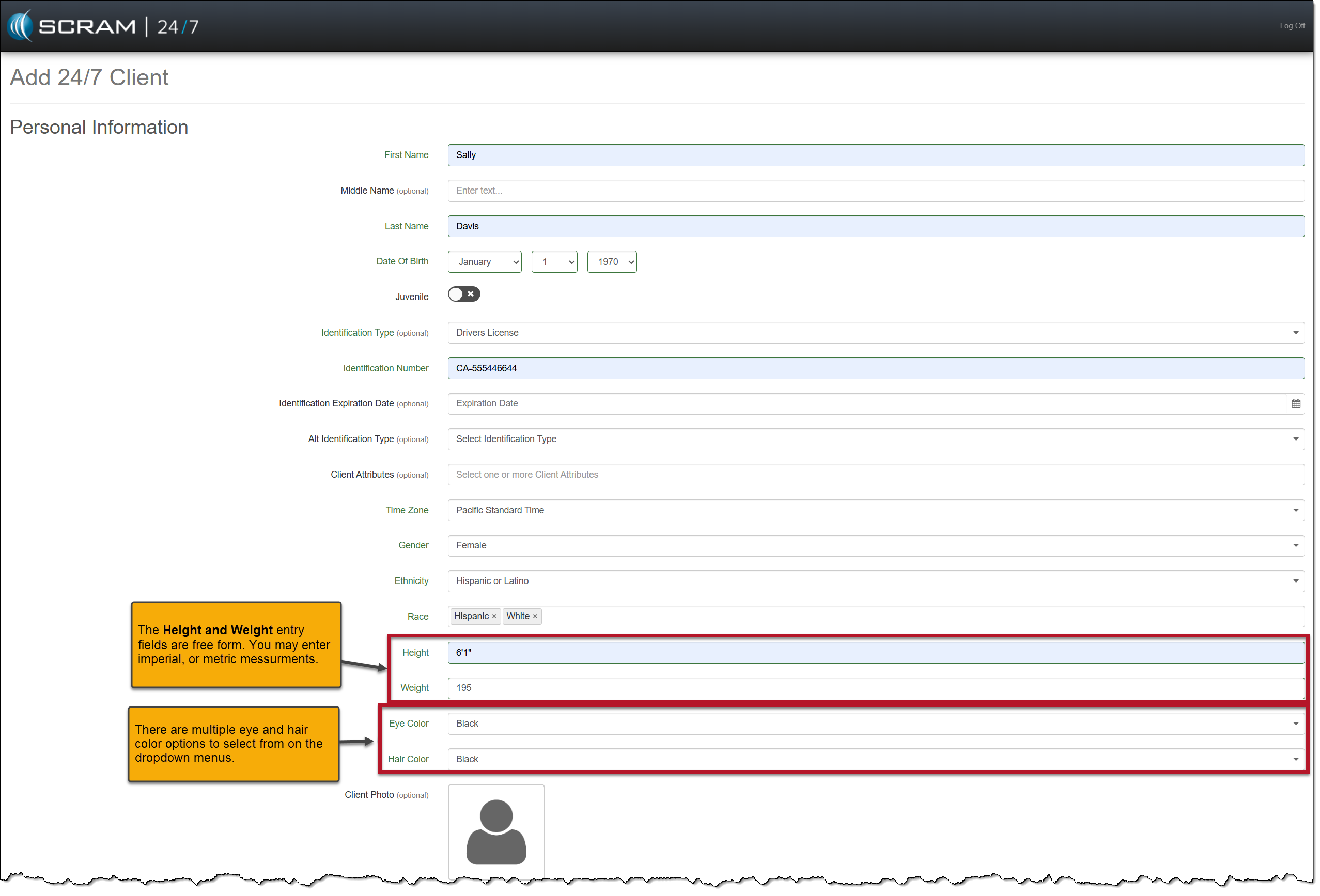
When adding a new client to the system, you will notice five additional required fields in the Personal Information section on the Add 24/7 Client page and some dropdown menu option updates. These updates allow you to include more detailed PII for your clients.
The additional PII fields are:
- Race (multiple select)
- Height
- Weight
- Eye Color
- Hair Color
Updated dropdown menus include the following:
- Gender
- Ethnicity
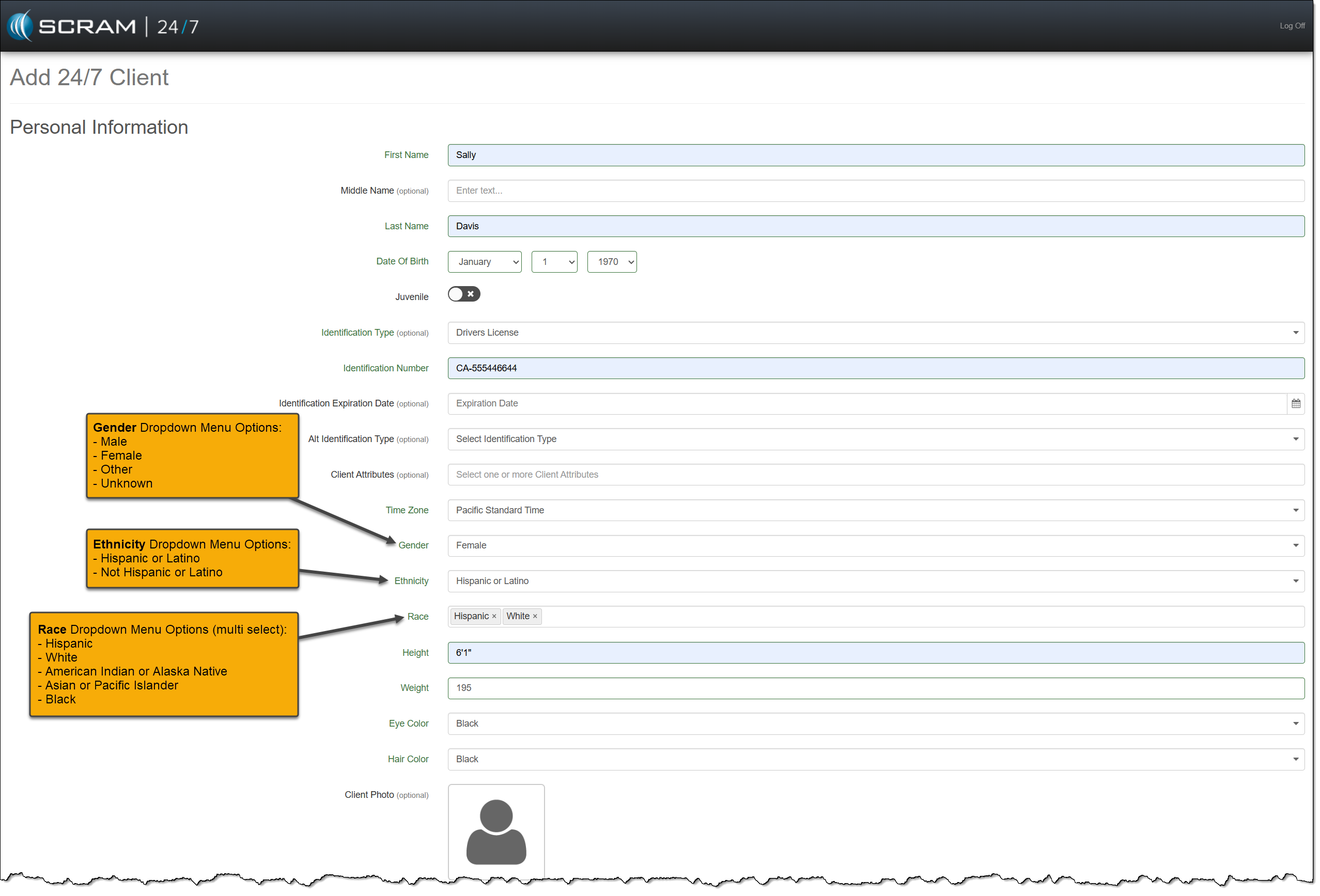
You may also update an existing client’s PII on their Profile page.
Client Contact Information
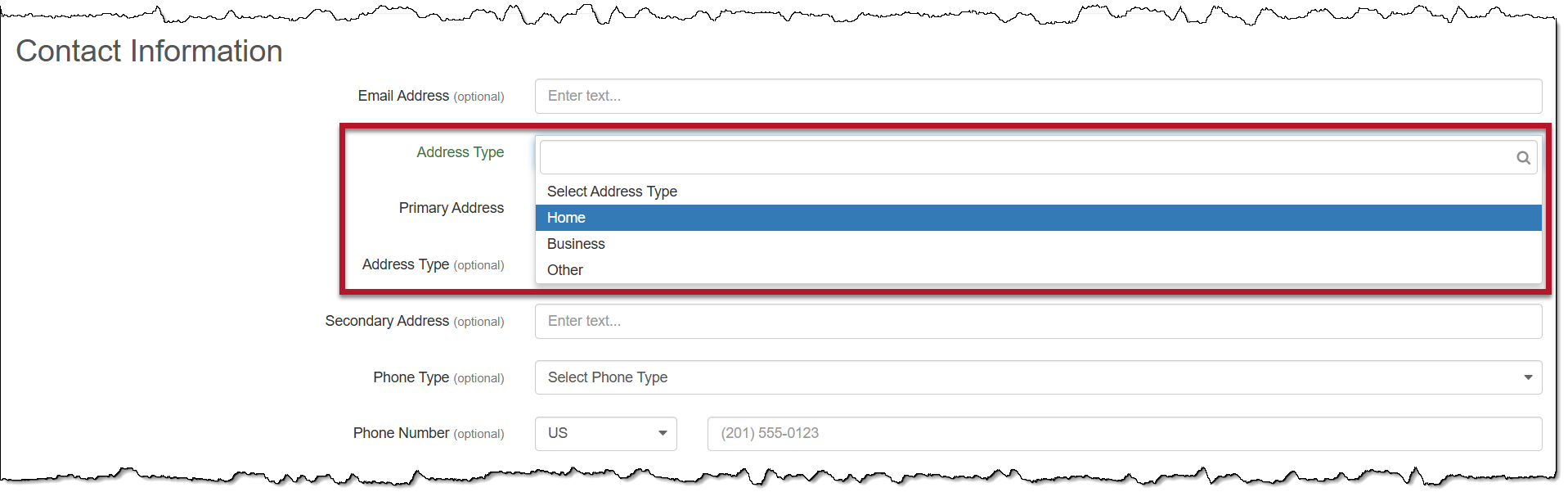
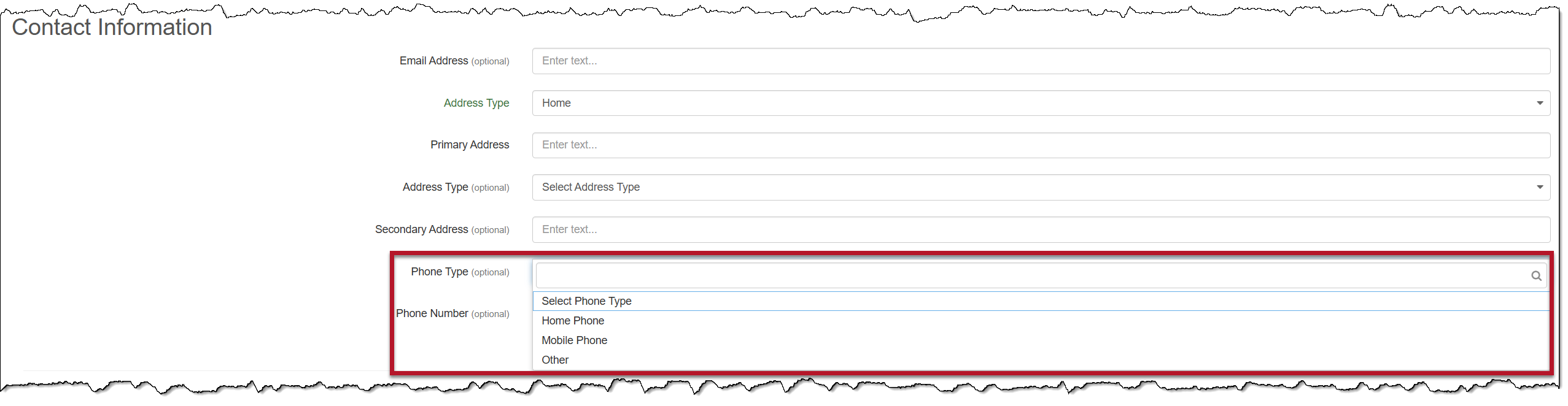
On the Add 24/7 Client page, you will notice a new Address Type dropdown menu, and the options for the Phone Type dropdown menu have been updated.
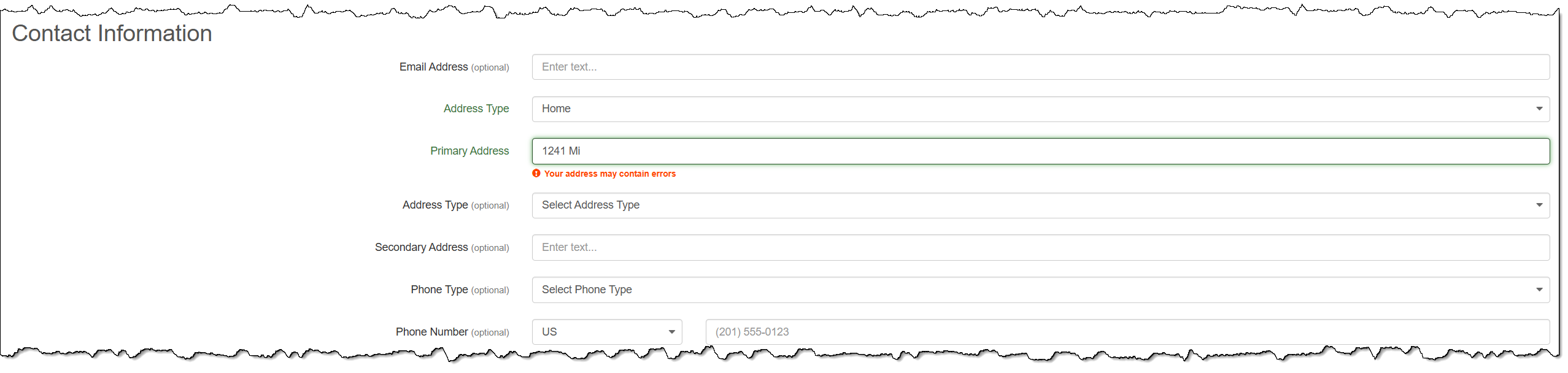
While entering the address details, you will notice an address validation warning.
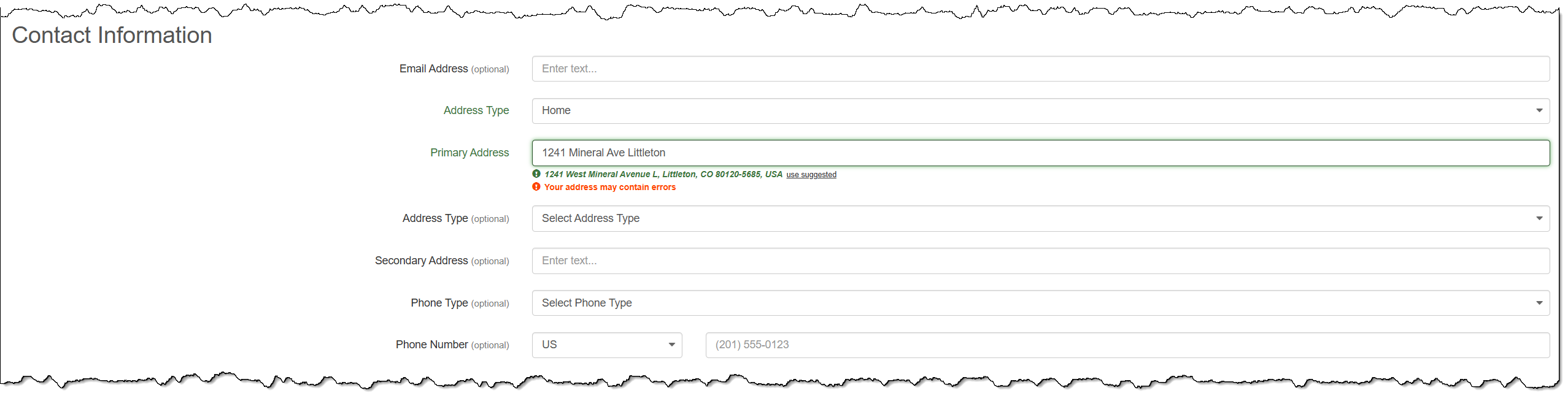
As you continue to add the details, Google will validate the address, and a suggested address will be available for you to select.
 |
|
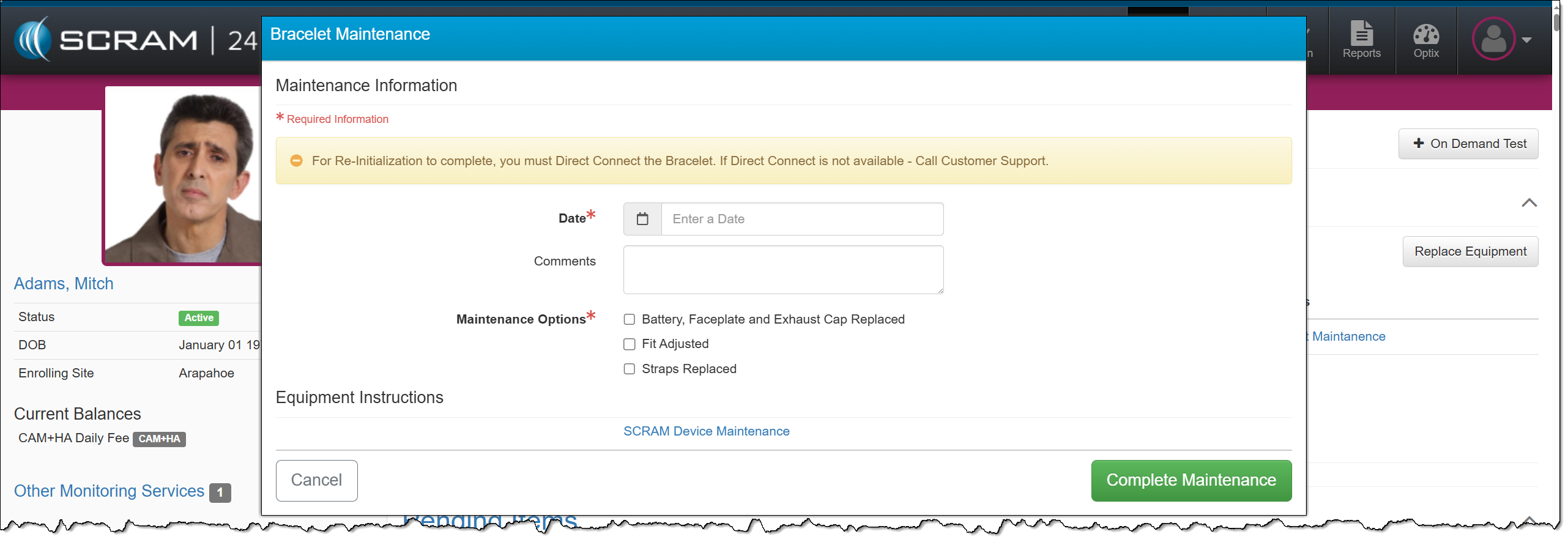
Bracelet Maintenance Hyperlink
On the client’s Summary page, you will now access the Bracelet Maintenance hyperlink when completing maintenance on SCRAM CAM and SCRAM House Arrest bracelets. This maintenance includes Battery/Faceplate Replacement, Fit Adjustments, and Strap Replacement.
Activate Lockdown
Clients participating in a curfew monitoring program, also known as house arrest, typically have permission to leave throughout the day to work or engage in other activities. These leaves are scheduled on the HA Schedule page in SCRAMNET. In some cases, non-compliant behavior or court orders may result in the revocation of the client’s freedom to leave their home.
When this occurs, quickly override the client’s HA Schedule by selecting the Activate Lockdown hyperlink in the Client Equipment section on the Summary page in SCRAM 24/7.
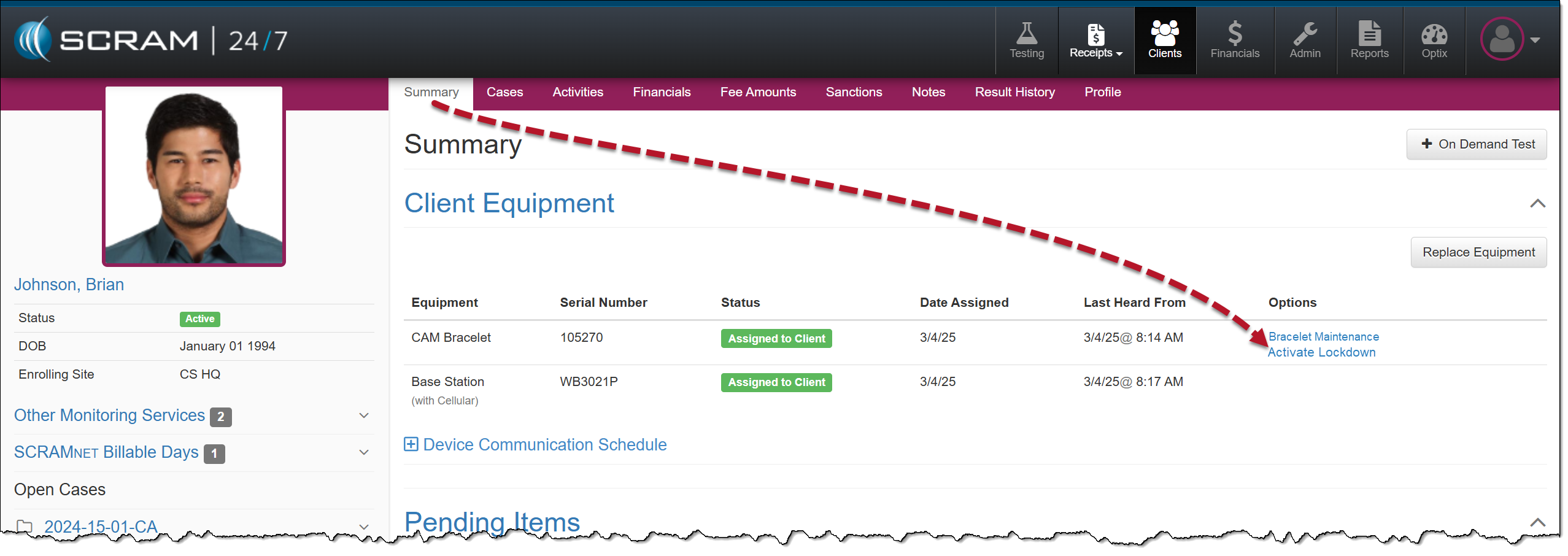
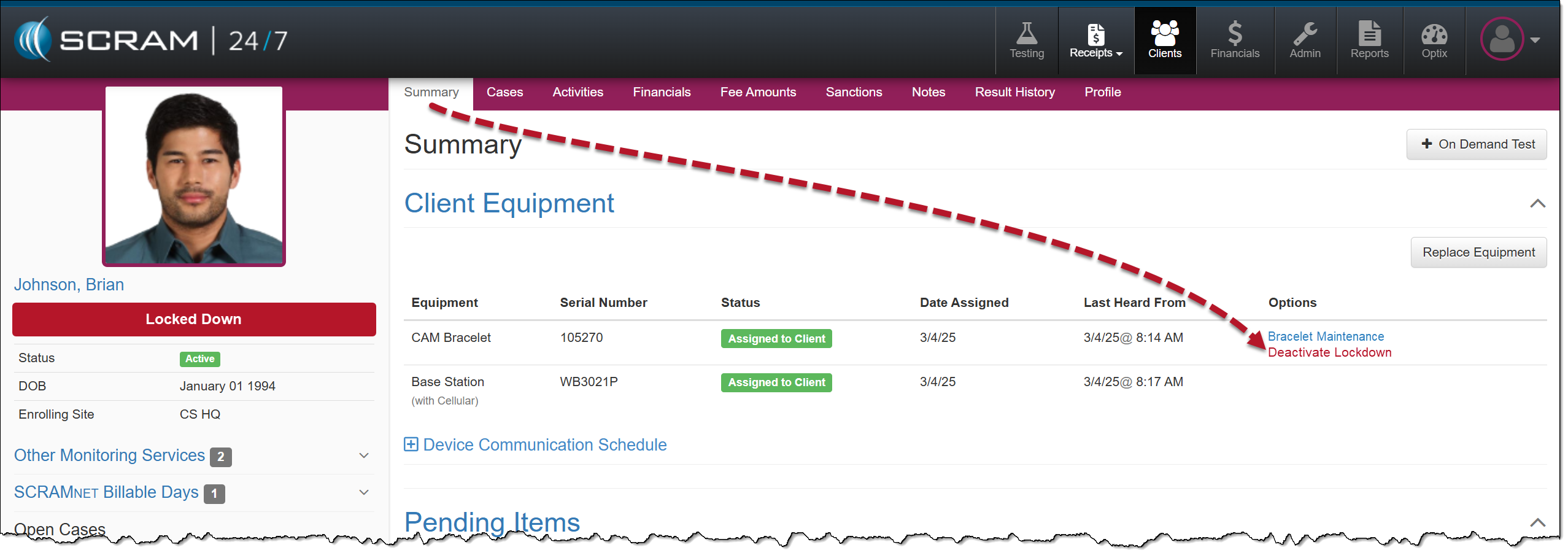
Once the Lockdown status is active, an Unauthorized Leave alert is generated any time the client moves outside the range of the base station, regardless of the HA schedule.
To remove the lockdown status, select the Deactivate Lockdown hyperlink, and the client may resume their activities based on the HA schedule saved in the system.
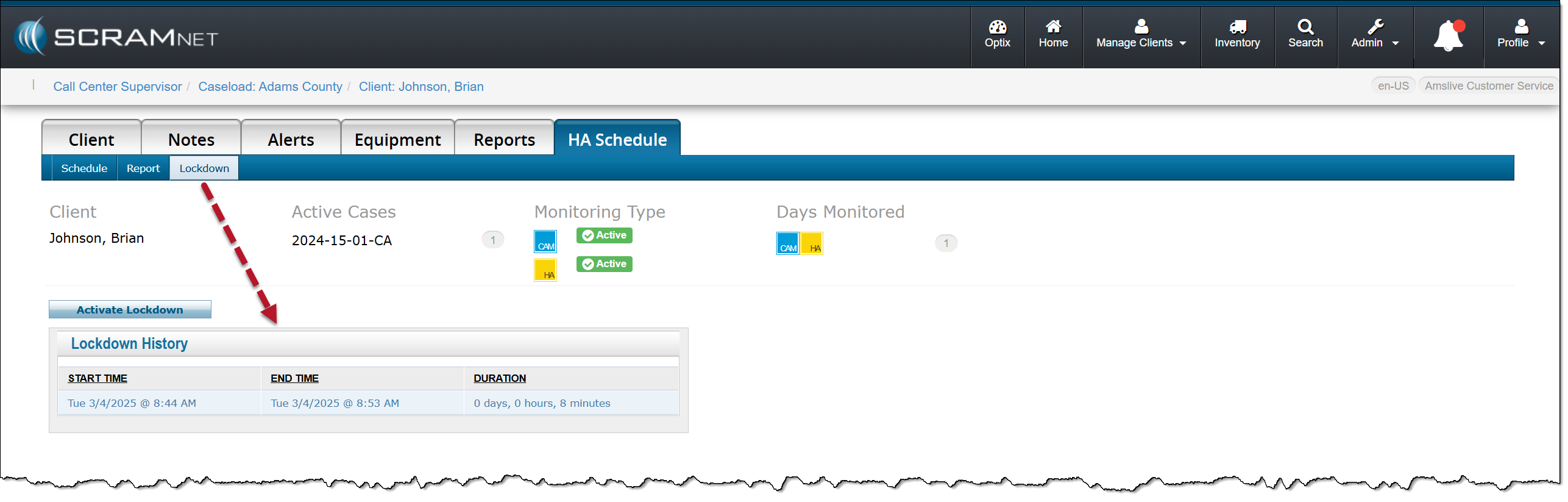
In SCRAMNET, you can view the client’s Lockdown History on the HA Schedule page, under the Lockdown subtab.