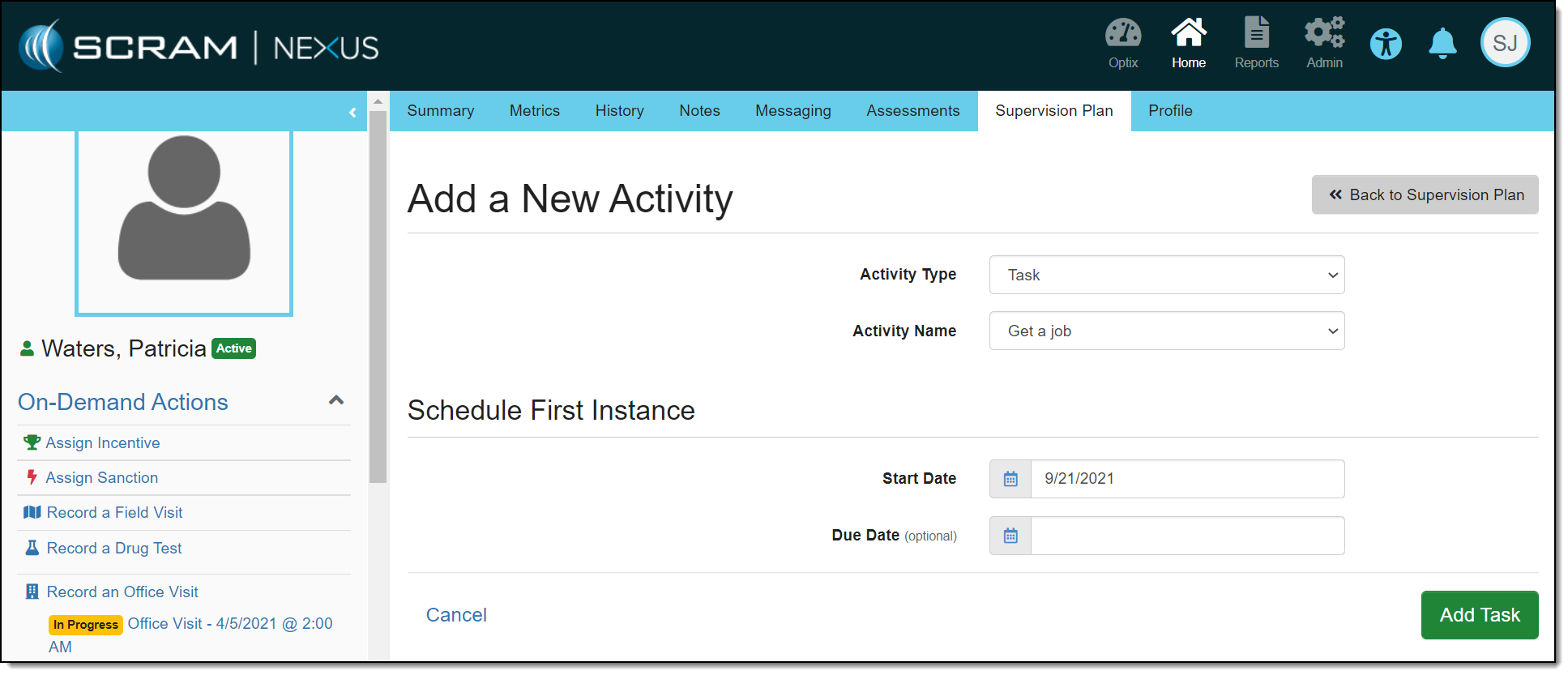
When creating a task in SCRAM Nexus, a start date is now required with the option to enter a due date, as shown below. If a due date is established for a task, the task will appear on that date on the calendar. The task will also appear on the Workload page under “Items for Today” and “Items Past Due.” These dates can be changed on the Task Details page in the Supervision Plan area.
In a future release, task dates can be changed from the Summary page or calendar.