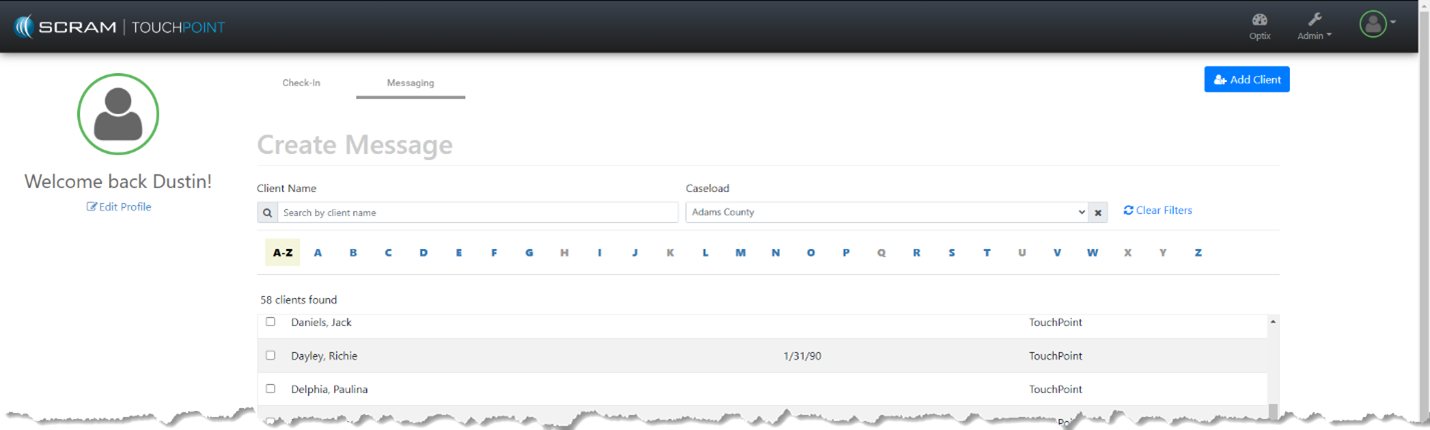
At 1:00 PM MDT on Thursday, September 2, 2021, SCRAM Systems is introducing a new caseload filter to the Text-to-All feature in Optix TouchPoint. During the 15-minute deployment, you may not be able to access messages from the Optix TouchPoint Client Messaging facility.
Text-to-All Caseload Filter
When accessing the mass messaging feature in Optix TouchPoint, officers and case managers can now select a specific caseload to filter all clients by.
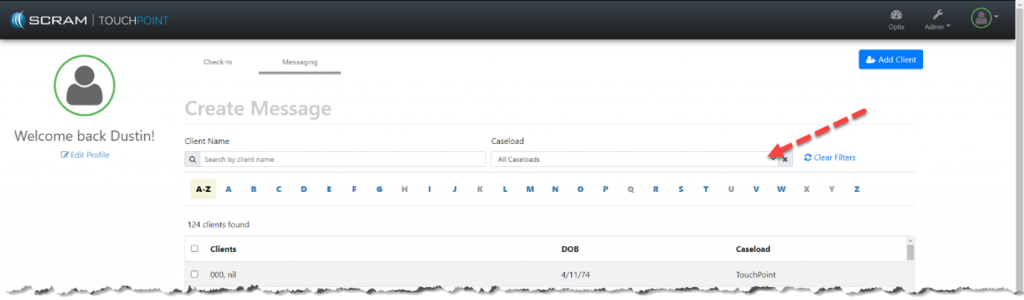
Start by clicking on the caseload dropdown:
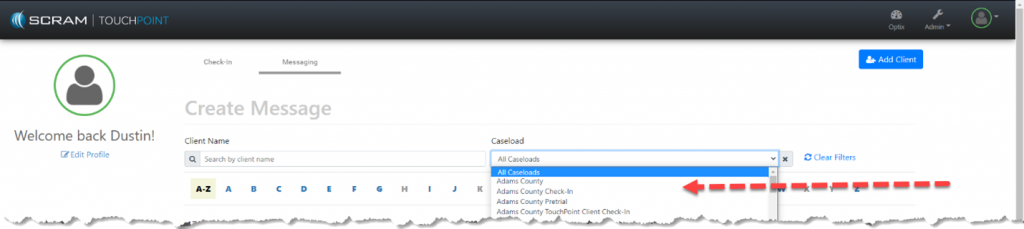
Then, select the specific caseload to filter all clients by:
Once the Caseload filter has been selected, you are now ready to send a Text-to-All mass message to only the clients in that specific Caseload: