With this release, you can now export the data that appears on any Workload page in SCRAMNET® to a.csv-format spreadsheet file. To do this, click the Export As button then click the “CSV” option.
Reminder: A Workload page can be viewed in the following areas in SCRAMNET:
- Call Center (Service Provider)
- Region
- Location
- Caseload
- Agent
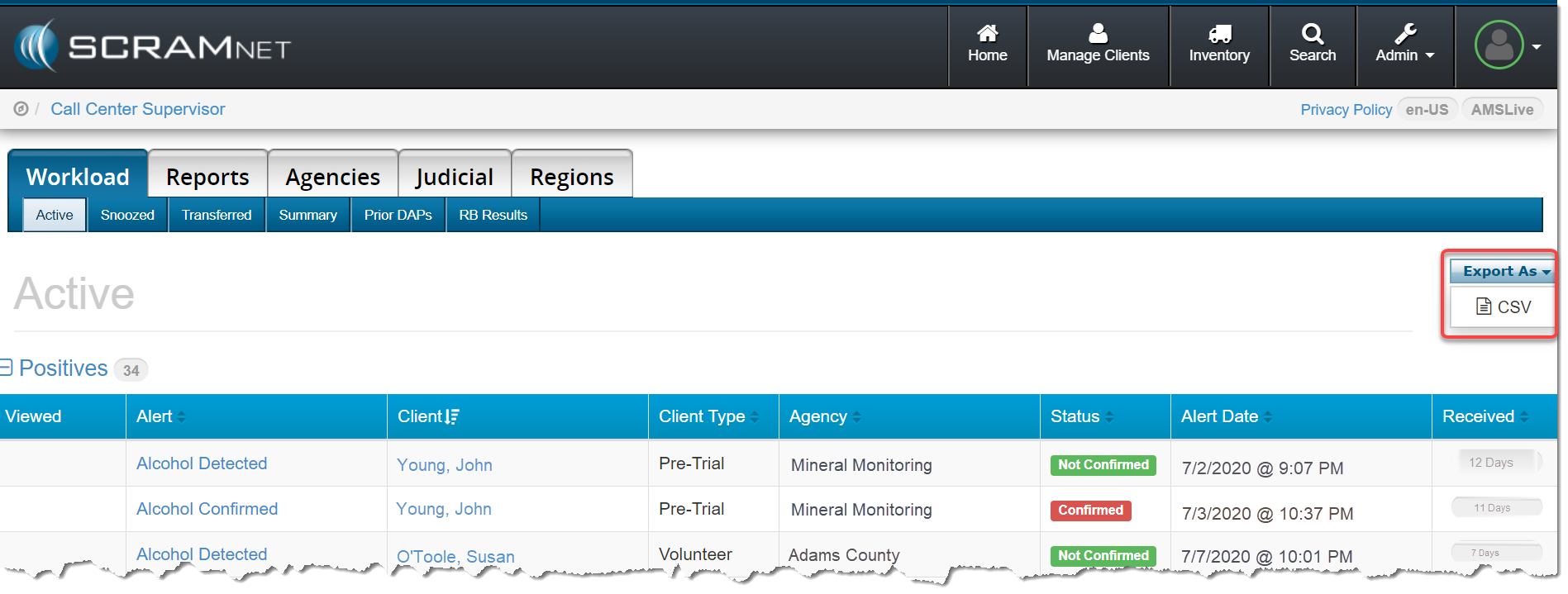
Once the .csv file is downloaded to your computer, you can open the file in any popular spreadsheet editing program and easily modify the list as needed. Any comments entered for the case will appear in the “Comments” column.
