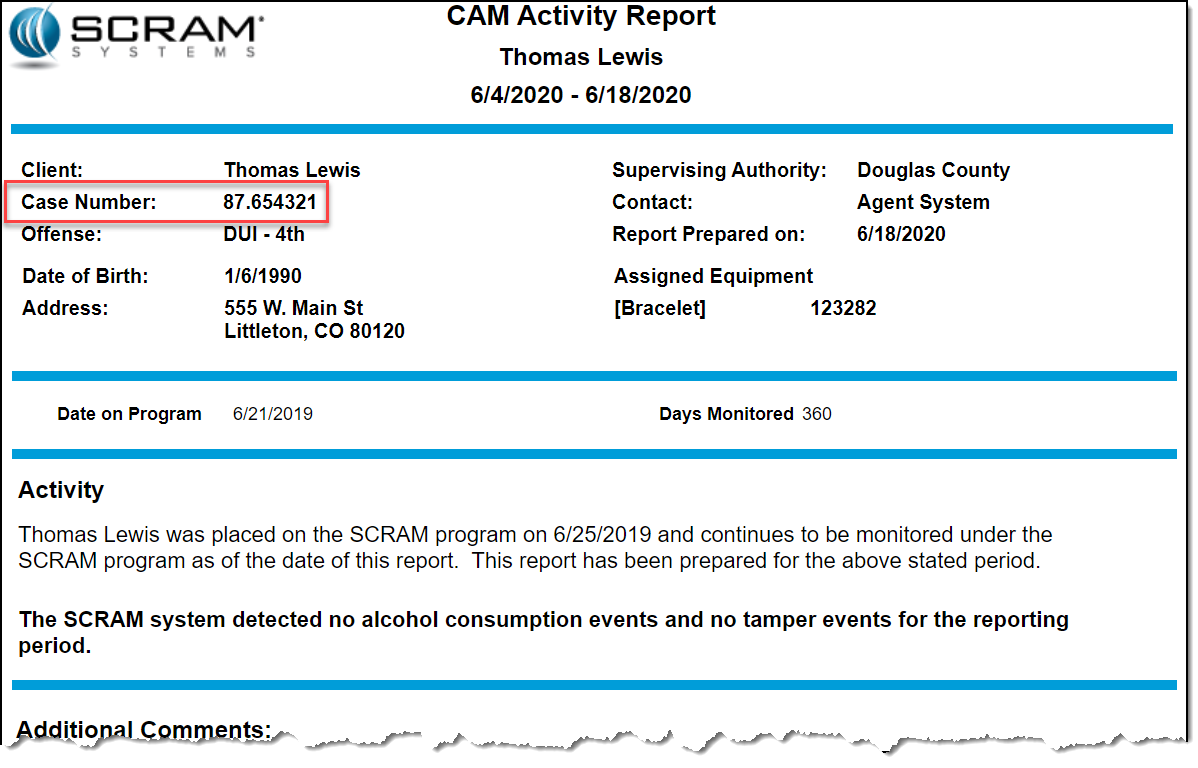
Today’s release allows you to include the case number assigned to a client when running a CAM Activity report in SCRAMNET®. To do that:
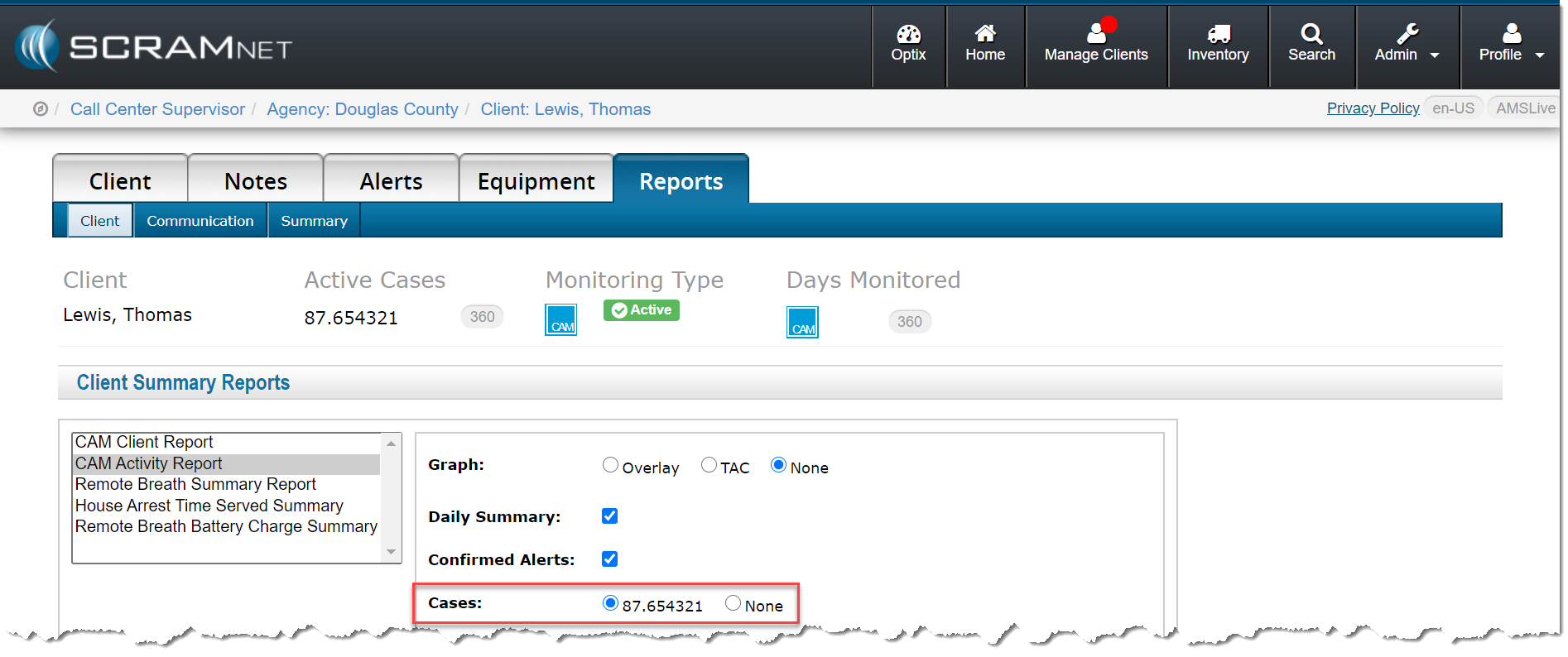
- Locate the client in SCRAMNET.
- Click the Reports tab.
- Select the CAM Activity Report option in the left report list.
As shown below, you now have the option to select a case.
With the selection made, the case number appears in the top area when you run the report.