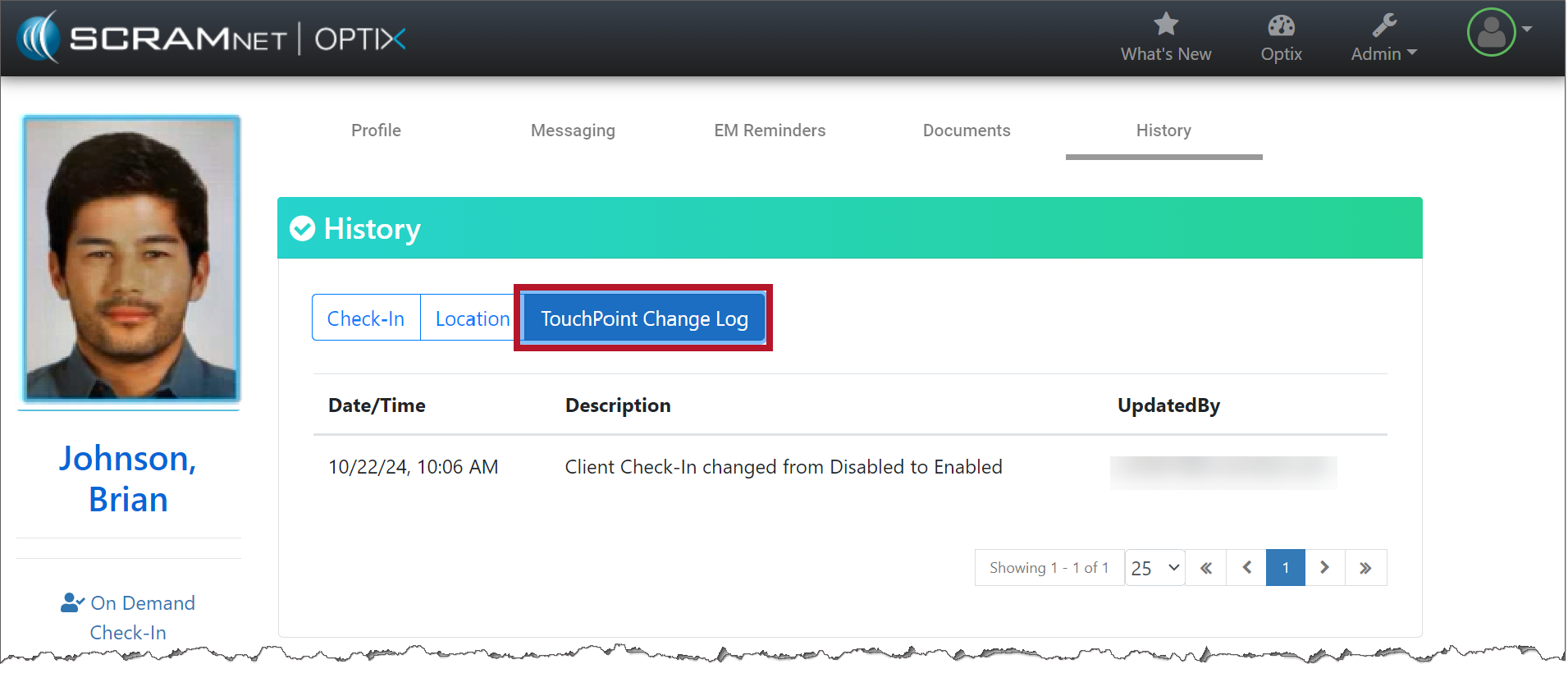
On October 28, 2024, SCRAM Systems released two enhancements for your SCRAM TouchPoint caseloads. These enhancements include:
- Your client’s Check-In and Location details are now consolidated under a “History” tab.
- A new “TouchPoint Change Log” record is available on the History tab detailing all updates made on the client’s Profile page.
To Access the History Tab for the Client:
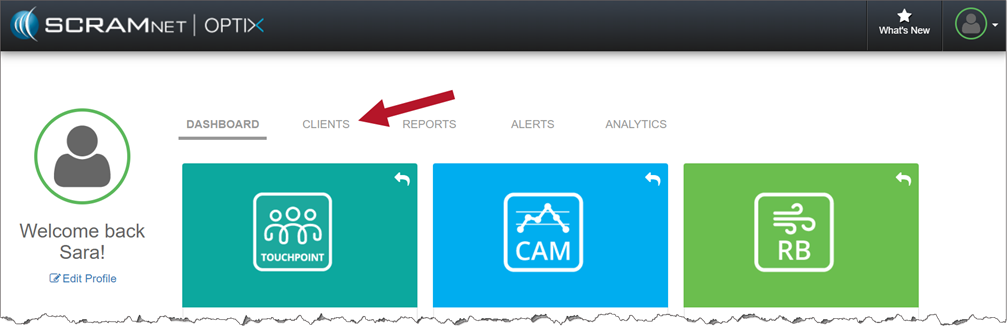
- On the Optix Dashboard, select the Clients tab.
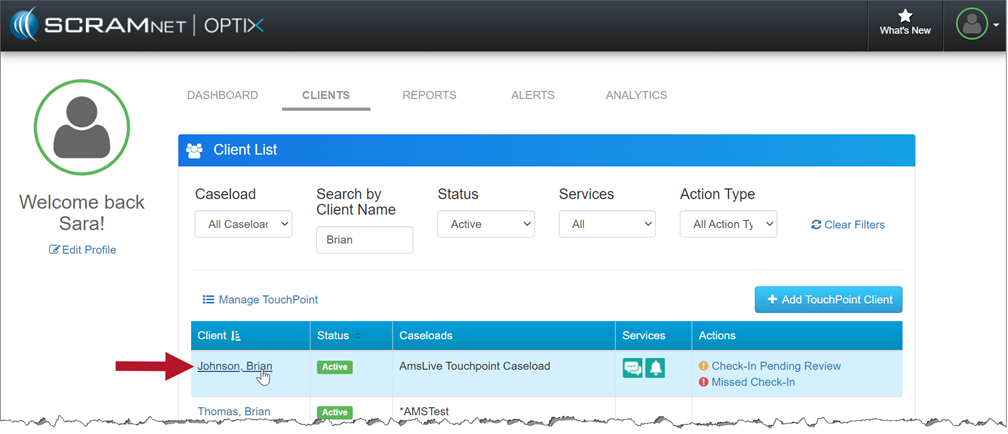
2. Once you’ve found your client, select their name hyperlink.
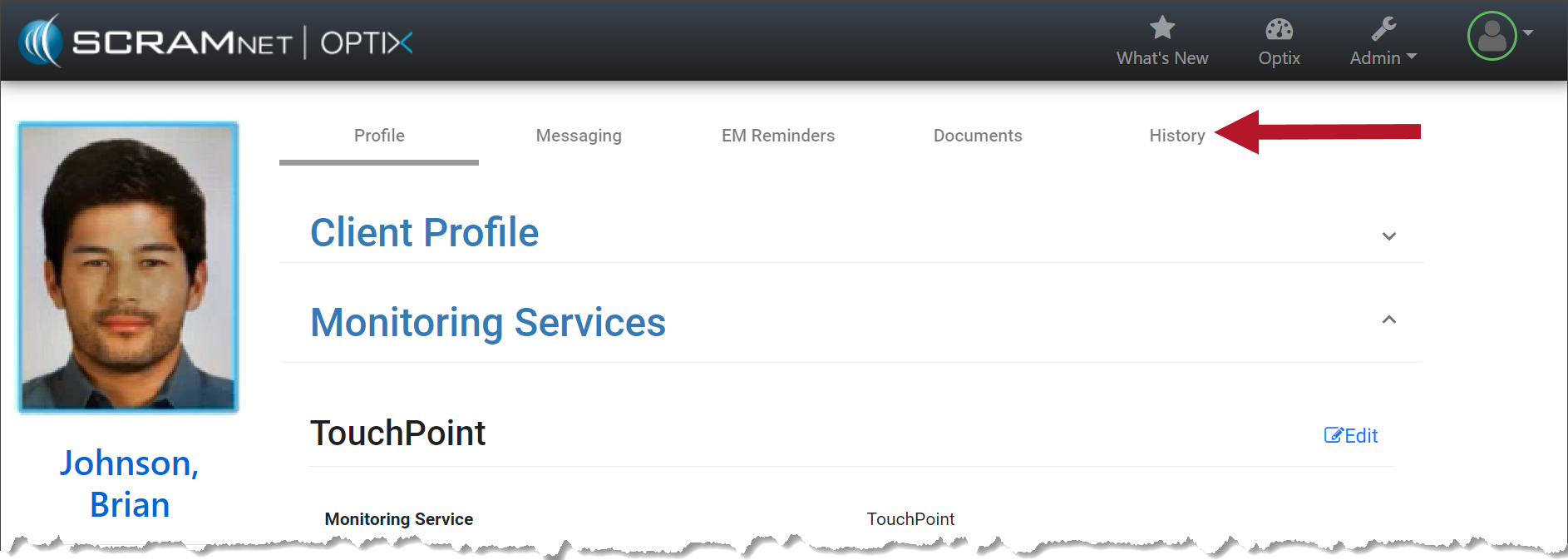
3. On the client’s Profile page, select the History tab.
4. On the History page, select the Check-In, Location, and TouchPoint Change Log buttons to view the details.
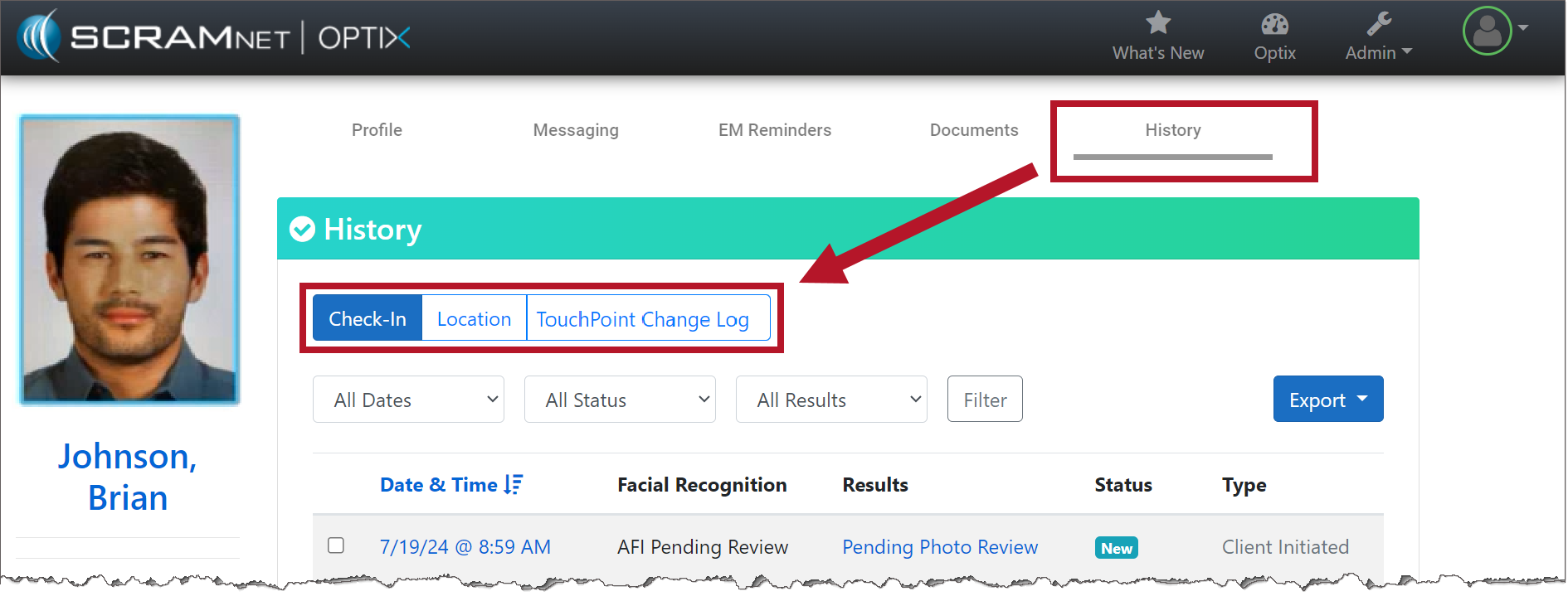
Check-In
With the Check-In button selected, you will still see the date & time, the results of the Facial Recognition feature, status, and type. No changes have been made to this feature.
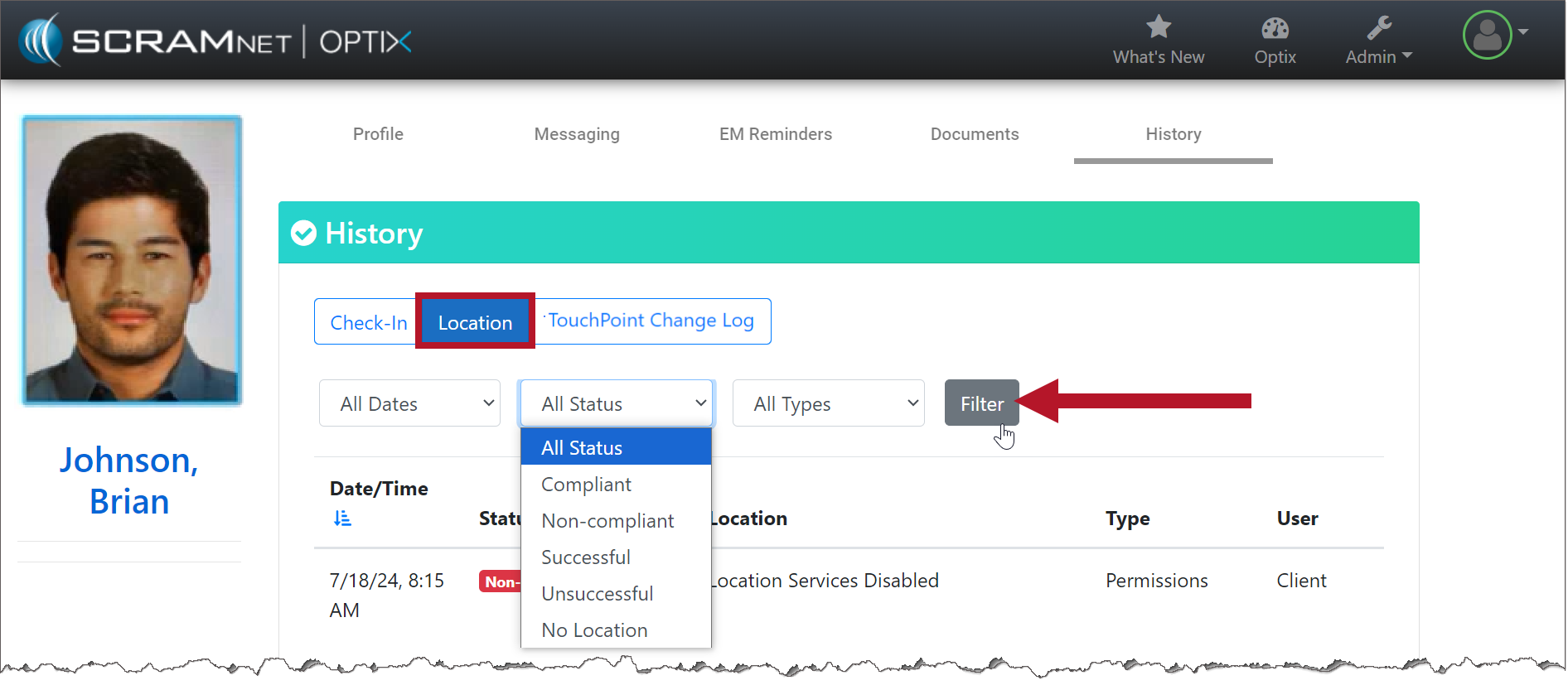
Location
With the Location button selected, you may use the filters to customize what is displayed on the page.
TouchPoint Change Logs
With the TouchPoint Change Log selected, you may view a record of the changes made on the client’s Profile page, including the user’s information that made the change.