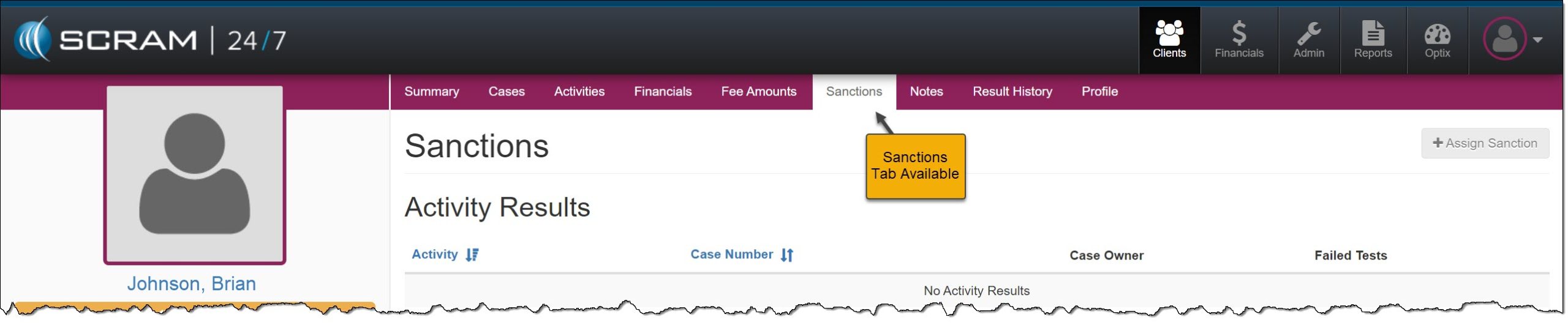
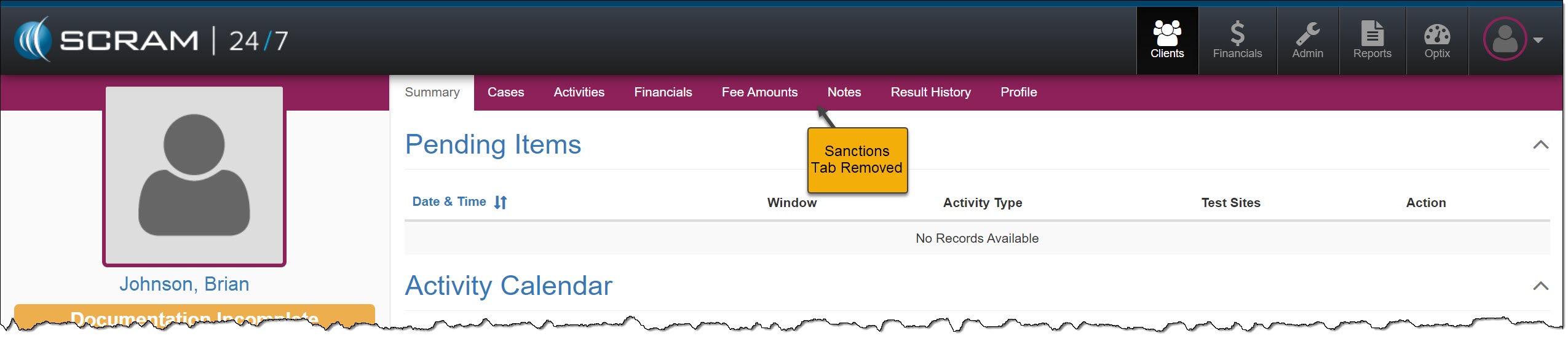
On August 8, 2024, SCRAM Systems will release an enhancement for your 24/7 monitoring program. SCRAM Systems understands that not all programs utilize “sanctions” as a part of their client monitoring program, and with this release, you may now disable the Sanctions option for your entire program.
 | If you don’t see the enhancement in SCRAM 24/7, please clear your cache and cookies and refresh your browser window. |
Disable Sanctions
As an administrator for your program, navigate to the Settings tab on the Admin page in SCRAM 24/7.
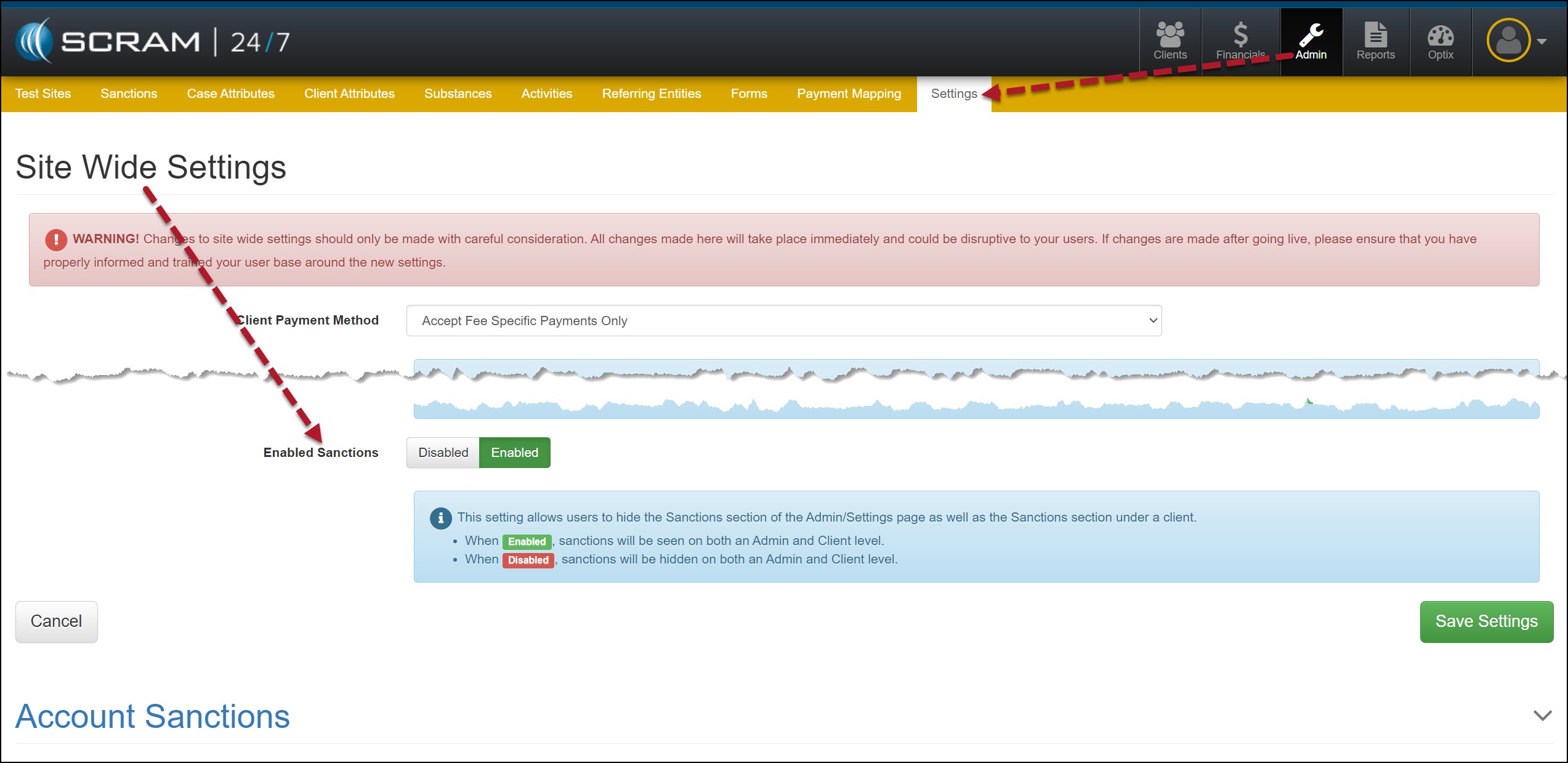
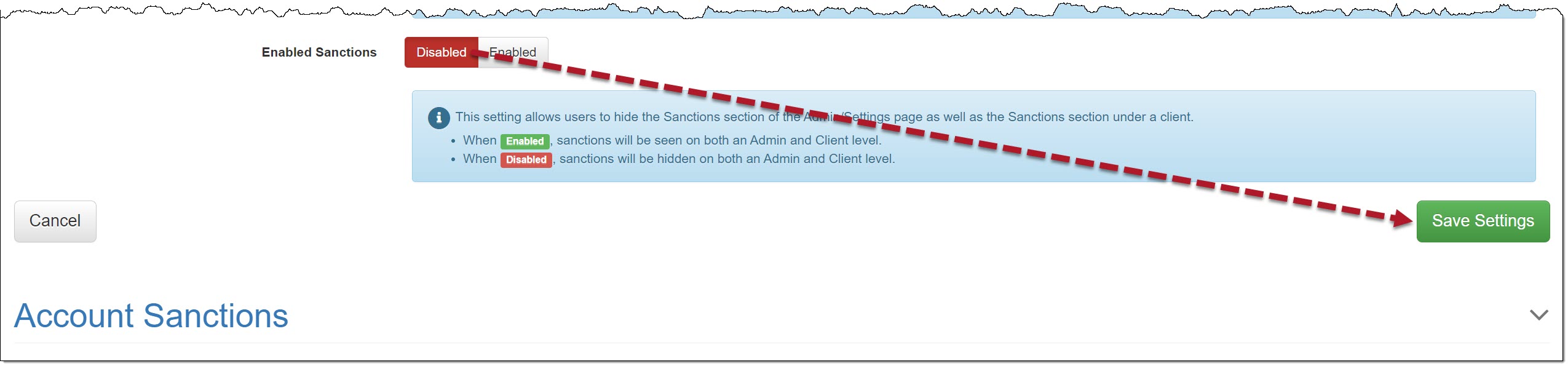
In the Site Wide Settings section, locate the “Enabled Sanctions” option, toggle the “Enabled” selection to Disabled, and then select the Save Settings button.
This will remove the Sanctions tab at the administrative level and will propagate throughout the site; to the client level.
Admin Level


Client Level