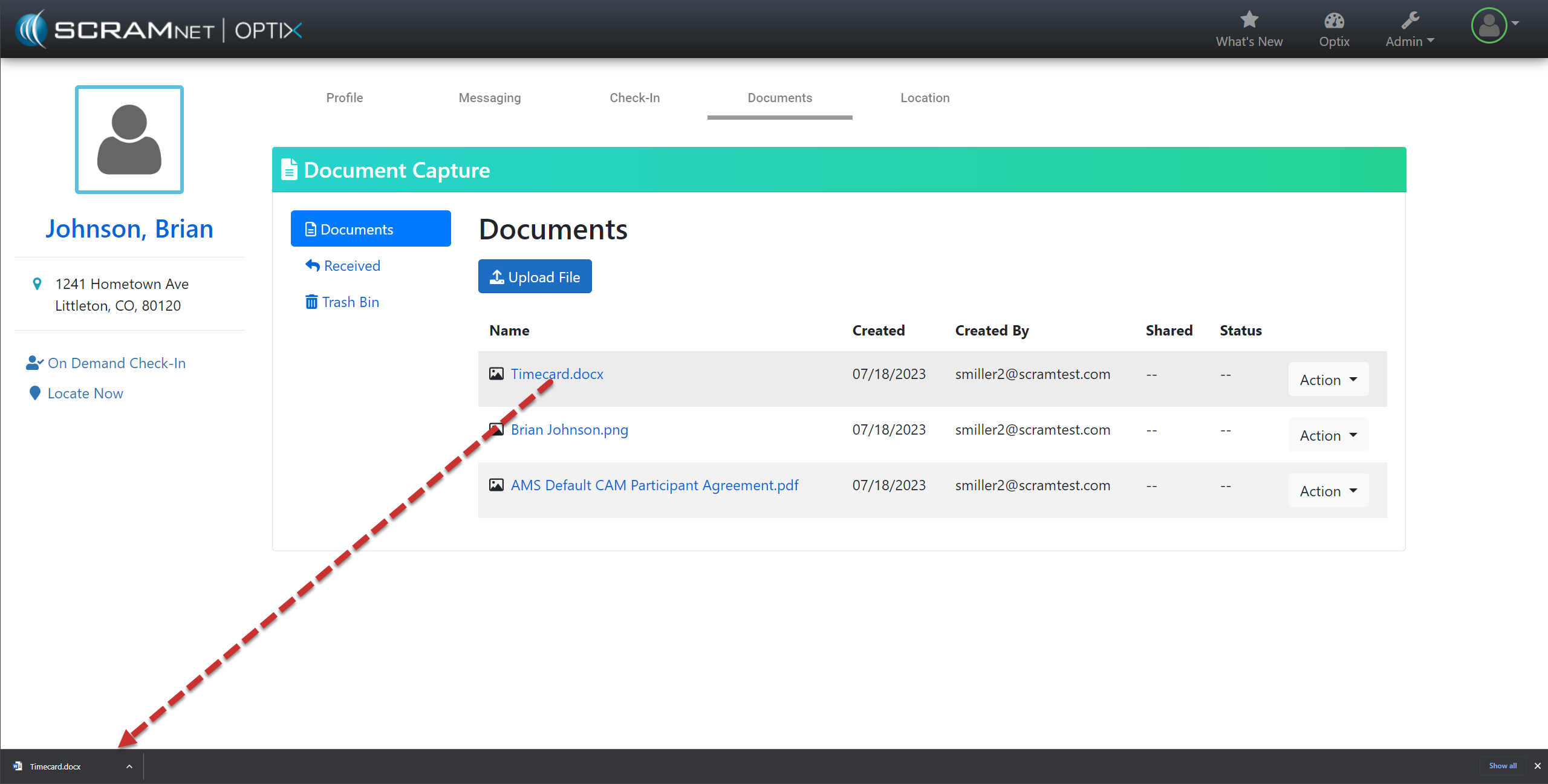
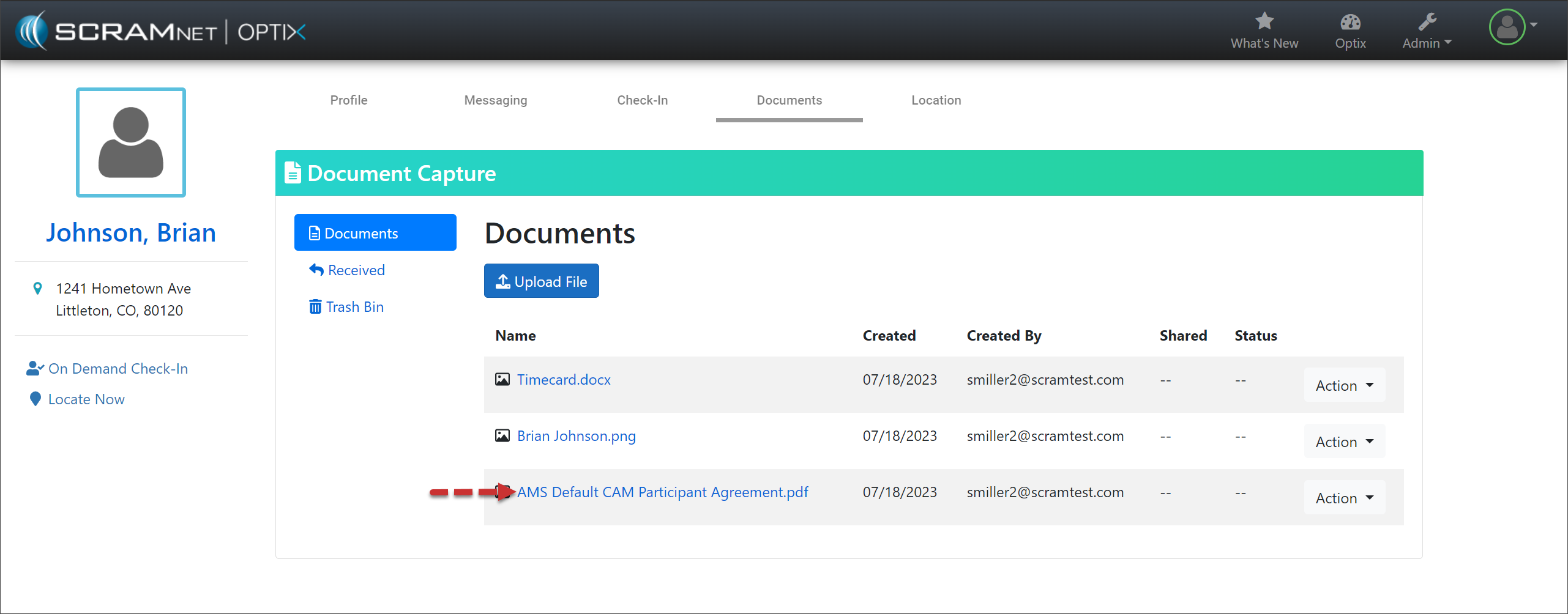
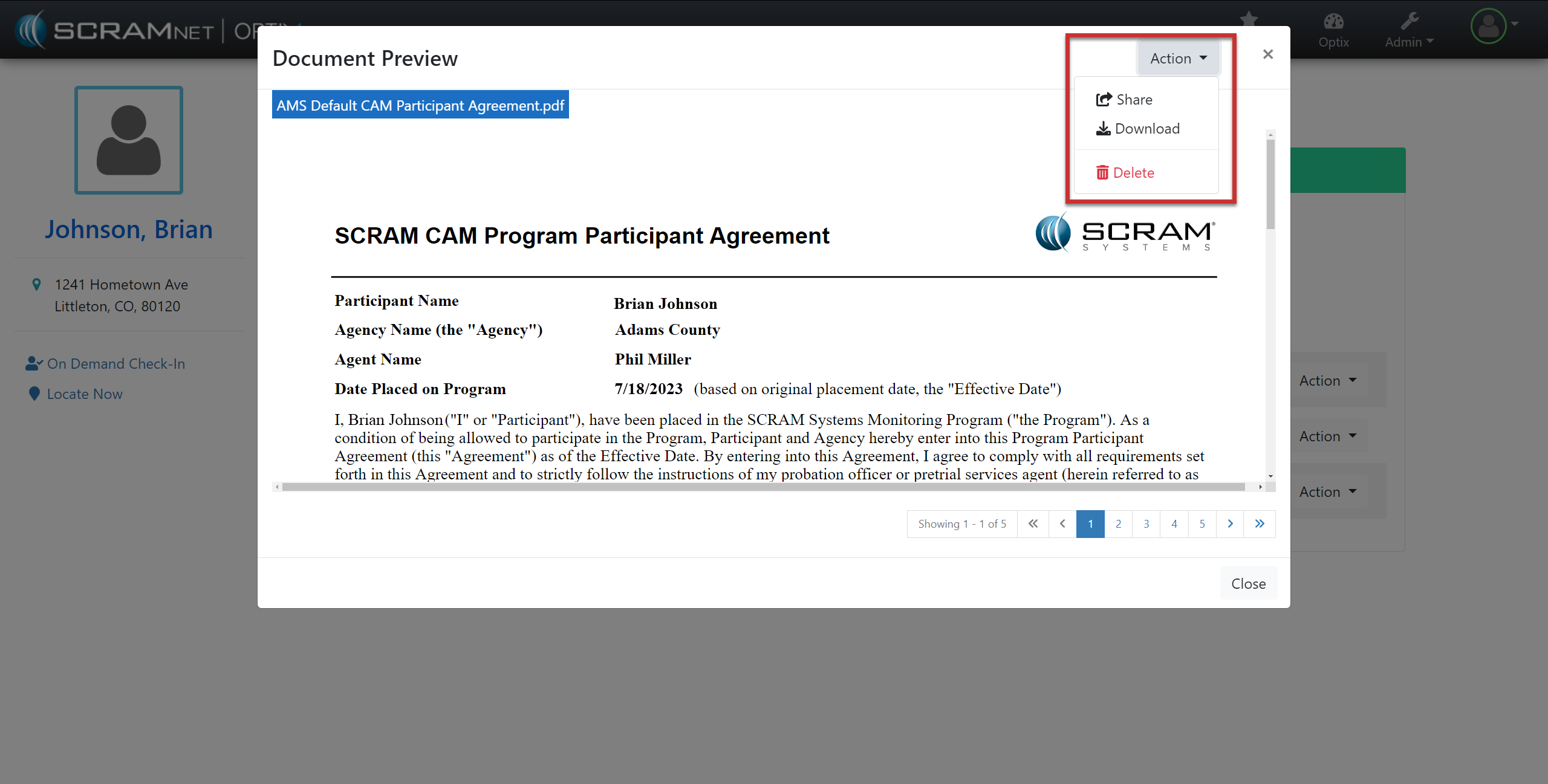
On, July 27, 2023, SCRAM Systems will release an enhancement to your client’s Documents page. Currently, you must download the .pdf, .png, or .jpeg files to your computer before viewing the file. With this enhancement, a Document Preview pop-up will display the file’s contents when you select that document’s hyperlink.
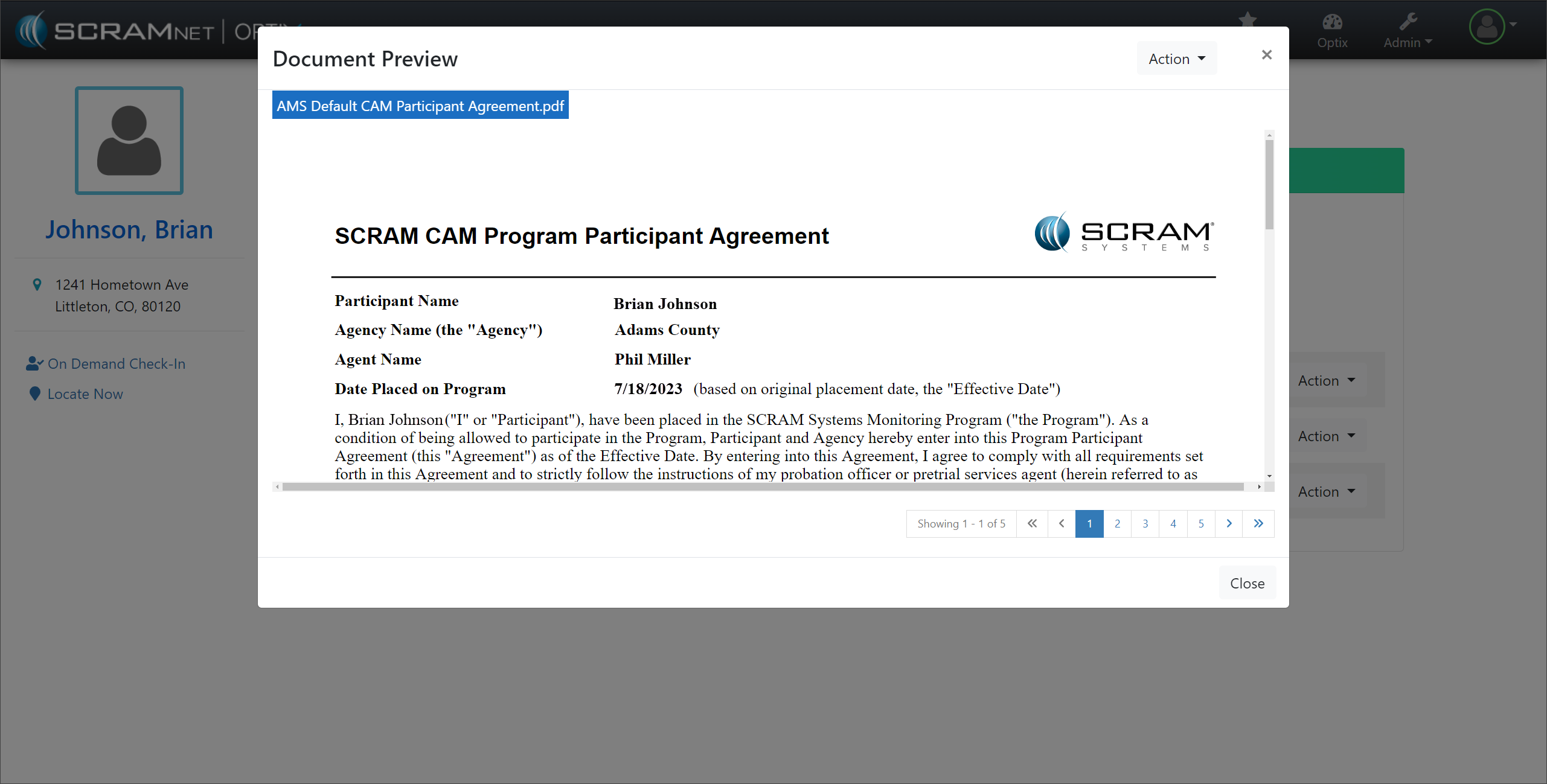
Once previewed, select the Actions button to “Share” the document with the client, “Download” a copy to your computer, or “Delete” it.
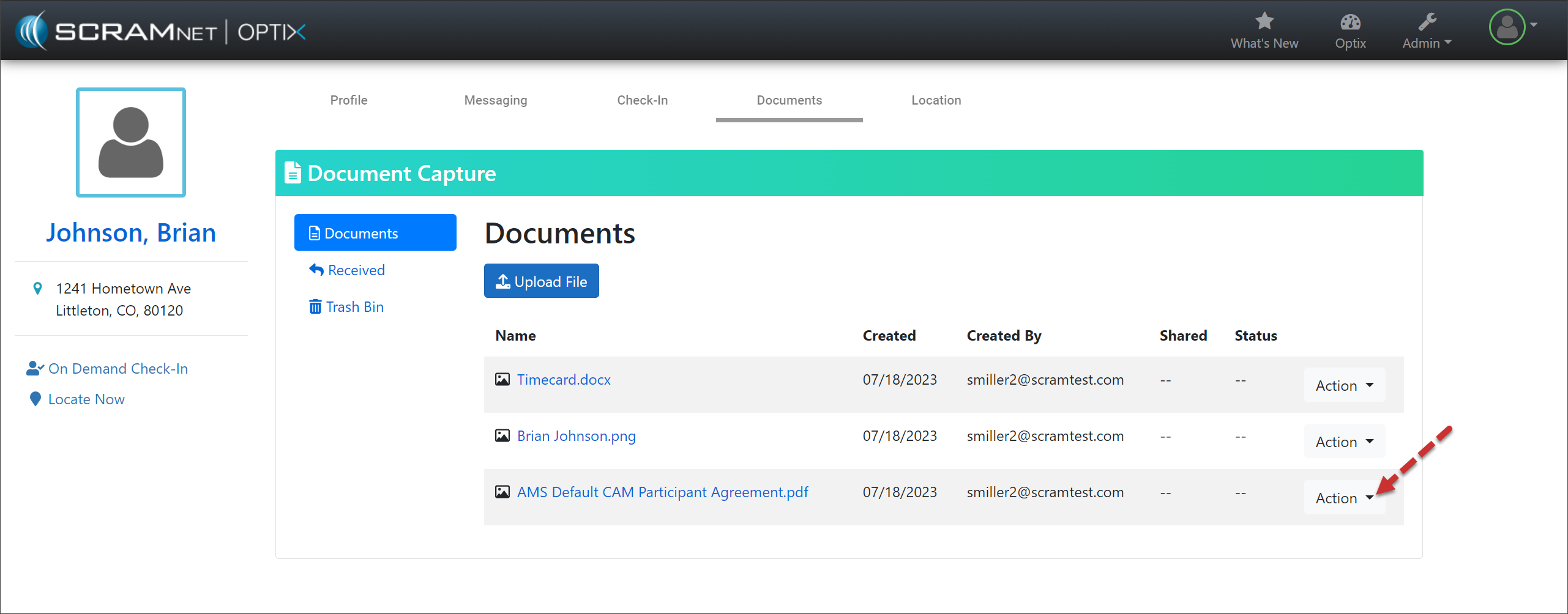
The Share, Download, and Delete options are also still available from the Action dropdown menu to the right of the document’s information, as before.
 |
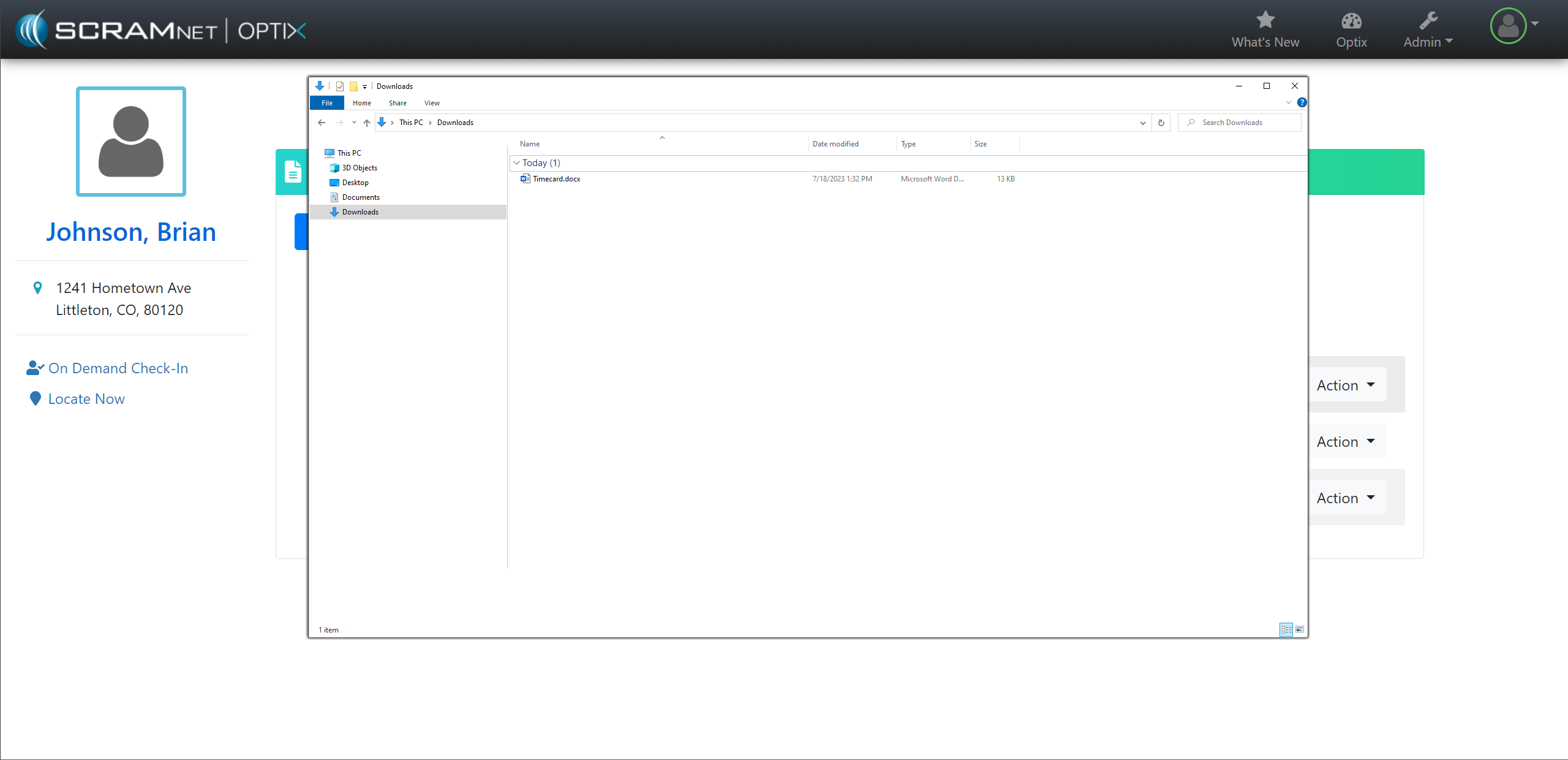
The Document Preview pop-up does not support .doc or .docx file formats. Select the hyperlink to download the document to your computer and view the information. |