The October 2020 release includes the following enhancements:
- View Caseloads for Admin Users
- Admins may Add Client Characteristics to Model Qualifying Criteria
- Display Client Characteristics in Side-Profile
- Print Supervisor/Agency Reports
- Full Screen Mode for Supervisor/Agency Reports
- On-Demand Schedules for Office Visits and Supervised Appointments
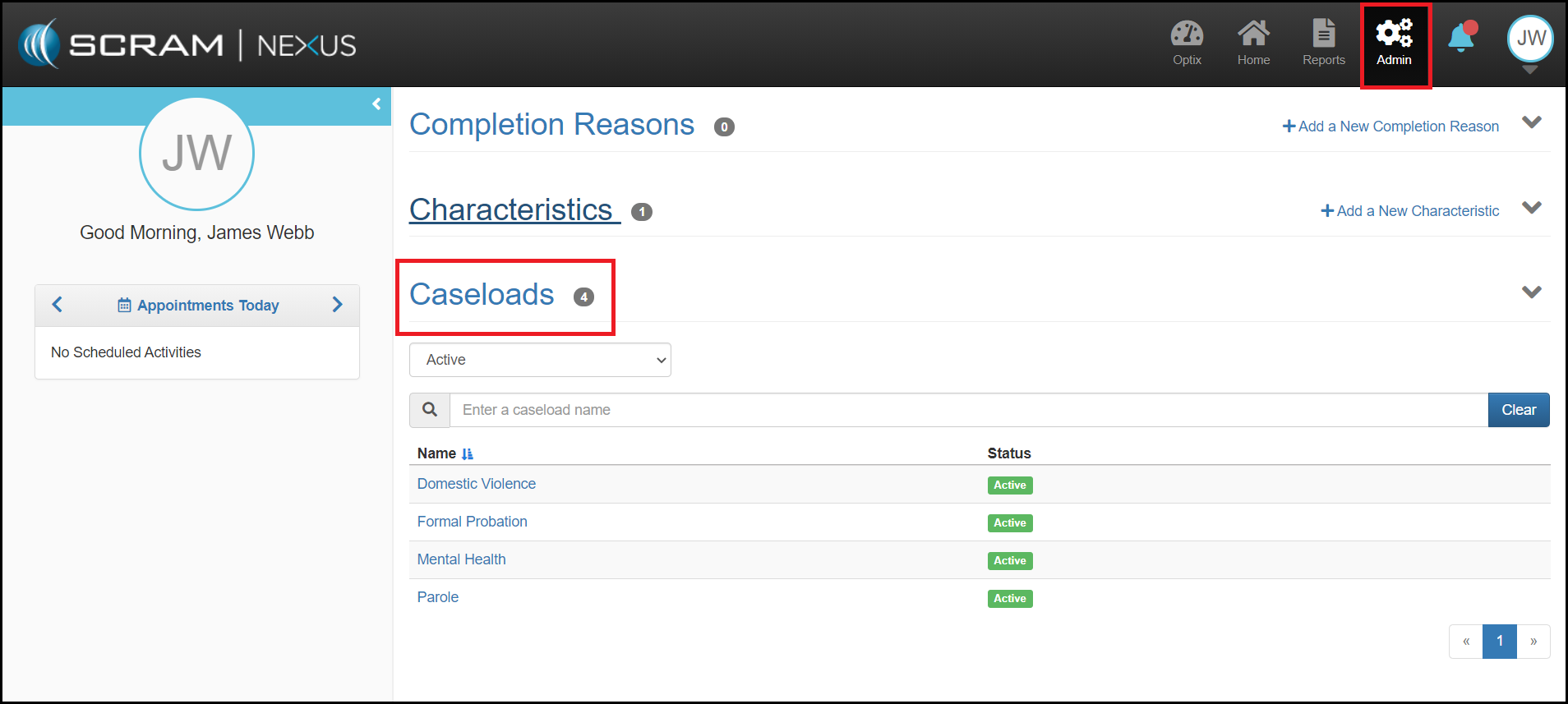
Admin: View Caseload
Administrators may now view Caseloads and the status of those Caseloads for their account. Administrators may only view Caseloads and may not edit or manage these Caseloads at this time.
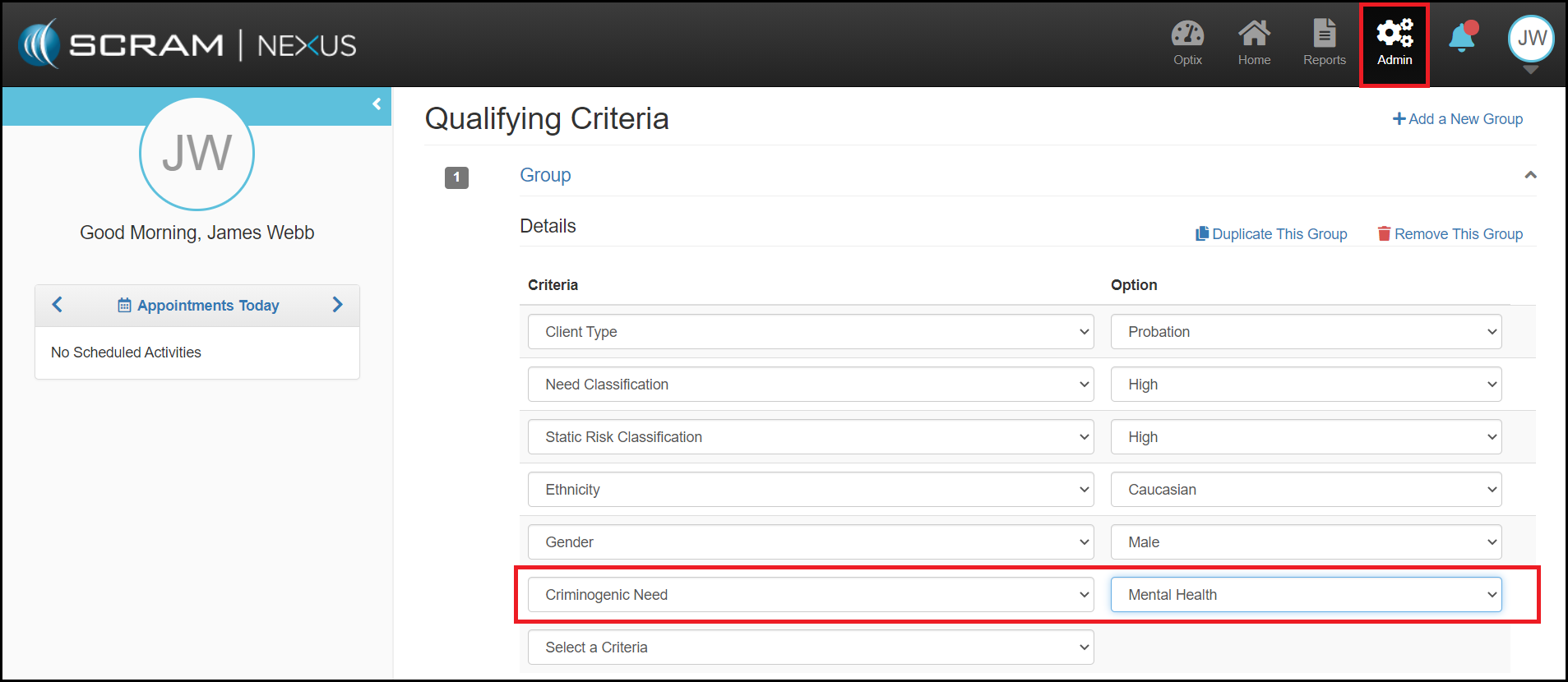
Admin: Client Characteristics in Model Qualifying Criteria
Administrators may now add Client Characteristics to a Model’s Qualifying Criteria. When a new client is added or a client is reassigned to a new model, Nexus will now recommend a model that factors in these Client Characteristics.
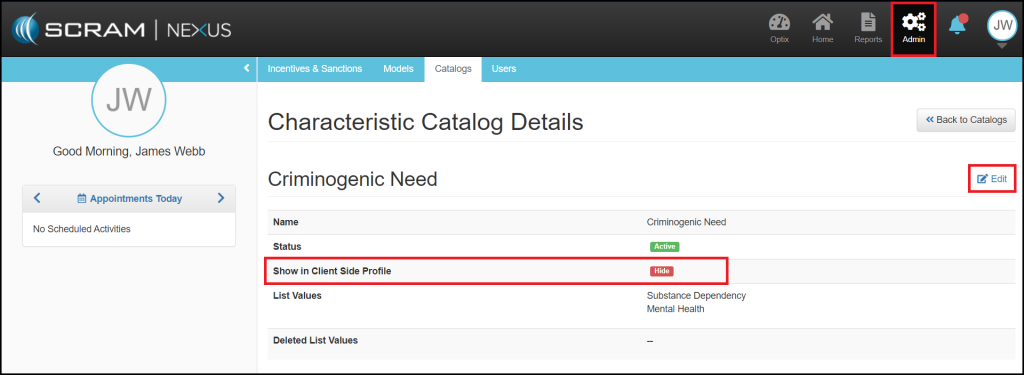
Admin: Display Client Characteristics in Side-Profile
An Administrator may now choose to display client characteristics in the client-side profile. When that option is enabled for a specific characteristic, then that specific characteristic will display for every client that has been assigned that characteristic.
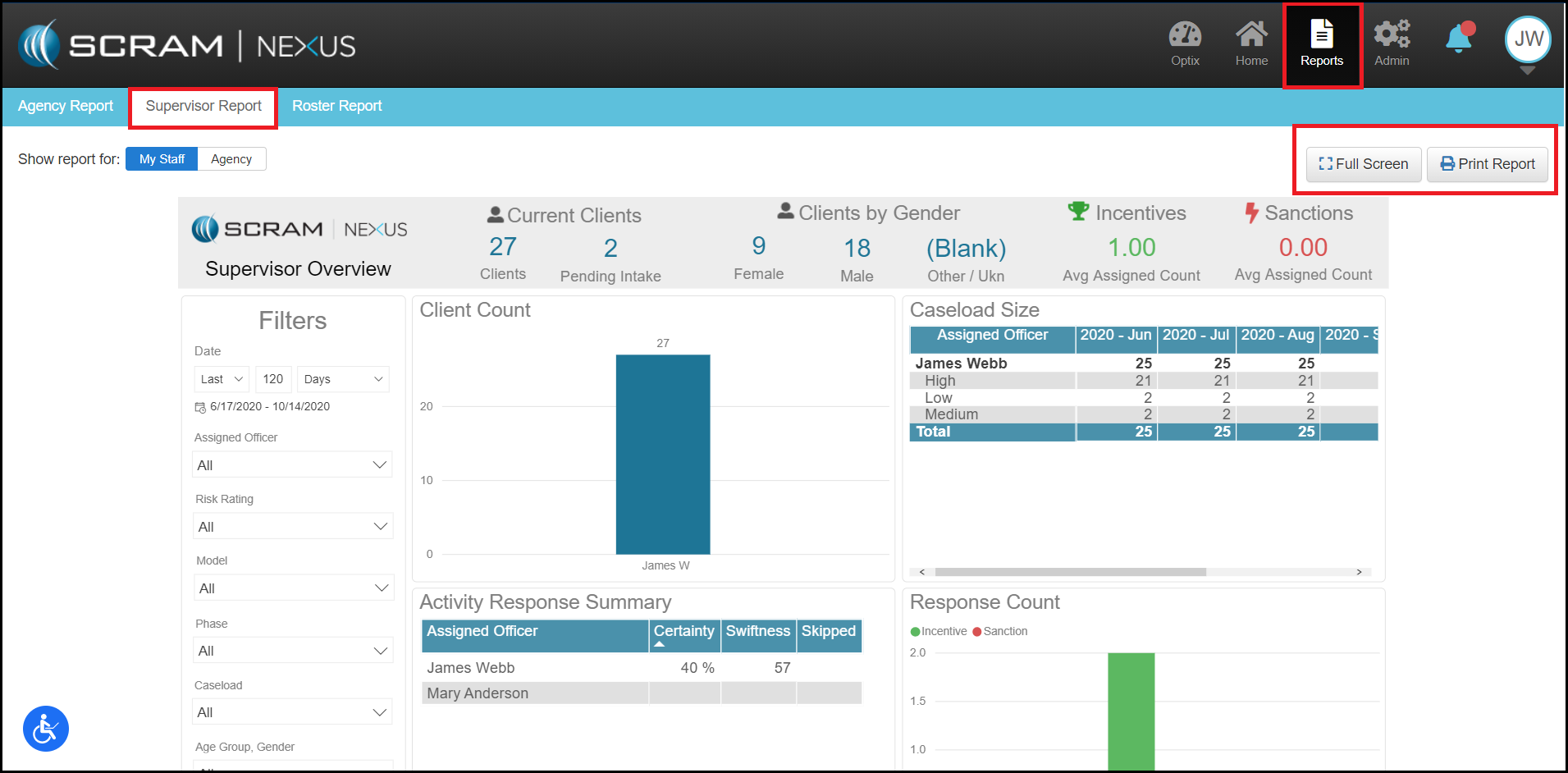
Supervisor: Print and Full Screen Mode for Supervisor/Agency Reports
The Supervisor and Agency reports can now be printed from Nexus and users may go into Full Screen mode on the Supervisor and Analytics reports in order to fully focus on the data from the report.
Client: On-Demand Schedule for Office Visits and Supervised Appointments
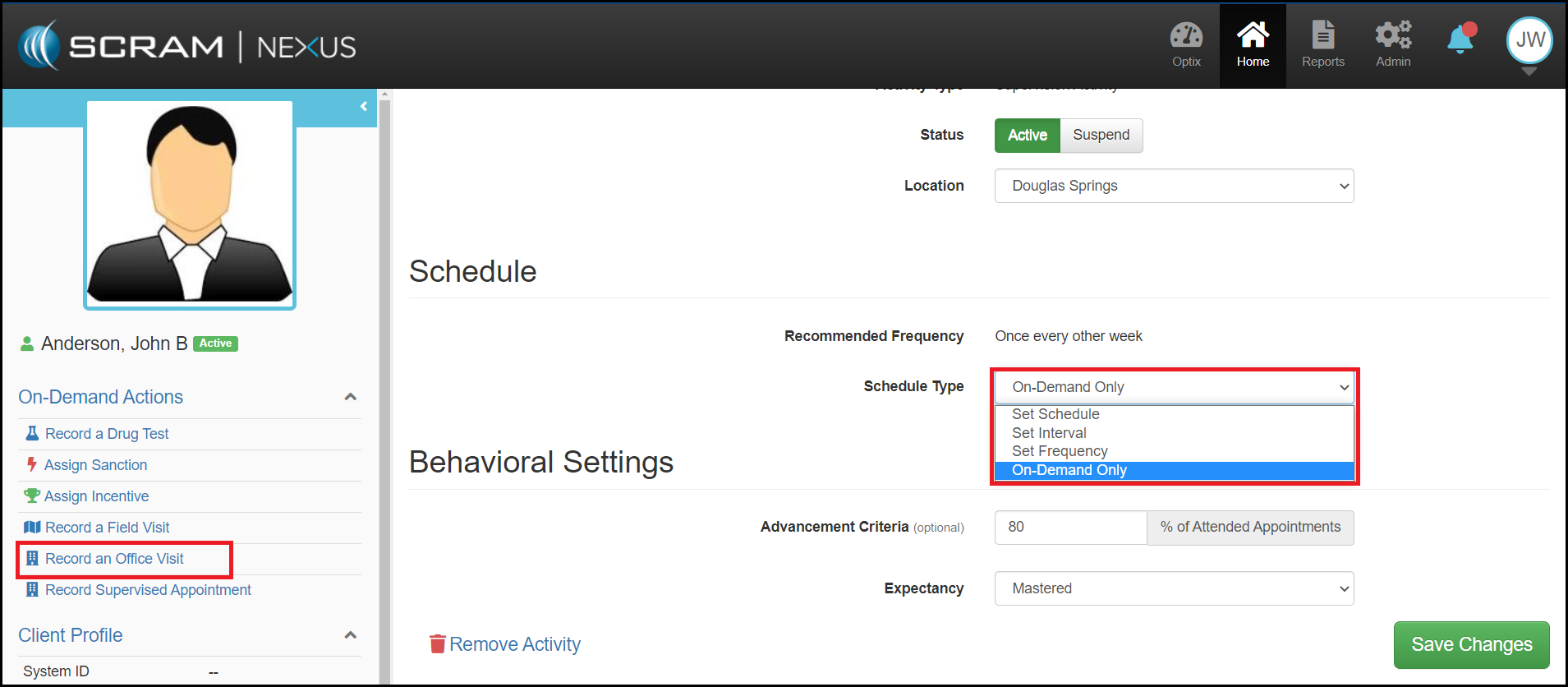
An On-Demand Only schedule can now be selected for office visits and supervised appointments. This Schedule Type does not place appointments on the calendar in advance. In order to record an appointment, the user must use the On-Demand Record Office Visit action in the client’s side-profile.
Feedback
As always, please contact SCRAM Systems Customer Service with questions or recommendations for system improvements.